• This forum is the machine-generated translation of www.cad3d.it/forum1 - the Italian design community. Several terms are not translated correctly.

allineamento folder

  • Thread starter Thread starter snupiello
  • Start date Start date

snupiello

Guest

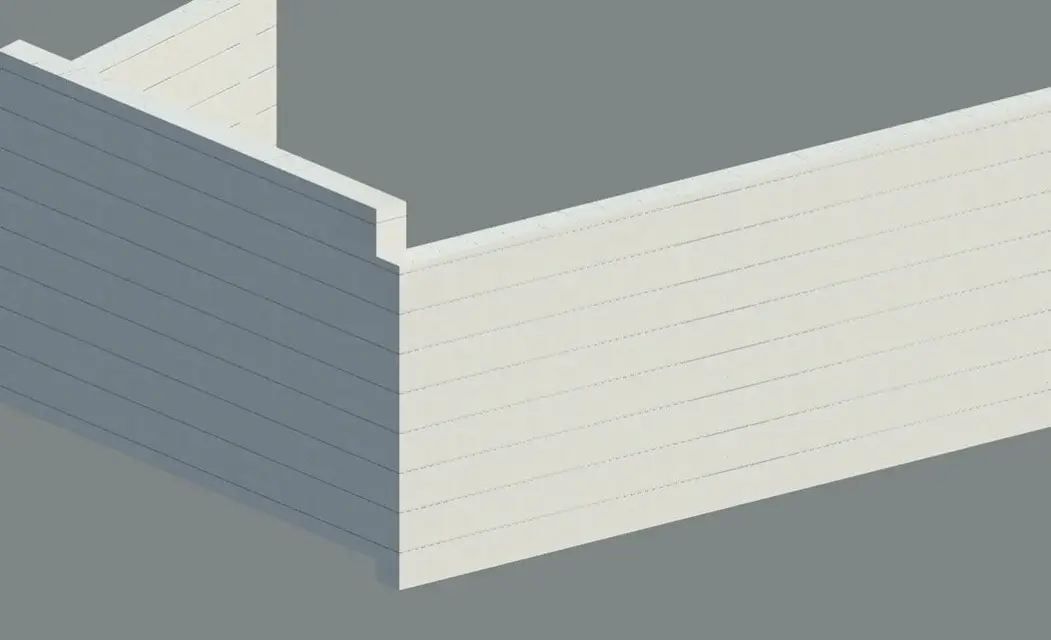
I am drawing a building that contains walls covered with horizontal marble panels divided by a black joint.
I created a material using a map (travertine) with a black horizontal line and applied it to some walls.
the result is that the horizontal lines of the various panels are not aligned.
how can you solve the problem?
I attach explanatory image.
greetings to all
 

Attachments

  • mappe non allineate.webp
    mappe non allineate.webp
    58.9 KB · Views: 14
try to use a pattern retino for the coating. you can possibly align the plot with 'line alignment' in 'rendering composition'
Hi.
 

Attachments

  • allineamento.webp
    allineamento.webp
    26.8 KB · Views: 7
Dearest
I tried to follow your suggestions but it's not right.
the alignment of the plot seems not to act on the alignment of maps during rendering
after some experiments I drew these conclusions:
to have maps aligned the walls must start from the same level.
It would seem like a solution if it wasn't because you can't change the base share of the wall with "modified profile" otherwise the alignment goes away to be blessed.
as you can see from the annex, after so many boring and unproductive calculations, the solution is found.
I hope and someone can tell me a faster and more efficient system.

greetings
 

Attachments

  • mappe non allineate-2.webp
    mappe non allineate-2.webp
    18.5 KB · Views: 11

Forum statistics

Threads
44,997
Messages
339,767
Members
4
Latest member
ibt

Members online

No members online now.
Back
Top