Emmamaugeri
Guest
Good morning.
in the autocad version 2023 (in English) how do the materials and scales of the latter change?
in the autocad version 2023 (in English) how do the materials and scales of the latter change?

double-clicking on the image of the map located within the material editor.Good morning.
in the autocad version 2023 (in English) how do the materials and scales of the latter change?

from his answer, in my opinion, she double-clicked directly from the library, without first bringing the material into the drawing
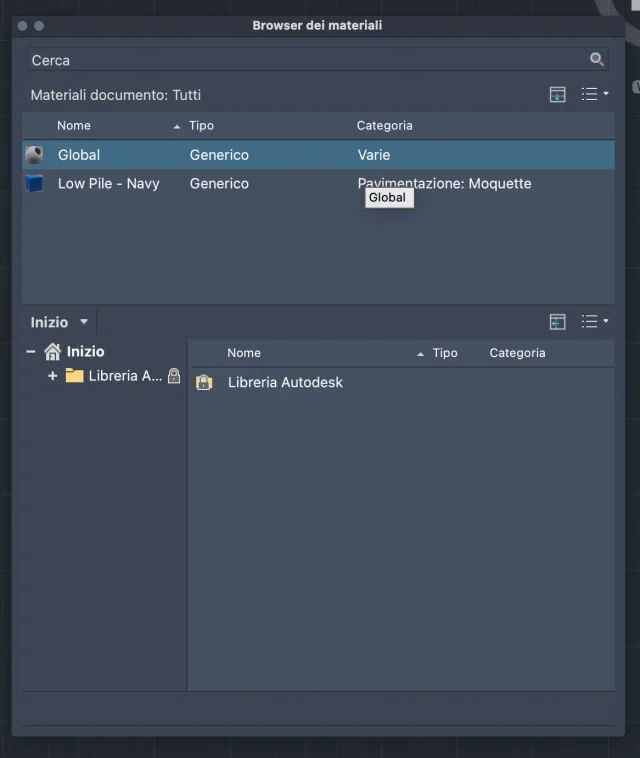
because your is autocad for macos, and there are many differences with the win versionI don't have the icons on the bottom left
So I can't import a material?because your is autocad for macos, and there are many differences with the win version
So, by any chance, can you tell me how I can import a custom material?that's not the two buttons on the bottom left.
the first serves to open or create a custom library; the second serves to create a new material from scratch