stef_design
Guest
Hello everyone!! !
I've been through a folder with inside the product and a cgr folder.
to open the product with its cgr told me:
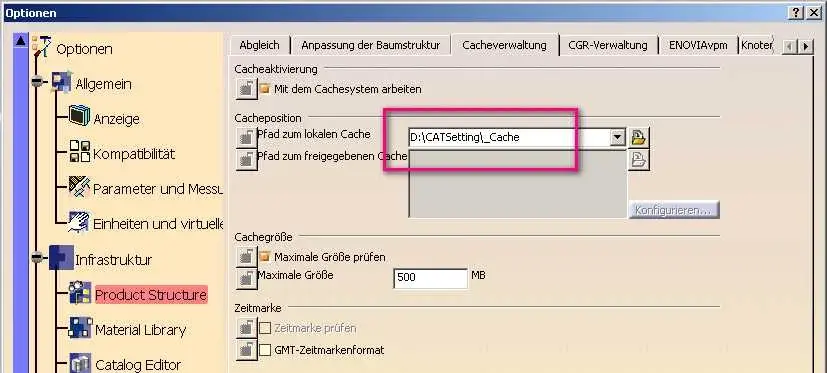
1 - remove the check mark on 'check date and time';
2 - on 'remote cache path' enter the folder path (type: c:\users\stefano\desktop\...).
I ask you why of paragraph 1 and 2.
p.s. if I put the cache path not on remote cache but on local cache (change the default path) what happens?
Thank you.
I've been through a folder with inside the product and a cgr folder.
to open the product with its cgr told me:
1 - remove the check mark on 'check date and time';
2 - on 'remote cache path' enter the folder path (type: c:\users\stefano\desktop\...).
I ask you why of paragraph 1 and 2.
p.s. if I put the cache path not on remote cache but on local cache (change the default path) what happens?
Thank you.