mawell
Guest
Good morning.
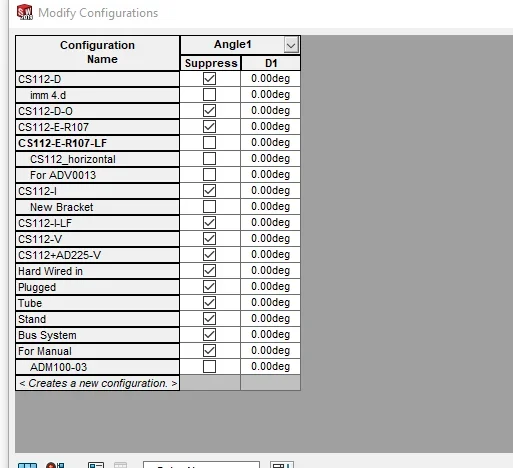
I would like to create a configured set where I have to place another set. this together is always equal but must rotate according to the position. the file provides a repetition based on the sketch in which the axieme is placed. for each position I have to apply a rotation of the axieme to 0 / 90 / 180 / 270 degrees. I thought I turned on and off couplings based on configuration but when I change configuration the axieme goes in hyperdefinition. but if I turn off and rekindle the coupling works, unfortunately changing configuration I must always turn on and off the coupling.
How to solve? ?
I would like to create a configured set where I have to place another set. this together is always equal but must rotate according to the position. the file provides a repetition based on the sketch in which the axieme is placed. for each position I have to apply a rotation of the axieme to 0 / 90 / 180 / 270 degrees. I thought I turned on and off couplings based on configuration but when I change configuration the axieme goes in hyperdefinition. but if I turn off and rekindle the coupling works, unfortunately changing configuration I must always turn on and off the coupling.
How to solve? ?