steloda
Guest
Bye to all,
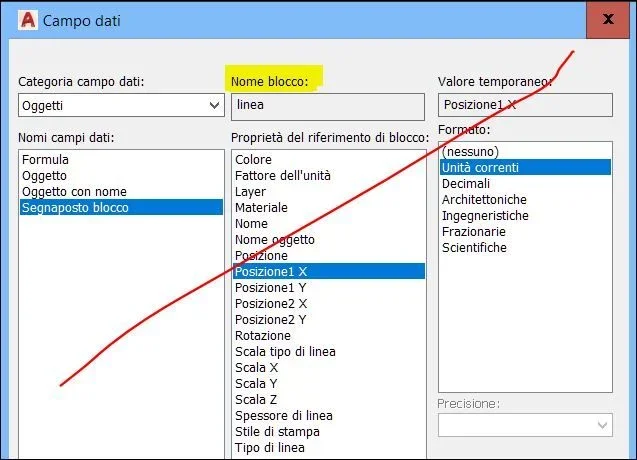
I need to create a block with points inside it that return the coordinates. When I move the block into the drawing I would like the coordinates to be updated accordingly.
I tried to create a block of this type by inserting attributes at the points I would like to know about the coordinates: the two extremes and the central point (point of definition block).
However, by inserting the block into different positions I always get the same coordinates, except for the central point (point of definition block): at the ends I always get the relative distance between the point where I insert the attribute and the point of definition of the block.
I used autocad2015 but I have the same result also with autocad2017 and civil 3d 2017.
I need to create a block with points inside it that return the coordinates. When I move the block into the drawing I would like the coordinates to be updated accordingly.
I tried to create a block of this type by inserting attributes at the points I would like to know about the coordinates: the two extremes and the central point (point of definition block).
However, by inserting the block into different positions I always get the same coordinates, except for the central point (point of definition block): at the ends I always get the relative distance between the point where I insert the attribute and the point of definition of the block.
I used autocad2015 but I have the same result also with autocad2017 and civil 3d 2017.