pironman
Guest
It is already the third topic I open in 2 days, but I'm sorry I have some problem so I ask here, not knowing where else to ask.
I realized the right-hand pull of the rear suspension of a mtb, now I should make the left, equal to the right, I wanted to make them in two separate parts files to assemble them then.
Of course, especially because it's a pretty complicated piece to make, I didn't want to do it again, but I wanted to mirror that just done.
and here the problem, indeed the problems.
First of all, the piece has all three main floors that intersect it, so if I do the mirror function compared to any of the 3 floors, the mirrored piece is in collision with the one to mirror.
So, I made a new sketch plan, doing an offset on the front floor, but when I do the mirror function, I do not select this plan, I have no idea why.
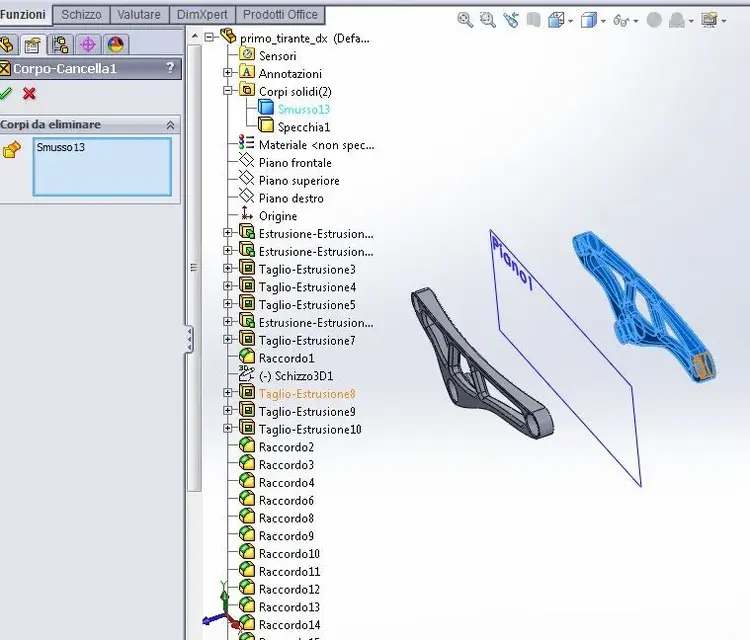
therefore, in this plane I extruded a simple cylinder, and I used the mirror function by selecting as reference one of the faces of the cylinder, and it went to good end, so I realized the second mirrored part.
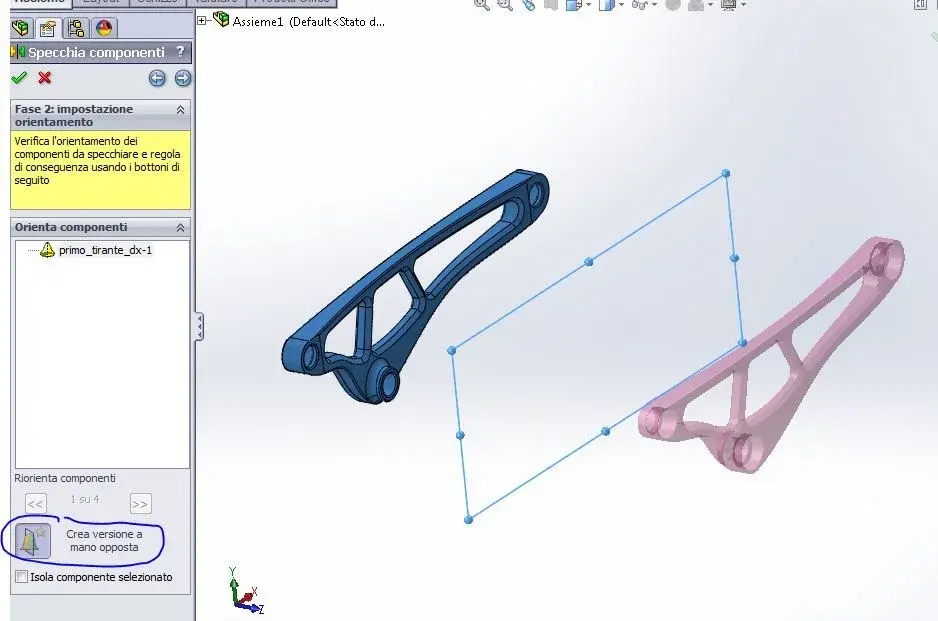
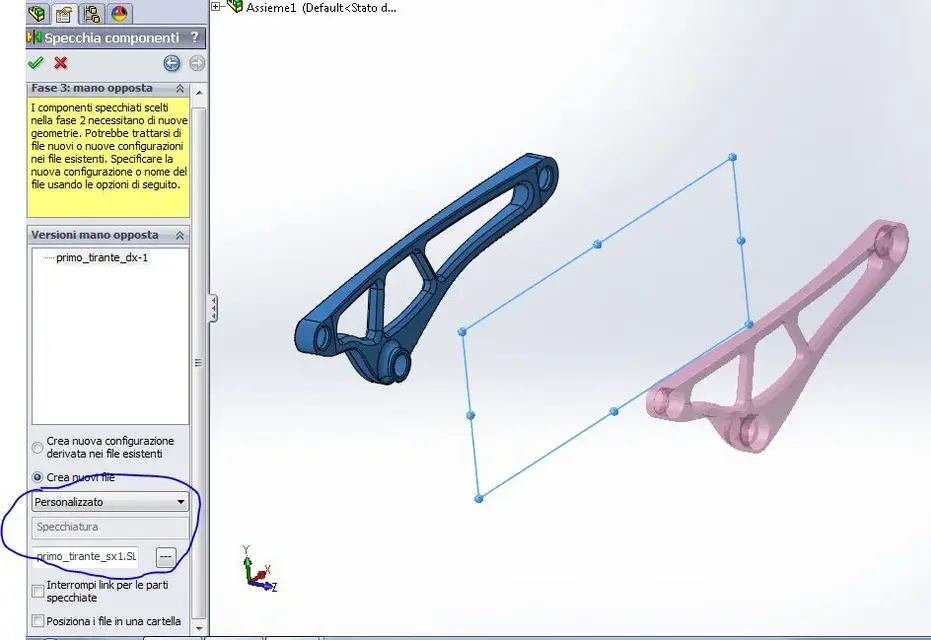
the problem now is, how do I save this mirrored part individually?
I tried to erase the main part and the cylinder, but of course, being the mirrored part function of the other, as soon as I eliminate the other part also eliminates that mirrored.
So? How do I do that? I attach the file if someone needs to
I realized the right-hand pull of the rear suspension of a mtb, now I should make the left, equal to the right, I wanted to make them in two separate parts files to assemble them then.
Of course, especially because it's a pretty complicated piece to make, I didn't want to do it again, but I wanted to mirror that just done.
and here the problem, indeed the problems.
First of all, the piece has all three main floors that intersect it, so if I do the mirror function compared to any of the 3 floors, the mirrored piece is in collision with the one to mirror.
So, I made a new sketch plan, doing an offset on the front floor, but when I do the mirror function, I do not select this plan, I have no idea why.
therefore, in this plane I extruded a simple cylinder, and I used the mirror function by selecting as reference one of the faces of the cylinder, and it went to good end, so I realized the second mirrored part.
the problem now is, how do I save this mirrored part individually?
I tried to erase the main part and the cylinder, but of course, being the mirrored part function of the other, as soon as I eliminate the other part also eliminates that mirrored.
So? How do I do that? I attach the file if someone needs to