
ChIP_83
Guest
At least I can't make them work. . .
then, I create a project with a level "ground floor" (other than 3 mt.) and a level "seminterrate" (up to 2.50).
design some wall on the ground floor with some openings and fixtures.
I go to the view of the basement floor plan.
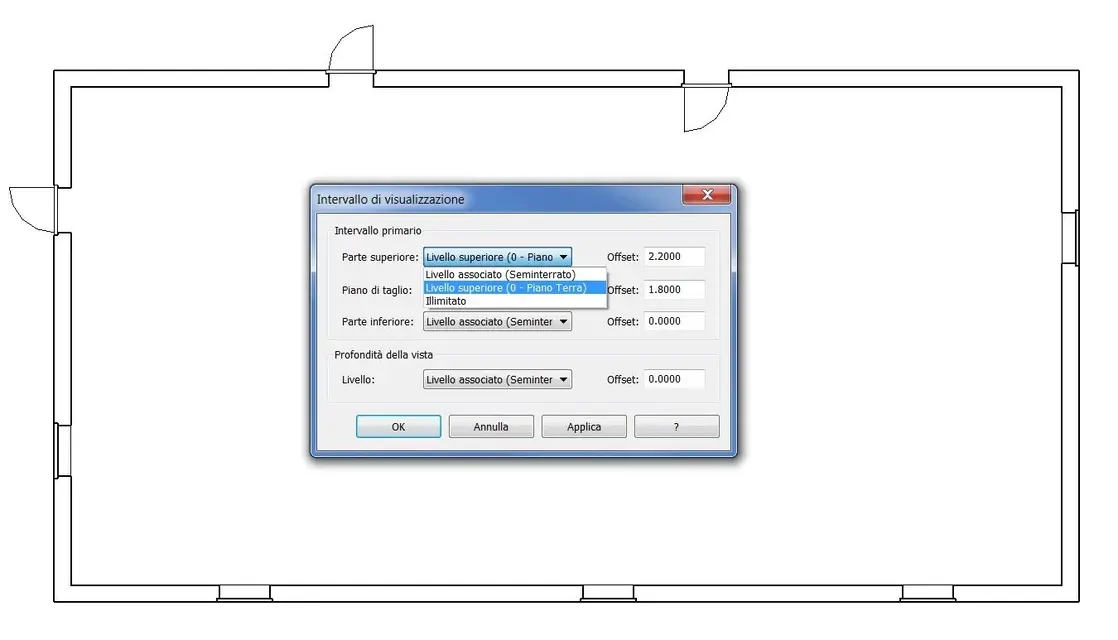
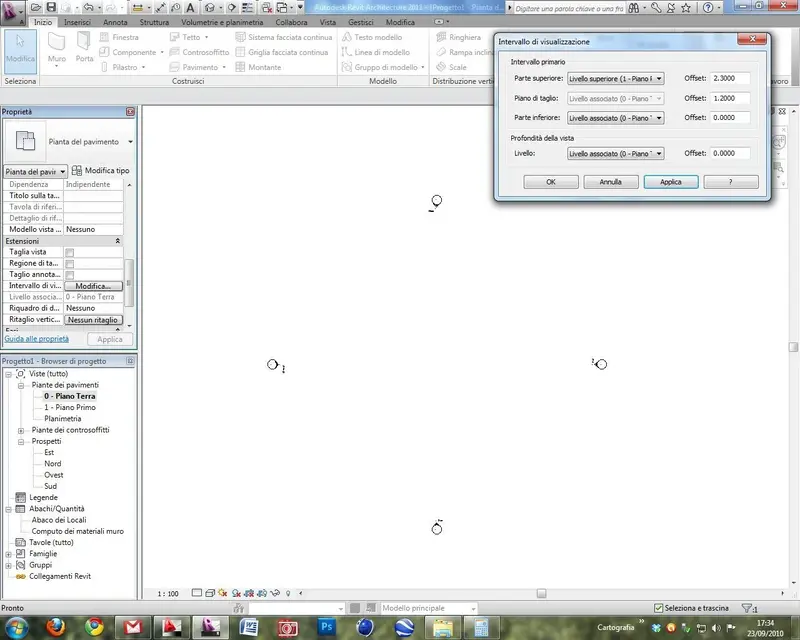
in the display range I leave the cutting plan to 1.20, the lower floor to 0 (associated at the basement level) and imposed the upper floor to the ground level, trying to change all offsets from 0 to 5 mt.
I practically want to see the walls of the ground floor in the basement plant, but the only thing I get and see only the windows of the ground floor, without walls...
is it a bug?
How do I view the walls (and also the rest)?
end: I saw that I can do it simply by setting the plan on the "understanding" item.
but still I keep wondering why the viewing range doesn't work.
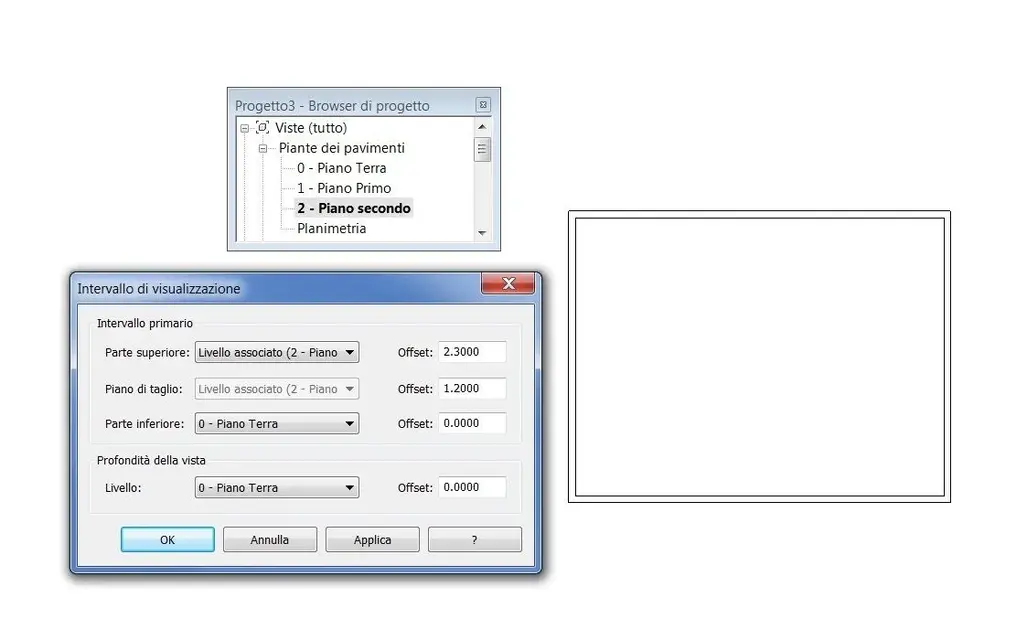
If to say I want to see "2 levels together" as I do?
I have to use the display range. . .
then, I create a project with a level "ground floor" (other than 3 mt.) and a level "seminterrate" (up to 2.50).
design some wall on the ground floor with some openings and fixtures.
I go to the view of the basement floor plan.
in the display range I leave the cutting plan to 1.20, the lower floor to 0 (associated at the basement level) and imposed the upper floor to the ground level, trying to change all offsets from 0 to 5 mt.
I practically want to see the walls of the ground floor in the basement plant, but the only thing I get and see only the windows of the ground floor, without walls...
is it a bug?
How do I view the walls (and also the rest)?
end: I saw that I can do it simply by setting the plan on the "understanding" item.
but still I keep wondering why the viewing range doesn't work.
If to say I want to see "2 levels together" as I do?
I have to use the display range. . .



 :tongue::biggrin: