• This forum is the machine-generated translation of www.cad3d.it/forum1 - the Italian design community. Several terms are not translated correctly.

does not appear distance share in solidworks together

  • Thread starter Thread starter Fandrix
  • Start date Start date

Fandrix

Guest
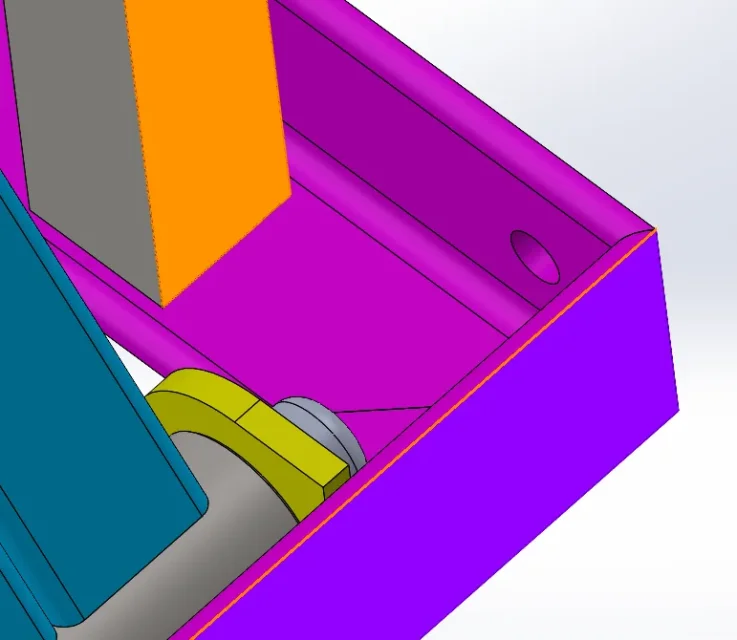
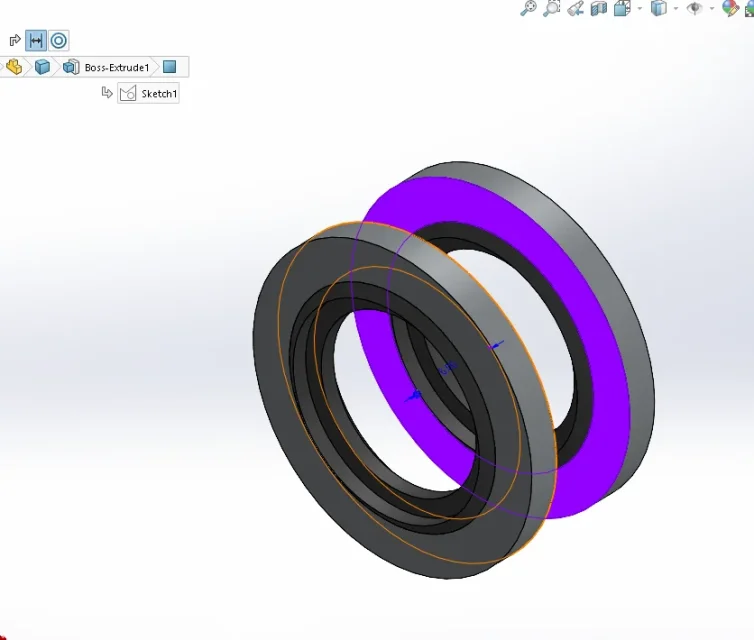
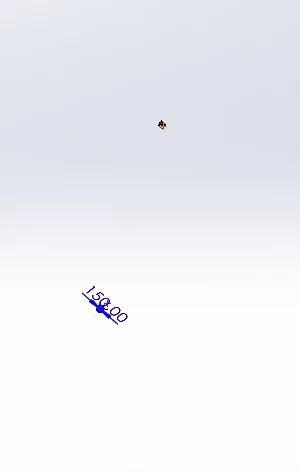
Hello, everyone. I'm having a problem that I can't fix. I created a set containing various parts, including some of these parts have the "distance" mating bond. If I go left in the mating section and click on the distance I appear in the axieme. in blue, the share I put. only that some distances this does not happen and does not allow me to change the quota, but I must necessarily click in change function. This is uncomfortable if I have to write a relationship with this distance. I attach photos maybe you understand. I hope there is a solution. Thank you very much.
 

Attachments

  • Immagine 2024-02-21 114715.webp
    Immagine 2024-02-21 114715.webp
    23.3 KB · Views: 14
  • Immagine 2024-02-21 114749.webp
    Immagine 2024-02-21 114749.webp
    31.1 KB · Views: 13
try to select only one oject that has the coupling and click on the icon...it should appear.1708523077647.png1708523103117.pngSometimes when you have multiple couplings on an ogetto, it doesn't measure you.
 

Forum statistics

Threads
44,997
Messages
339,767
Members
4
Latest member
ibt

Members online

No members online now.
Back
Top