• This forum is the machine-generated translation of www.cad3d.it/forum1 - the Italian design community. Several terms are not translated correctly.

failure to update pilot quotas from equation

  • Thread starter Thread starter weldox
  • Start date Start date

weldox

Guest
Bye to all,
I find myself having a problem never happened with toolbox.

the environment is windows 7 64 bit, sw2015 professional...rolled and weird rode. never had a problem.

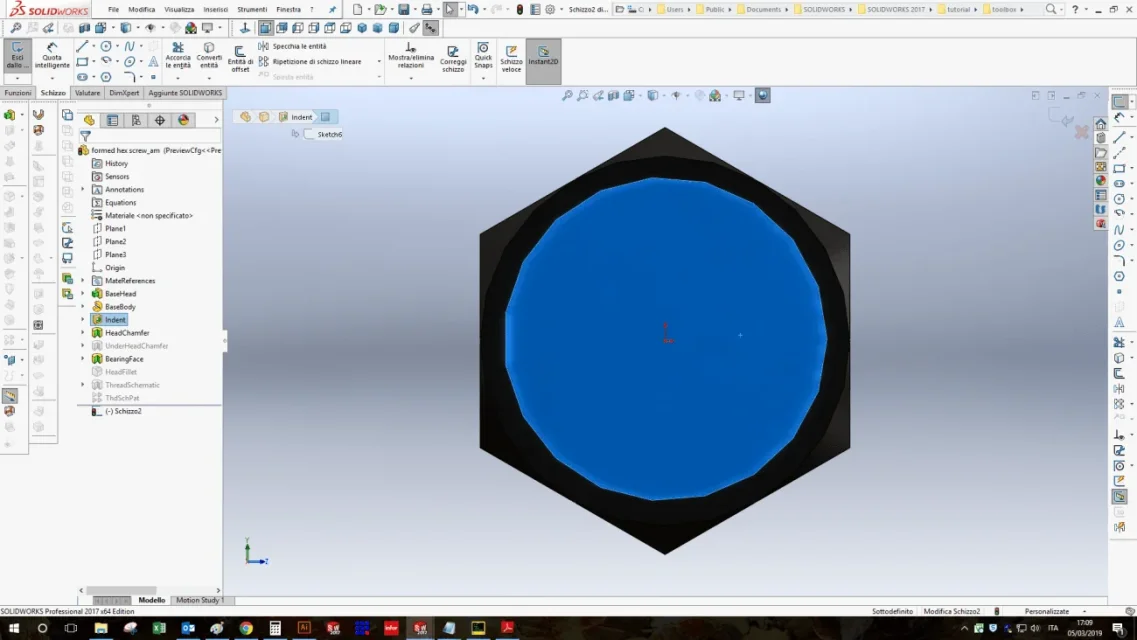
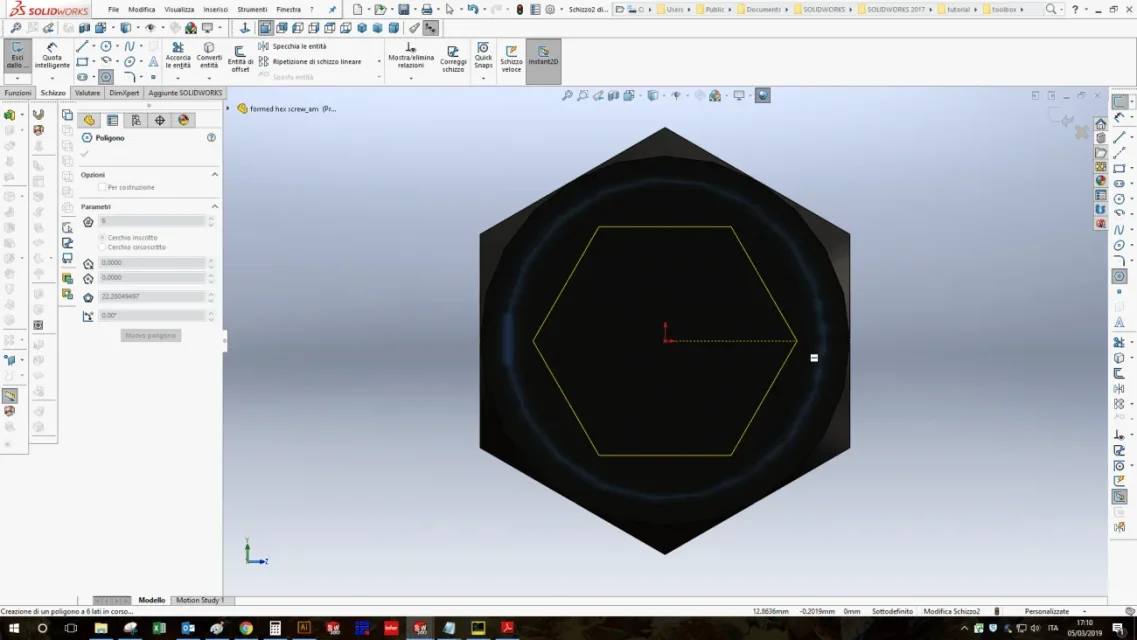
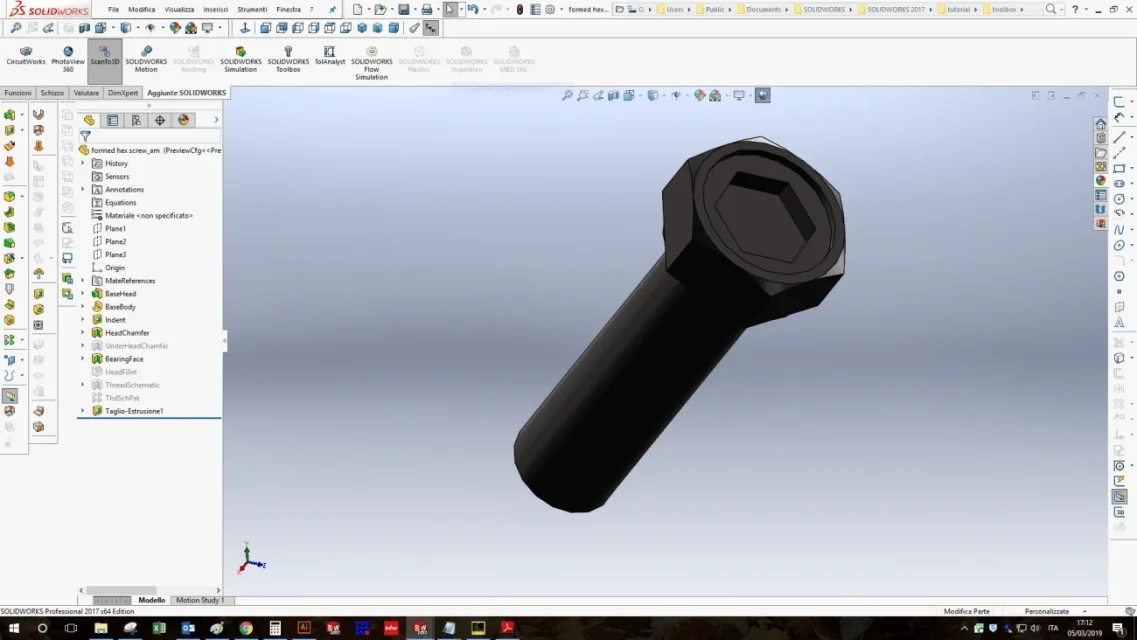
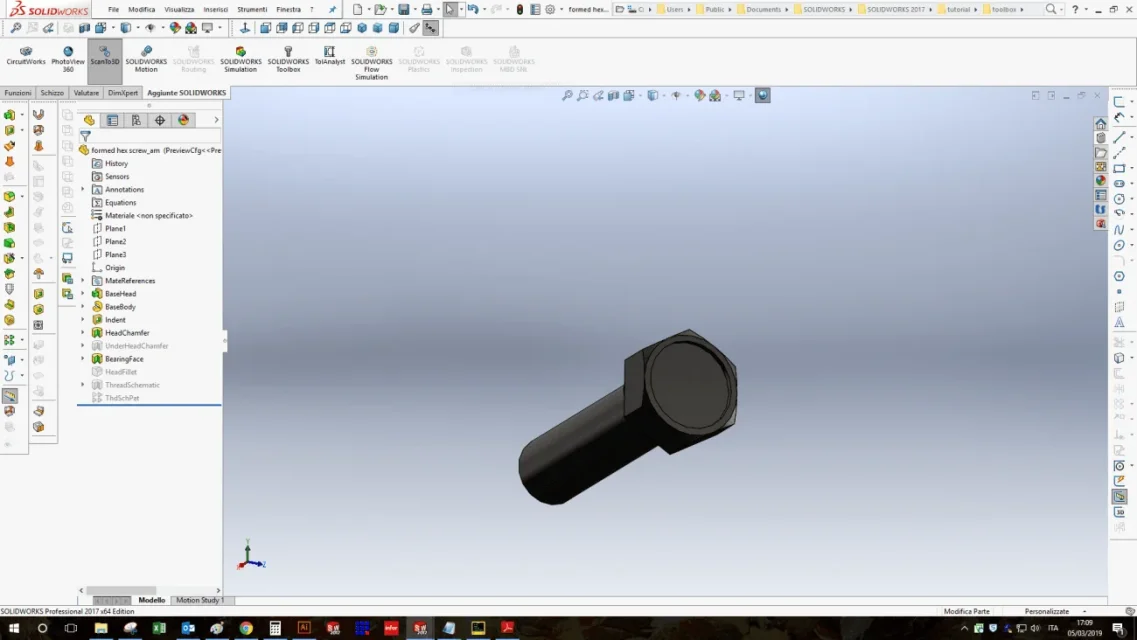
in practice the hexagon of the recessed screws is not centered (the quotas are not updated by equation!).
Allego captures video explanatory.

Did any of you have such problems?
if you, how can you solve it?

Thank you so much!
Mauritius
 

Attachments

but if you don't save the file, how do you expect them to update?
and attach the file to allow to make some evidence
 
but why bind the hexagon to the center with equations instead of drawing it directly concentric?
 
Look, you're complicating your life with nothing. if you have taken it from the tool box with all probability the screw has the origin in the center, if you select the hexagon function you can directly create it from the origin and it automatically comes to the center without need of equations. then to upgrade it to the axieme you must first save the part and if it does not update, in the axieme file, click on the traffic light icon on the top left.
 
have you tried to isolate only the components that give you the problem?
on solidworks gives you the same?
 
mammalsIn fact, I don't usually do this...in the sense that I generate my toolbox components in the axieme. I entered the toolbox part to show the fact that it is as if you do not update the equations.
I don't know why they didn't tie the hexagon to the center... it's the original toolbox component, it's not my creation.
left91is a problem I have with standard toolboox components, not with a derivative component or created by me. do you also have the toolbox files set in "read only"? must it be like this or is it a problem with my installation? I think it depends on that.
320i sLet's say it's a problem that gives me with all the toolbox components.. .suspecting depends on the fact that all toolbox files in my system are set on "read only". ...
 
I don't understand. I opened a piece of toolbox in read only yet I can still change it as if it were a normal piece, with origin and everything.
1.webp2.webp3.webp4.webpI wish I could even post the file but unfortunately I use sw2017 so I don't think you open it
 
I looked at a toolbox screw with hexagonal seat and confirm my idea that the tollboxes suck
the vine that I opened, an iso 4762, has the sketch of the underdefinite hexagon (and already here we are put wrong), then it is those quotas guided by equations serve to define the hexagon to say that the distance between the centrpo and one side is destination of the width of the quarry (it is necessary to be geniuses to think it) with the result that they have equations that they do not serve a worthy cippa if not weighted.
toolbox components are always read-only. to be able to change them you have to save them by name and then release them from the state of toolbox through the appropriate executable that you find in the solid folder and that has already been explained in the forum.

alan91, the read-only state does not prevent the change of components, but their rescue. if weldox had modified or updated the screw did not close the file but returned to the axieme would have seen the correct update.

to future memory, when you have to update a file you should always use (at the expense of a slightly longer time) ctrl+q that makes the update in depth while ctrl+b (the traffic light) does it only for modified functionshttp://help.solidworks.com/2018/italian/solidworks/sldworks/t_checking_model_geometry.htm
 
I apologize for the delay in responding to you but I had an accident resulting in surgery fortunately went well.
thank you for your answers, I will use your information to deepen the problem.

Thank you so much!
 

Forum statistics

Threads
44,997
Messages
339,767
Members
4
Latest member
ibt

Members online

No members online now.
Back
Top