
• This forum is the machine-generated translation of www.cad3d.it/forum1 - the Italian design community. Several terms are not translated correctly.

forzatura quote

  • Thread starter Thread starter MaiMollare
  • Start date Start date

MaiMollare

Guest
Good morning
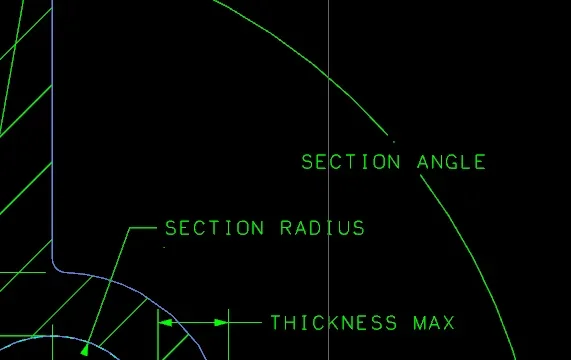
I use the release 8 and I would like to force quotas on the table, it is easy to me using the edit text command but only for horizontal and vertical quotas but it is impossible for angles and rays, you have an alternative please
Thank you very much
 
Hi.
I have just rechecked and with the edit text command you can edit all types of quotas.
remember to select the command first and then the quota, in this way you can change the numerical value.
On the contrary (if you first select the quota and then the command) allows you to change the style and add text before, after, above and/or below.
 
Good morning
Unfortunately it does not work, or rather it does not only work for angles and rays, the nice is that to my American colleagues who use the same program and same release the command works perfectly.
they gave me an alternative too:
  1. 1 rightclick on dimension.
  2. 2 select "edit appended text"
  3. 3 select the dimension text.
  4. 4 manually change it.
but also this command works only with normal odds. Now they told me they're checking the settings because it's a weird thing for them, too, we'll see.
Thank you very much
 
the suggestion of your colleagues only allows you to change the style and the added text, not to change the value of the quota.
There's probably a bug, what you say is really weird behavior.
keep us updated.

Good job.
 
great suggestion ceschi1959, in fact I had a doubt and the video gave me right.
what you tend to change is probably a share within a sketch.
These quotas after the modification tenant return as before.
to force those quotas you have to resort to a stratagem:
- regret the size of the quota at 0.001
- by the suggestion of American colleagues add a text (the value you want)
- from the "style" menu change the position of the quota regarding the line.

p.s. being sketch odds with a double click you can edit them, but thus changing geometry.
 
Last edited:
I followed your advice alx84 and the result is acceptable, this difference between sketch and normal odds was completely unknown to me. thanks to both for the help
 

Attachments

  • Capture.webp
    Capture.webp
    13 KB · Views: 11
the only fault I even get when I happen to change these quotas is that it remains a point (the old quota), the more you regret the less you notice but in the press will come anyway.
"normal" odds are what you create when quoting edges, axes, holes, etc. of the object (which you mounted in the modeling environment).
the odds "sketch" instead are those that define the size and location of objects within a sketch created inside a view or sheet.
If you double-click the sketch, the odds inside it should change color, while those of the object mounted in modeling always remain of the same color.

Good job!
 

Forum statistics

Threads
44,997
Messages
339,767
Members
4
Latest member
ibt

Members online

No members online now.
Back
Top