
You are using an out of date browser. It may not display this or other websites correctly.
You should upgrade or use an alternative browser.
You should upgrade or use an alternative browser.
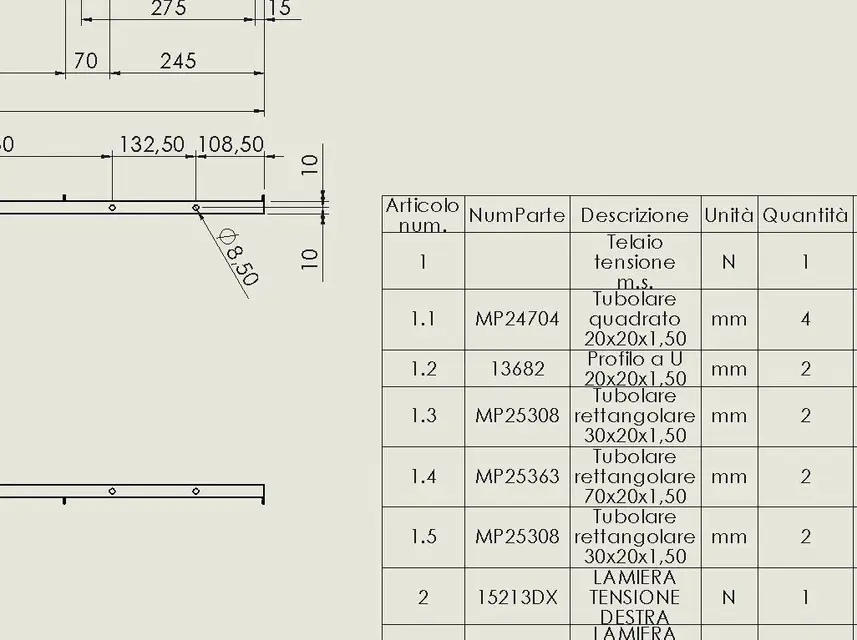

cacciatorino
Guest
bengono fonts taken from the operating system and are not embedded in the dwg. open dwg and native swx files on the same pc? if you open them on different pcs it may be that the pc where you open the dwg file (with which editor?) does not have the fonts that you used in swx, so it replaces them with something that feels similar.hi, it happens to me that saving a table in dwg format, the fonts of quotas and tables change, as well as the thicknesses of the quotation lines.
is it possible to maintain the same fonts? How?
reggio
Guest
hi hunter, no pc is the same, so the fonts that access sw are the same that can also find autocad...bengono fonts taken from the operating system and are not embedded in the dwg. open dwg and native swx files on the same pc? if you open them on different pcs it may be that the pc where you open the dwg file (with which editor?) does not have the fonts that you used in swx, so it replaces them with something that feels similar.
(which sw has fonts in a folder he doesn't share? or that autocad does not have "the address" where to go fishing them? )
cacciatorino
Guest
I leave the ball to those who know more dme on swx.hi hunter, no pc is the same, so the fonts that access sw are the same that can also find autocad...
(which sw has fonts in a folder he doesn't share? or that autocad does not have "the address" where to go fishing them? )
for example if you install its fonts inside the windows font folder, generating real disasters when dwg is loaded on pc where there is autocad but there are no fonts of if (for example the form tolerance symbols are totally ignored and replaced with letters of the alphabet, causing insults and phone calls from the turn miller).
lelepanz
Guest
the font that uses sw is the century gothic (or as a caspio you write).
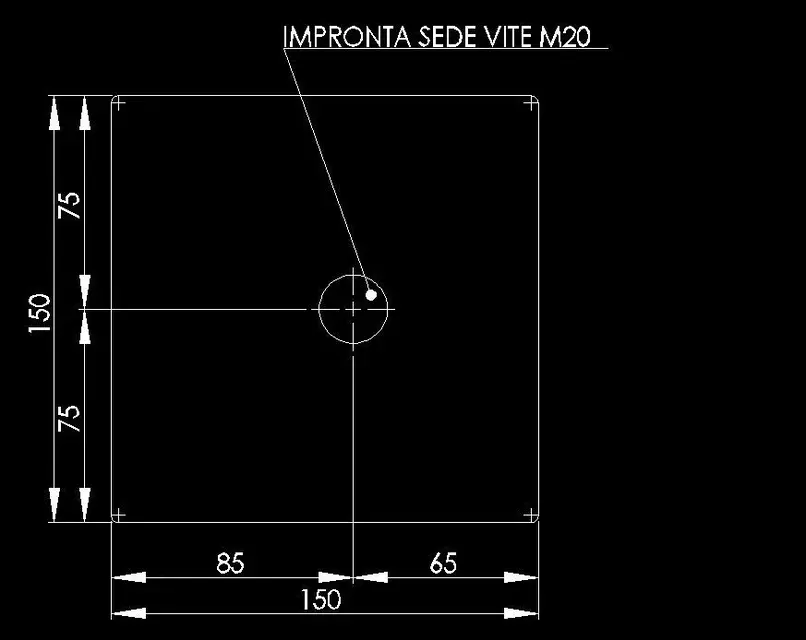
when I open the converted drawings the writings are in "txt generic".
you can convert them by hand by selecting them and changing the font.
Why do this I don't know... and I never asked.
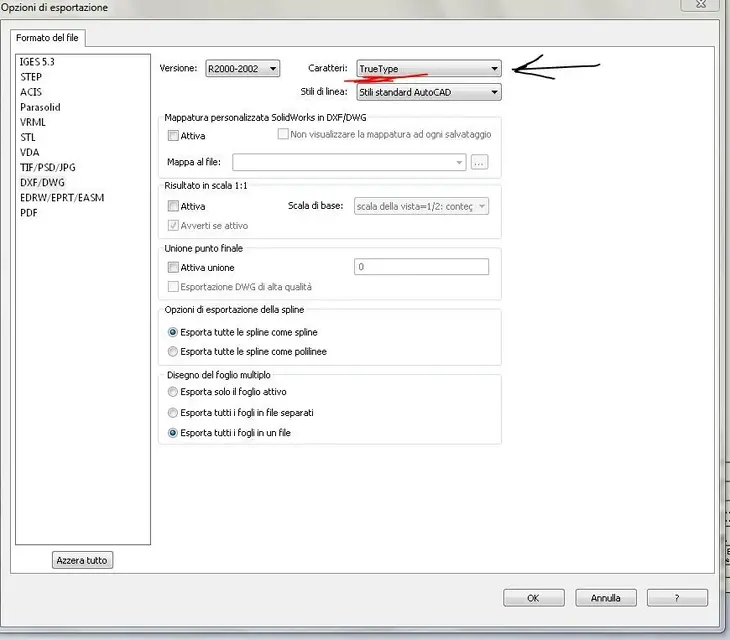
while writing I was back in mind that export to dwg has options too.
You can see when you "save by name" .
if you open them and change in font true type the font remains the same.
when I open the converted drawings the writings are in "txt generic".
you can convert them by hand by selecting them and changing the font.
Why do this I don't know... and I never asked.
while writing I was back in mind that export to dwg has options too.
You can see when you "save by name" .
if you open them and change in font true type the font remains the same.
Attachments

reggio
Guest
Thank you!! !export to dwg also has options .
You can see when you "save by name" .
if you open them and change in font true type the font remains the same.
do you also know how to maintain line thickness differences from sw to acad?
lelepanz
Guest
I have never done it (the thicknesses I mean) but try to play with a bit the options (the one below the font) and especially active "map".Thank you!! !
do you also know how to maintain line thickness differences from sw to acad?
a mask appears where you can control thicknesses and colors.
I repeat to me it never served so I don't know if it works or not.
re_solidworks
Guest
you need to create a custom mapping file, everything you can control at the level of thicknesses and colors is there.Thank you!! !
do you also know how to maintain line thickness differences from sw to acad?