summer3d
Guest
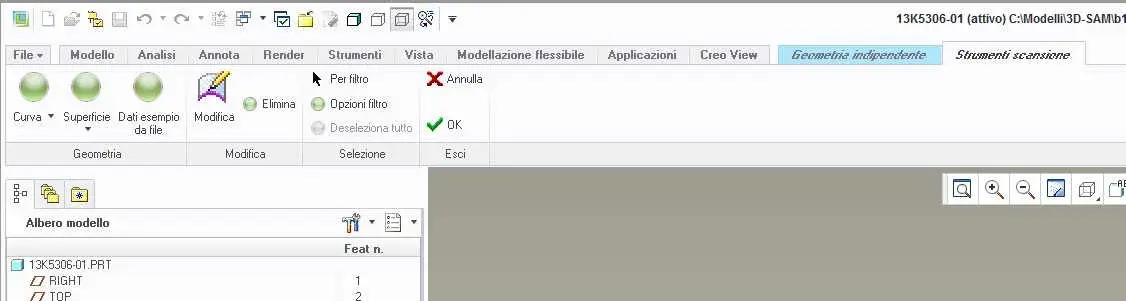
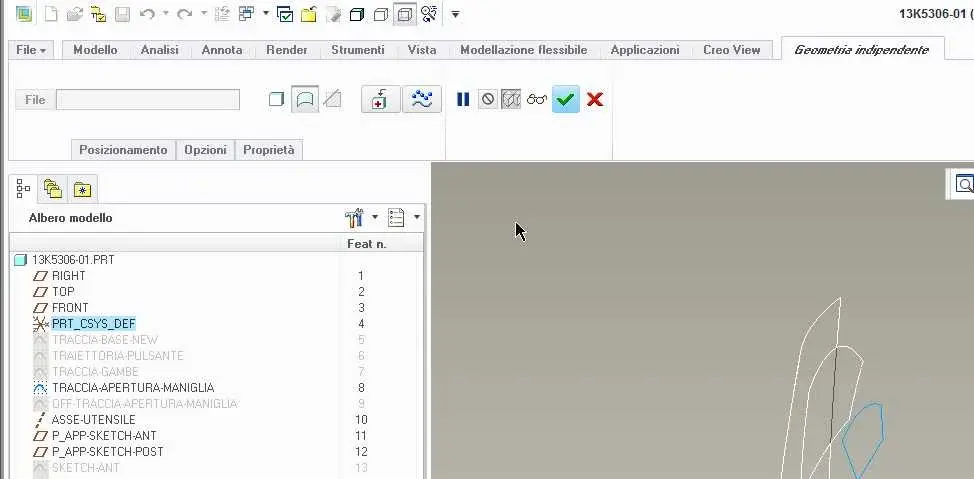
is it possible to import within a model a surface belonging to another model? the surface, however, must be independent.
I would like to understand if it is possible to import it without having to make copy and paste from an axis in which both models appear.
the problem arises from the fact that I passed from wf2 to creo 2.0.
a model was made with wf2 (the surface in question with the isdx package) while the specular model was made with creo2.0 (without the isdx package) so the style surface in this case can not recreate it exactly the same.
help
I would like to understand if it is possible to import it without having to make copy and paste from an axis in which both models appear.
the problem arises from the fact that I passed from wf2 to creo 2.0.
a model was made with wf2 (the surface in question with the isdx package) while the specular model was made with creo2.0 (without the isdx package) so the style surface in this case can not recreate it exactly the same.
help