El_Torito
Guest
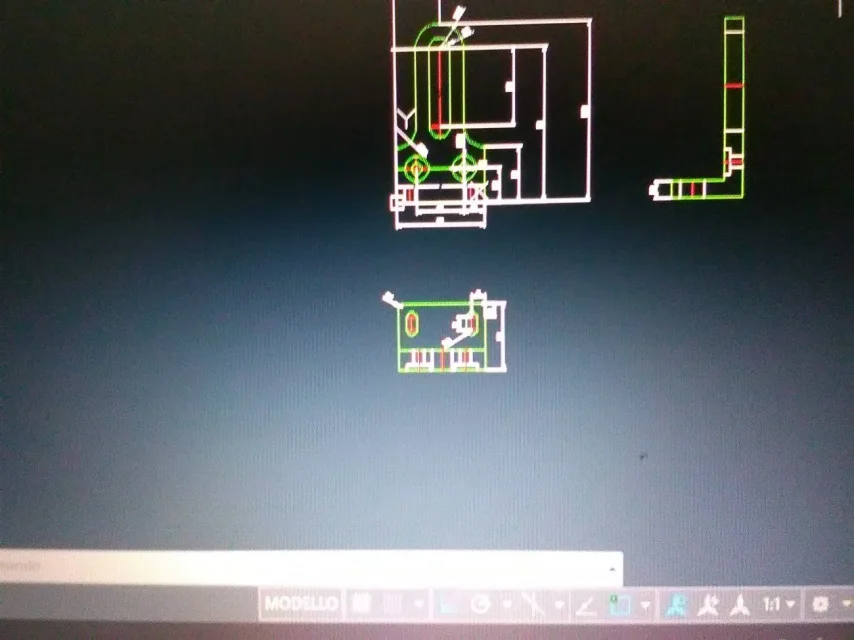
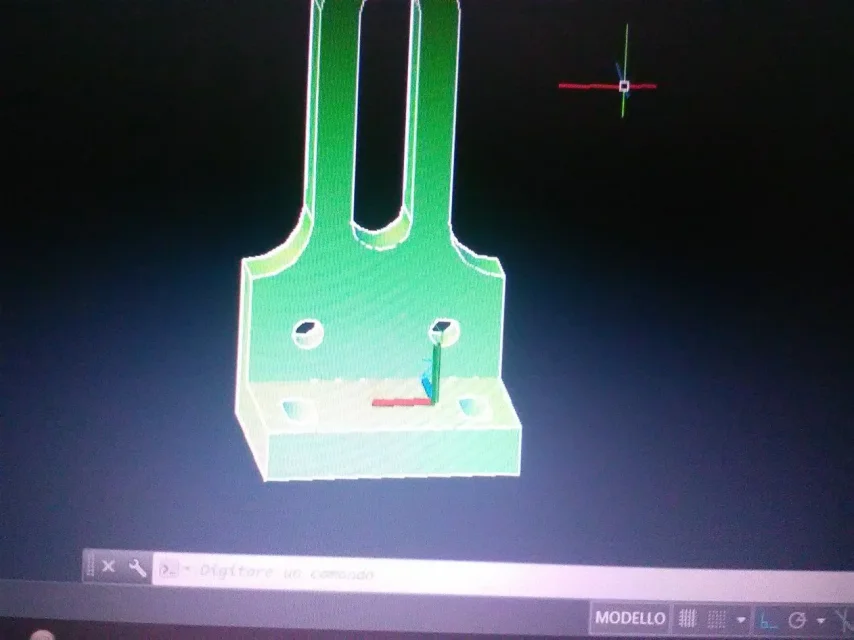
hi guys are a newbie using autocad 2018, I need a straight, can you insert in the same table both the orthogonal projections and the asonometry? How do you do it?
Thank you
Thank you

yes you see normal and also 3d but I would like to put them together in a table thanks maxDo you even know how to make normal views?
you will find it on the online guide. https://knowledge.autodesk.com/it/s...232d690a-ba50-4e73-8ea1-e5a0812310d3-htm.htmlfind sure on the network tutorials about it
If you can make normal views and 3d views what's not coming back?the normal views and also the 3d but I would like to put them together in a table
I would like to scare and print projections and in the empty dial put the isometric viewIf you can make normal views and 3d views what's not coming back?
ok I look at the links thanks max, you another problem to solve are the odds to put exactlySo much to say, I the first question that I would ask you is: how do you revenues in reality that piece? fusion? Fresa? fold? Welding?