• This forum is the machine-generated translation of www.cad3d.it/forum1 - the Italian design community. Several terms are not translated correctly.

pattern fill surface

  • Thread starter Thread starter solokite
  • Start date Start date

solokite

Guest
Cattura.webphello to all, there is in nx a way to make a pattern following these points (type fill surface)
The cylinder axis must be normal to the surface.
Thank you.

 
create a normal datum axis to the face and passing through the point, a cylinder with this orientation and then make a pattern features with these settings. does not work in the edges.I'll attach you a movie where I added the .zip extension to let me load it.
pattern1.webp
 

Attachments

Sorry if I allow myself, you couldn't just create a set point feature
is there no way to manage the filling of the surface with a parameter type distance between the points?
see the video
 
Sorry if I allow myself, you couldn't just create a set point feature
is there no way to manage the filling of the surface with a parameter type distance between the points?
see the video
Of course, I thought you were interested in the fact that it was normal to the surface.
the video you posted shows a beard: the pattern is made on the flat surface below that bombed.. .
 

Attachments

you are mea culpa that is not in that bomb but as you did in the second video that is what I did in the first picture you do not have the possibility to put the points at the same distance
 
@solokite , the 'same distance' you can do, at least as far as I know, only in the plane, as a surface is characterized by the parameters u and v.
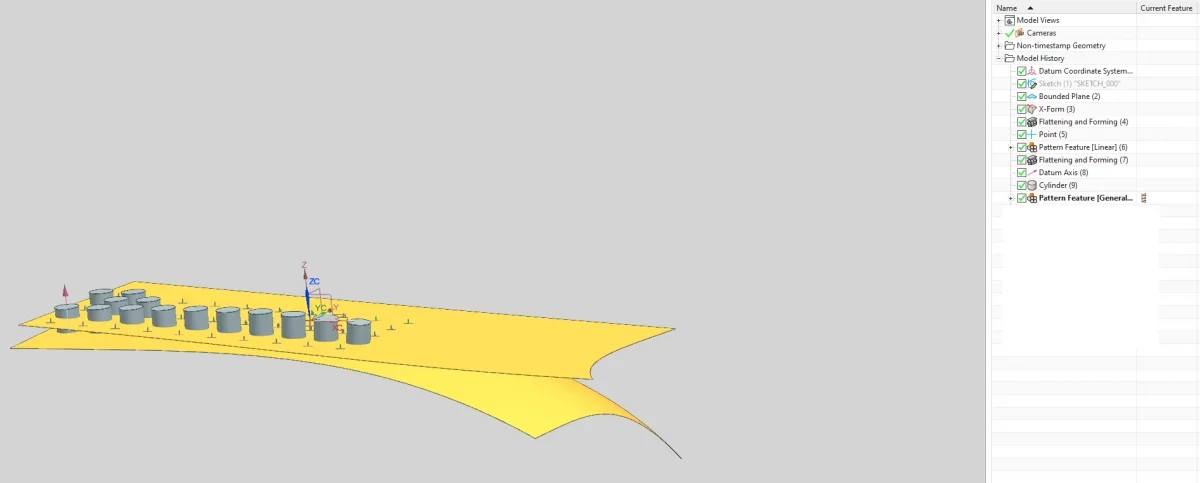
you have to use a different technique, which consists in creating the surface that interests you, use the flattening and forming command, the first time to create a flat surface on which you go to make your pattern of equispatial points and a second time to 'slash' the points so created on the surface on which you will create your cylinders.pattern3.webp
 
@solokite (ii) a response note would be welcome ;)
I'm sorry, I'm sorry. then it is the perfect command but if one one one tomorrow had to expand the surface there would be no automatic fill pattern.

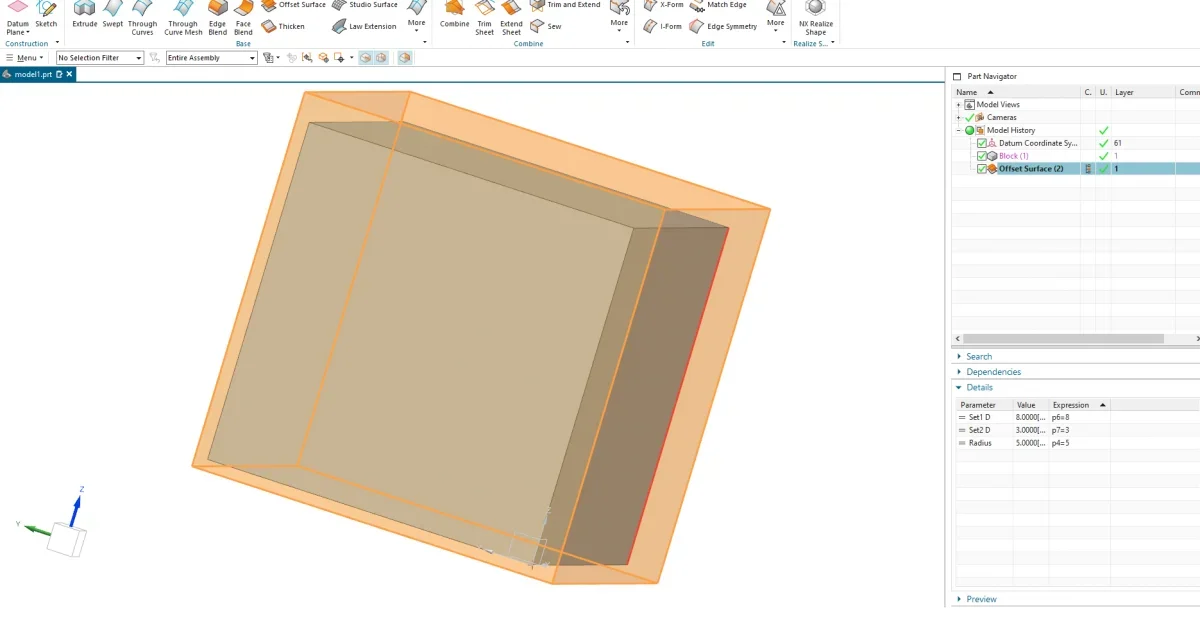
a very trivial question: is there a command that allows you to make an offset of a parallelepiped only of some faces and makes a copy of the same (generates another body)?
Thank you.
 

Forum statistics

Threads
44,997
Messages
339,767
Members
4
Latest member
ibt

Members online

No members online now.
Back
Top