
• This forum is the machine-generated translation of www.cad3d.it/forum1 - the Italian design community. Several terms are not translated correctly.

phino7 uniform foro

  • Thread starter Thread starter arm
  • Start date Start date

arm

Guest
good evening to all, user rhino5.
I am spying a bit with rhino7; I found this video
at the second 0:04 is traced a polyline between two edges (irregular) of the solid; then an octagon appears and the edge of the solid is regularized/uniform at the top of the octagon becoming a circle. same thing per minute 0:16.

I can't understand what he's using. Do you have any advice?
thanks in advance
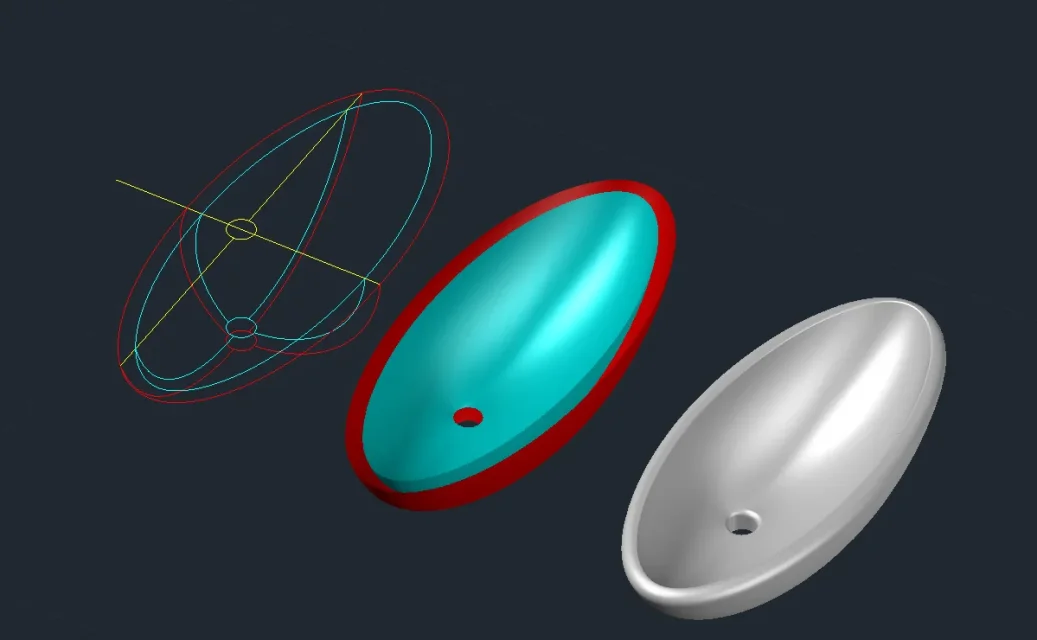
 
Hello, I received an email response as notification, but I do not see it here in the thread.
I don't understand.

However I thank the user who sent an answer.

I don't know if the brass that is generated refers to the real edges of the solid and then why it draws a polyline. I also do not understand which command you use to regularize the cylinder section. I can align them with the xy plan, but not to a "regular" circle.
 
hi, sorry, I answered, but then I had many doubts about the goodness of my answer and I immediately deleted the post.
I explain better, I do not use rhino, although I am thinking of downloading the trial version to see how I am, and, looking at some tutorials on rhino (and for that little I remember this program that uses so many years ago just for some test) I also think that the yellow ottagon that is displayed is only the border relative to the edges that you come to create once the author of the video deletes the 4 polygons at first.

first he selects them, brings them up and then deletes them. if you notice the edges of the 4 polygons just before he deletes them, they have curved edges. As soon as it erases them it happens that the edge of the hole that is created is regularized horizontally, without the curves (and this is normal, because no longer those 4 polygons it is not necessary the invitation to form the curved surface at the top). then when selecting the solid with the created hole appears that yellow octagon, which in my opinion is nothing but the real edge of those 8 vertical panels. because he creates that polylinea I don't know. It doesn't make sense, because it erases it immediately.

in practice that octagon is not a polygon he creates, in fact disappears as soon as the solid clears.
This was the sense of the answer you gave before, but I repeat, I am not very practical of rhinoceros.

on autocad it happens that very often the curved surfaces have edges segmented in the same way as that octagon and sometimes, probably for this reason, I have difficulty creating airtight mesh to turn into solids. In fact, I was thinking of trying rhino, which in the tutorials I saw seems more powerful than autocad in managing the surfaces.
 
in rhino there is a command, in addition to "allinea", which is called " xyz coordinate tax" with which you can align, for example, the control points of a 3d curve, compared to the x or y or z plane. that command you can precisely use it to align the 8 points of the edge of the polygon of the video regarding z. remains the doubt on how it turns it into a "regular" circle.

in reality there would be a way, not very precise and a little slender; draws the polylinea as it did, centering the point of half drawings an inscribed octagon, then connect with the snap the points/vertical of the 8 polygons with the 8 vertices of the octagon.

I don't know the latest versions of autocad, but for modeling 3d I subscribe to it when it came out rhinoceros 4 and I'm not back, another world. now in version 7 they have implemented the modeling tools with the subds, a tool you could have in rhino buying a plug-in, t-splines, but it was no longer developed for rhino because purchased from the autodesk.
 
when he goes to select the edge of the 8 polygons (about 0:17 per minute) they are considered by rhino "8 subd edges." and no longer "closed curve" as before, when it was still an octagon. being subd edges assume circular shape (only one of my assumptions).
in the top command line we read "8 subd edges. added to the selection."

In practice it is as if that octagon is transformed into a subd object (immagin that subd stands for subdivision) and therefore takes on a more segmented form, closer to the circular one.

to do that it is likely that he will act as a keyboard after selecting that octagonal edge (probably with the tab key. in video we cannot see all the passages he makes).
It's my hypothesis from this reading (link below) in which we talk about edges and subd vertices. I don't have rhino installed and I can't do proof.
 
Last edited:
I don't know the latest versions of autocad, but for modeling 3d I subscribe to it when it came out rhinoceros 4 and I'm not back, another world
with autocad you can still manage the surfaces, but the impression is that it requires a work of Carthonians. I thought you were working more loosely. definitely has more tools than autocads regarding surfaces. I downloaded the demo to prove it.
 

Attachments

  • Senza titolo-2.webp
    Senza titolo-2.webp
    32.6 KB · Views: 7

Forum statistics

Threads
44,997
Messages
339,767
Members
4
Latest member
ibt

Members online

No members online now.
Back
Top