joff
Guest
Hello, everyone.
I'm playing with vw14 and I'm meeting a problem.
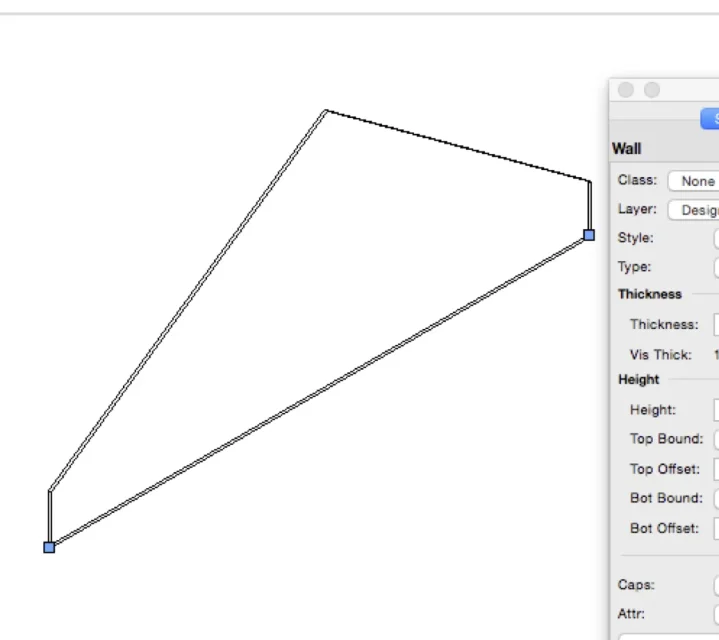
I'd like to create a wall revolved with respect to its backing.
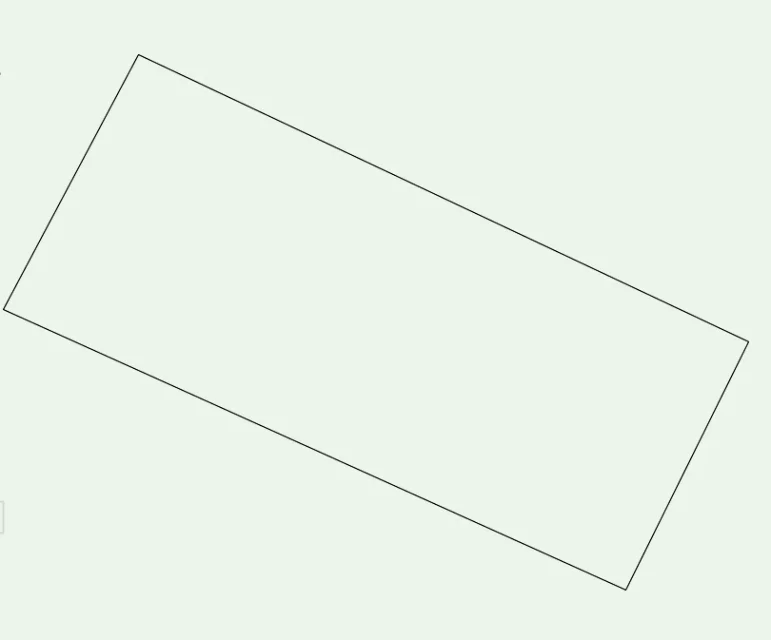
to better explain, a solution would go into the side view, draw a rotated rectangle, for example of 45 degrees respect the horizon and then extrude it.
another solution would be to draw a wall and then use the taper face command to fold the faces of the beginning and end of the wall.
In both cases at the end I no longer have a wall object but a generic solid, with everything that follows. for example I lose the fillings of the cut object in top/plan view.
So the question is: how do I make a wall of this type, keeping a wall object with its beautiful fillers?
Incidentally I'm making executive plans in scale 1:50, so besides model 3d I need decent plans
for those who know archicad, with the latter a solution would be to use a wall and then with the operator between solids, to remove falde or morph objects from the wall object
Thank you.
♪
I'm playing with vw14 and I'm meeting a problem.
I'd like to create a wall revolved with respect to its backing.
to better explain, a solution would go into the side view, draw a rotated rectangle, for example of 45 degrees respect the horizon and then extrude it.
another solution would be to draw a wall and then use the taper face command to fold the faces of the beginning and end of the wall.
In both cases at the end I no longer have a wall object but a generic solid, with everything that follows. for example I lose the fillings of the cut object in top/plan view.
So the question is: how do I make a wall of this type, keeping a wall object with its beautiful fillers?
Incidentally I'm making executive plans in scale 1:50, so besides model 3d I need decent plans
for those who know archicad, with the latter a solution would be to use a wall and then with the operator between solids, to remove falde or morph objects from the wall object
Thank you.
♪
Last edited: