
MARCOC
Guest
Hello everyone
someone knows where you set the size of the preview on the symbols in the library
put image
this is the original solidworks
 if I make a copy of it using the bookshelf in the table
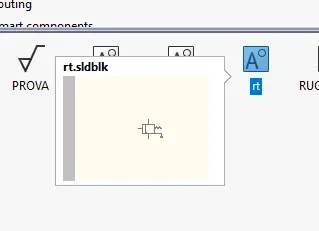 the result and a much smaller preview
Does anyone know how to give me any explanation? ?
Thank you very much
someone knows where you set the size of the preview on the symbols in the library
put image
this is the original solidworks
if I make a copy of it using the bookshelf in the tablethe result and a much smaller previewDoes anyone know how to give me any explanation? ?
Thank you very much
