
• This forum is the machine-generated translation of www.cad3d.it/forum1 - the Italian design community. Several terms are not translated correctly.

problem ski presence of the pointer in autocad 2015

  • Thread starter Thread starter Dario1985
  • Start date Start date

Dario1985

Guest
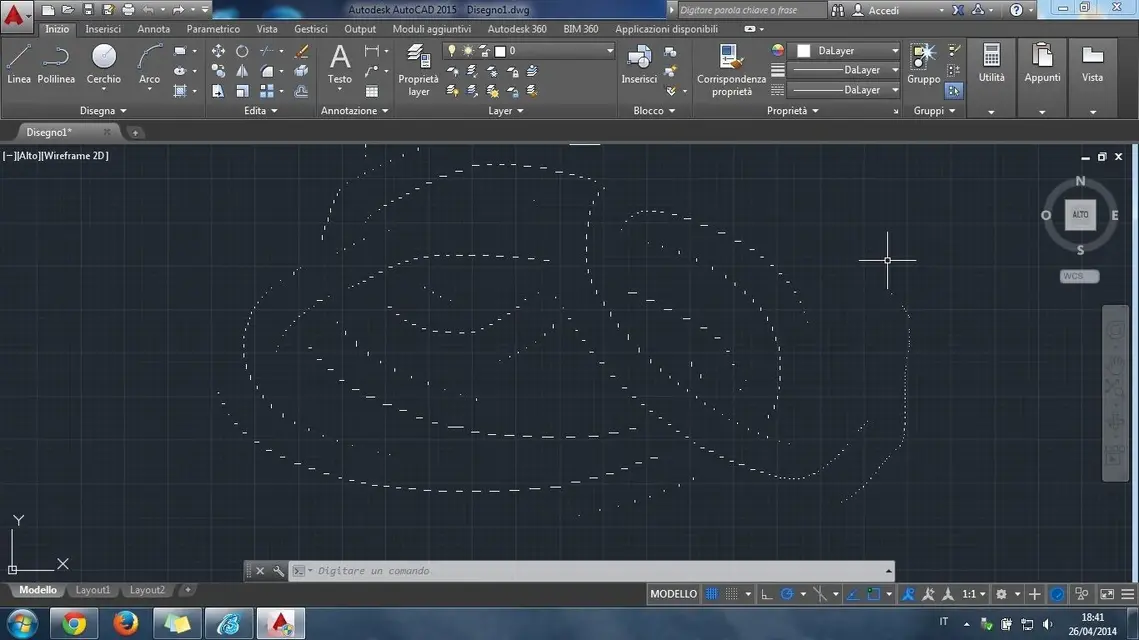
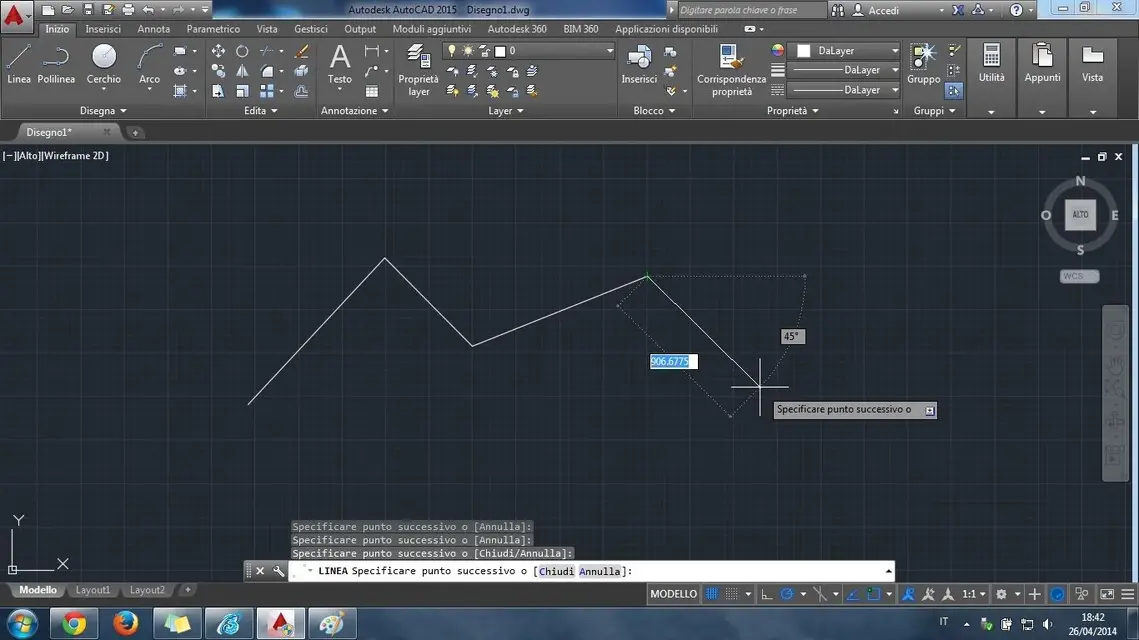
good evening to all, this morning I installed autocad 2015 and at the start of the drawing screen I noticed that at the movement of the cross pointer there was a trail that "dirches" the drawing area:Immagine.webp...while after selecting a command everything returned to normality
 

Attachments

  • Immagine2.webp
    Immagine2.webp
    79.7 KB · Views: 23
the hardware acceleration inside autocad is enabled on the dedicated graphics card(envidia geforce gt 425m, vram 1gb) and I tried to select/deselect the various options within the graphics performance!

the computer on which it is installed is a asus n53jf, although a bit old I have no problems with fluidity but only that annoying ski left by the slider when it does not execute drawing commands!

thanks in advance to all:)
 
Did you try to disable her?
I disabled her. the trail is no longer there, now the cursor moves less fluid than before and when drawing the lines are drawn in a little fluid way (very better before drawing).
 
can depend, and I say it from experience, from the graphics card drivers.
You should try to update existing drivers. or use older drivers.
it is not always said that the most up-to-date driver works best.
 
can depend, and I say it from experience, from the graphics card drivers.
You should try to update existing drivers. or use older drivers.
it is not always said that the most up-to-date driver works best.
It seems strange to me, because with solidworks 2014 every time I make the drivers for the video card I get only better.
Maybe I should wait for new drivers for my video card since autocad 2015 is in late March. . .
 

Forum statistics

Threads
44,997
Messages
339,767
Members
4
Latest member
ibt

Members online

No members online now.
Back
Top