• This forum is the machine-generated translation of www.cad3d.it/forum1 - the Italian design community. Several terms are not translated correctly.

problem with multisection surface

  • Thread starter Thread starter RO.DU
  • Start date Start date

RO.DU

Guest
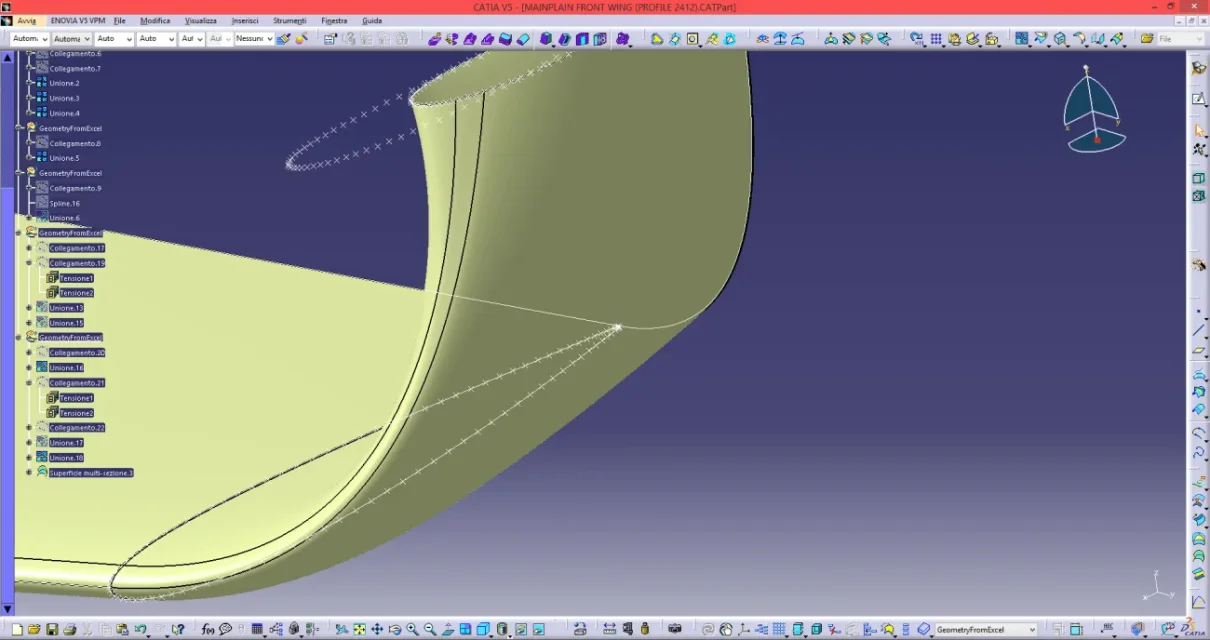
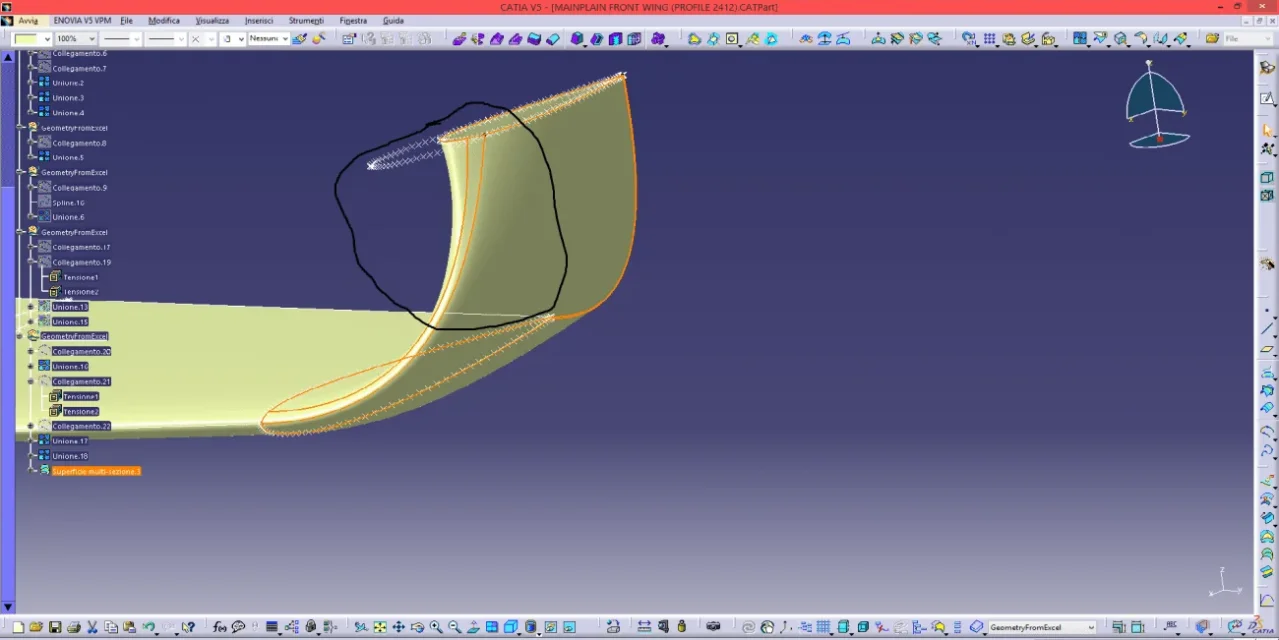
Hello everyone, I'm an aerospace engineering student and I'm struggling with the thesis. As a subject of thesis, I have made a formula 1 alettone with the specifications 2021 to print completely in 3d. citing myself with the program I found a small problem. using the multisection surface command I get the desired result, but known that in one area the surface is as if it padded. from what I have understood this is because the feature in question independently detects the closing points in which to join the various sections. Someone would suggest me how to handle the problem. (I attach photos) p.s. the alar profiles I put them in the program via a spreadsheet.
 

Attachments

  • Immagine.webp
    Immagine.webp
    57.4 KB · Views: 8
  • imm2.webp
    imm2.webp
    63.6 KB · Views: 9
Hi.

you position with the pointer at the closing point of one of the curves, then dx/replace button and you can move the closing point by placing it more consistently than the other curve.
if necessary you can move them both.
be careful that the direction is the same for both curves (if you are not just a click on the arrow to orientate it)

Let me know.

Hi.

years ago
 
hi gianni, first of all thank you so much for the answer, it worked perfectly. If you're going through napoli, you have a coffee paid. You saved me.
 

Forum statistics

Threads
44,997
Messages
339,767
Members
4
Latest member
ibt

Members online

No members online now.
Back
Top