• This forum is the machine-generated translation of www.cad3d.it/forum1 - the Italian design community. Several terms are not translated correctly.

problema wrap/avvolgimento solidworks?

danielesolid

Guest
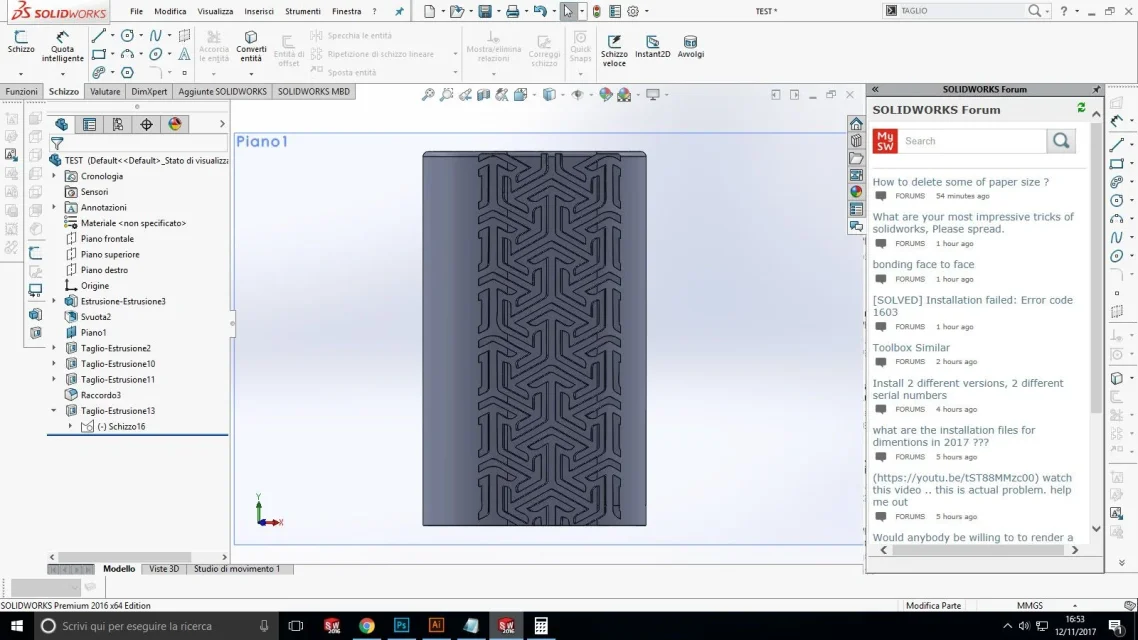
Hello, I have a problem with the winding function (wrap), in practice I should apply a texture on a cylindrical solid, so as to adapt to the shape of the solid, then extrude it, unfortunately I can't, I leave you several photos to make you understand the error.
help would be well liked.1.webp2.webp3.webp4.webp
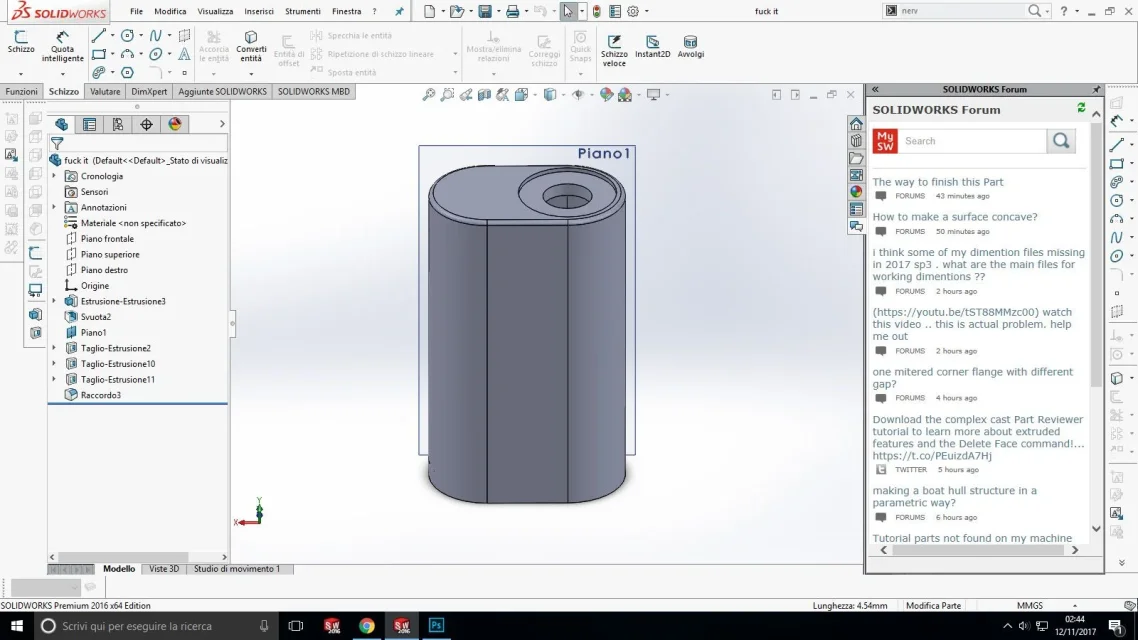
 
It is clearly written in the error message, the sketch has lines that intersect or has areas not perfectly closed.
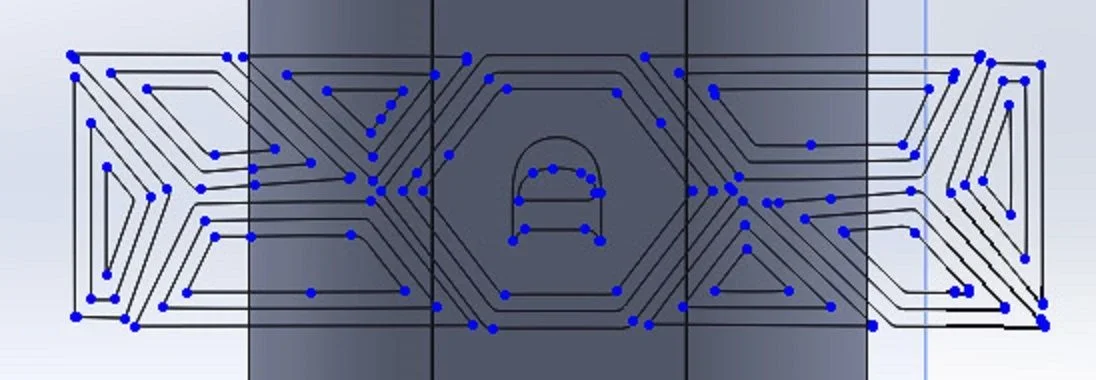
and look in the second image as the sketch is done and that is underdefinite does not amaze me.
fix the sketch and the function will succeed
 
I do not understand why this error does not persist when I have to extrude or cut with this sketch, as you can see it does not give me any problem, I also tried with other sketches where I am sure there are no open lines or other.TAGLIO ESTRUSO.webpTAGLIO ESTRUS 2.webp
 
That cut you make it by making a selection of contours.
to make sure that a sketch is not self-intersecting or does not have zones open at the start of the extruded or cut command must appear to you the preview. if it does not and to achieve the function you have to use the contours select then that sketch has one of the highlighted problems
all blue spots that are seen in image 2 of the 1# post indicate that the sketch is not defined that leads to think of an open area or overlap of segments.
 
The sketch is a little complex is true, but there are no open contours, I don't know exactly how to do it.
Could you take a look at the file?
 
Could you take a look at the file?
If you don't attach it, no one can see it. Since you do it means there's no copyright and then why didn't you just attach it?2.webpDo you see all those blue spots? means that the ends of the segments are not blocked which means that: the summit is closed but is not bound, the summit is not closed, the summit is closed but one of the two lines extends beyond, the area is closed but there is a line above another and this creates an intersection
I don't know how to do this.
made the internal tutorials to the program
 
It's a wrap limit. It's not possible to wrap sketches that have multiple levels of nesting.
 
up. provided that the contours are closed correctly, it could work by removing the "d", then doing it with another wrap itself.
 
It's a wrap limit. It's not possible to wrap sketches that have multiple levels of nesting.
It is also very just that observation.
and to think about it is also logical; not having the selection of contours, as in other functions, solid cannot know which area is to be engraved or raised.
so you have to divide the sketch
 
It is also very just that observation.
and to think about it is also logical; not having the selection of contours, as in other functions, solid cannot know which area is to be engraved or raised.
so you have to divide the sketch
the solidworks assistance has ensured that it is a bug. to me it happened trying to hack the r of the registered trademark, and since it is formed by four "concentric" contours the wrap did not work. but by deleting from the sketch the "good" of the r works.
 
I also think that the origin was designed so as not to weigh too much the feature. I didn't do any more tests, but it could be solved with multiple wraps in series, starting from the central contours. Maybe.
 
the user problem surely dividing into more sketches.
does one basic and then does those of function by converting only the necessary entities
 

Forum statistics

Threads
44,997
Messages
339,767
Members
4
Latest member
ibt

Members online

No members online now.
Back
Top