• This forum is the machine-generated translation of www.cad3d.it/forum1 - the Italian design community. Several terms are not translated correctly.

rendering interni

  • Thread starter Thread starter cristina 76
  • Start date Start date
make54 always very beautiful your renderings. Do you know that formats accept autodesk 360? directly revit files?

 
the image I posted is not mine, I just wanted to show that changing even little the parameters of brightness and contrast improves the yield
as regards "autodesk 360 rendering" during the registration, they let you download a revit plug-in and send directly from the inside of the work you are doing specifying the view you want it to be rendered,
the interiors as I wrote around 15 minutes, while you can continue to work without slowing down because your cpus are not busy.
I did not renew the sub this year, but the registration was possible to me as a license 2012 I have, access to a lower level with 75 cpu available, with the sub you should have more computing power available
after rendering your image you have the possibility to change it online as an exhibition and then download it, you can also publish it on facebook in "autodesk 360 rendering"
 
a small clarification, 75 are the "cloud units" not the cpus, the computing power of the cloud is fixed, each render "consume" 5 cloud units, then to be used with patience! :

bye
mb
 
thanks to the clarification, I had stayed in the head the 75 so I thought about cpu
but apparently they will be more
 

Attachments

  • 360.webp
    360.webp
    131.8 KB · Views: 27
what are cloud units?
trovato dove dicono quanto costa in termini di cloud e cioè 5 cloud per render:

"cloud units are a unit of measure that assign a value for how much cloud capacity is needed to perform different tasks using autodesk 360 cloud services. for example, if you are interested in rendering a file using autodesk 360 rendering cloud service, it will take 5 cloud units to perform the job. for more information, read our autodesk 360 cloud units & storage faqs."
per cui ti lasciano fare 15 render, dopo se non hai la sub a casa
 
exact render54,
If you have a sub for one rac station you have 100 cloud units with suites I think 200. have not yet defined the possible modes of purchase of extra units, but if it were competitive surely it would be worth making us a thought
 
This year's work is as little as last year, the 2012 suite is more than good, I want to buy a new pc and the forecasts are 2000 heur, spend more than 1300 divers I don't want it, also because the works that come you can do quietly with what I have.
If I have to do some internal renders, instead of 15 minutes, 6 hours, I'll have a reason.
for the outside my 8-core pc makes me less than half an hour, more than acceptable.
other account if it was possible to make us animations
 
same rendering.. but different view... .
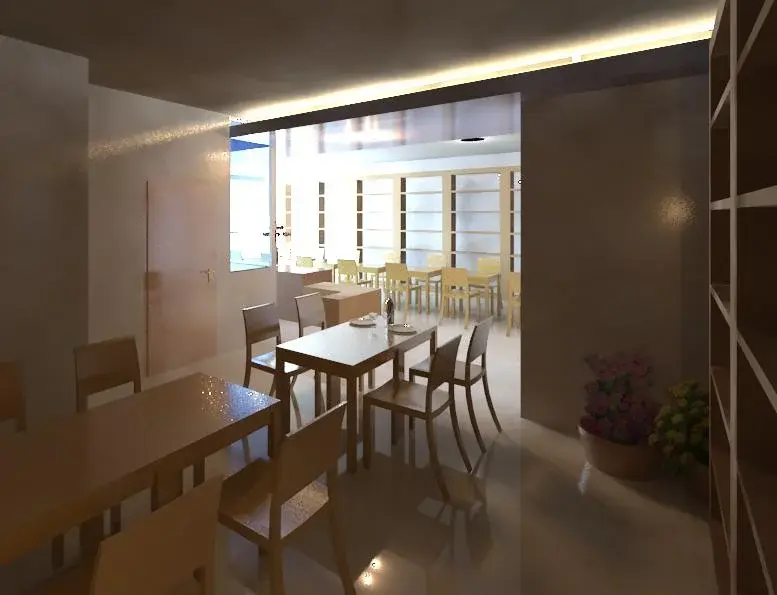
also sinking the wall behind my shoulders and the right one with the method of cutting explained to me earlier... but this is the result.. horrible!!!! And even turning the sun doesn't change me so much... what's wrong? It's all about brown. .

As for autod 360 ... I don't have the latest version of revit and you can't do.... but I'm satisfied with my 10 hours!!!!
 

Attachments

  • Inteno 3.webp
    Inteno 3.webp
    582.9 KB · Views: 45
  • Interno 2.webp
    Interno 2.webp
    396 KB · Views: 44
...I have to increase a little more quality but already so is much better than before,
although I am very far from the quality of your renderings.. .
What setting do you recommend to me for the shadow?

Those black circles are horrible lights I put on

Thank you.
 
black circles oops excuse, black circles (write in uppercase is always considered screaming) if they are lamps you have to give it as light bulb material,
brown I assume both the shade of the floor that reflects on the walls, changes the shade
modifying in "regular exposure" of the rendering window the parameter "point of white"
definitely something does
 
black circles oops excuse, black circles (write in uppercase is always considered screaming) if they are lamps you have to give it as light bulb material,
brown I assume both the shade of the floor that reflects on the walls, changes the shade
modifying in "regular exposure" of the rendering window the parameter "point of white"
definitely something does
...and I who wrote in capital to read better. . .
I try to make the suggested changes and then I let you know..thanks
 
...I changed the materials but it hasn't changed much.. .
,, other tips? ? ? ?
 

Attachments

  • 250-45-2.webp
    250-45-2.webp
    32.8 KB · Views: 26
I tried with chorel photo paint
 

Attachments

  • 250-45-2B.webp
    250-45-2B.webp
    33.6 KB · Views: 46
  • 250-45-2.webp
    250-45-2.webp
    32.8 KB · Views: 42
at this point I went to take the first image and always with chorel photo paint
 

Attachments

  • pROVA 2.webp
    pROVA 2.webp
    466.7 KB · Views: 40
  • pROVA 2b.webp
    pROVA 2b.webp
    418.6 KB · Views: 54
hello, thank you for the advice, thanks to your straights I managed to get render "decent", even to me at first came out dark and full of bubbles on the walls... ;) But now I would like to ask you something else, can you use pictures as a window background? I explain, when I make a window becomes white, without letting me see what's out there, (first photo) I would like an effect like the second image attached. . .http://www.facebook.com/photo.php?fbid=3932972236349&set=a.1787553322217.2091806.1041064255&type=3&theaterrendering/21.jpg
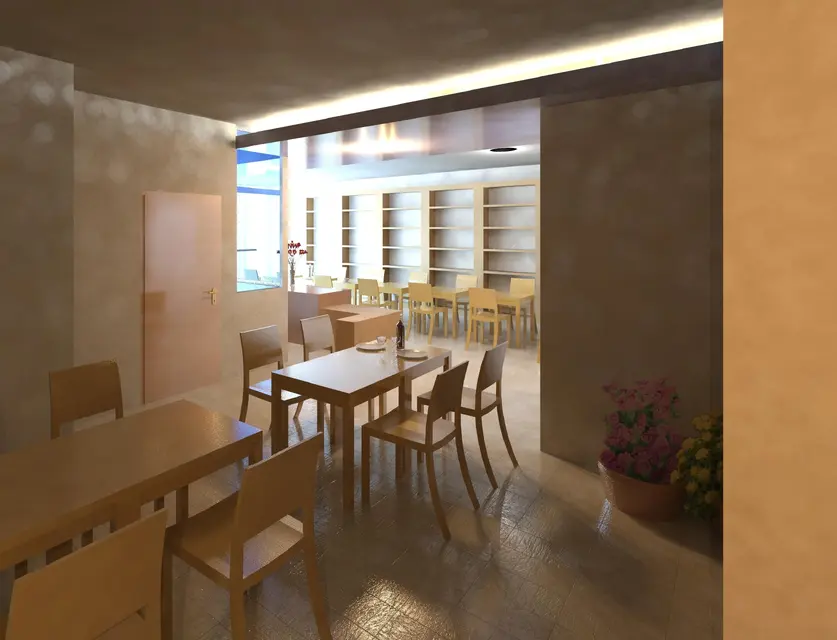
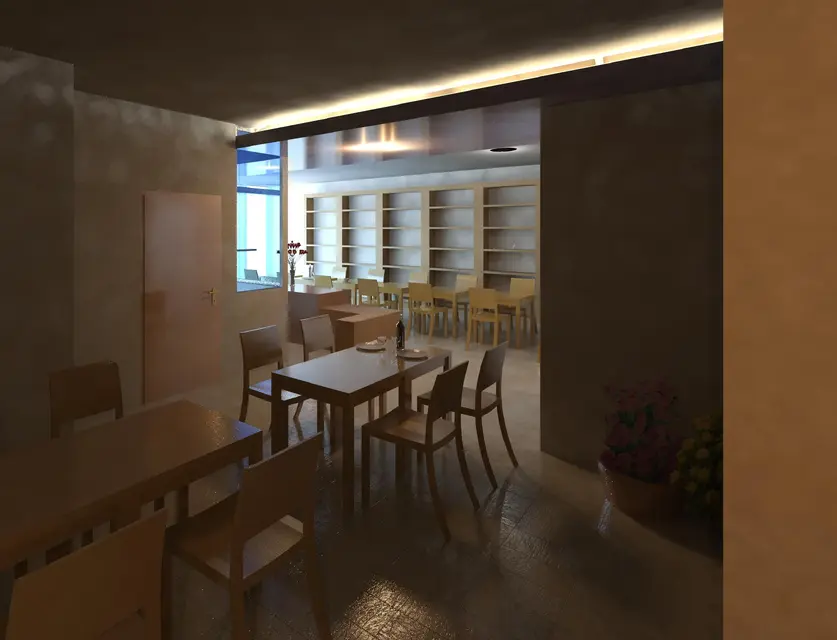
Thank you in advance.
 

Attachments

  • 21.webp
    21.webp
    39.4 KB · Views: 33
Last edited by a moderator:
pima what to tell you since you have only 4 messages and then you are new to cad3d: under this window there are two buttons, in one there is written "go to advanced mode", if you click the window opens to attach files, whether they are zip or jpg or png so you don't have to send us around the web (among other things I feel not accessible that link)
back to your question: Just save your render as png, opening it with photoshop or photo paint the background of revit becomes transparent and if you import it into the background image and put it behind you will get the view out the window you want
 
Thank you for the answer. I apologize for my behavior, it won't happen again. I recall here the image that I presume is not accessible, of one of my renders with revit. now I try the procedure you descitta and as soon as possible I post the result, (always that I succeed!) :smile:. Can you give me some advice on what details to improve to make my renders more "natural"? Thanks again.
 

Attachments

  • Render.webp
    Render.webp
    134.7 KB · Views: 41
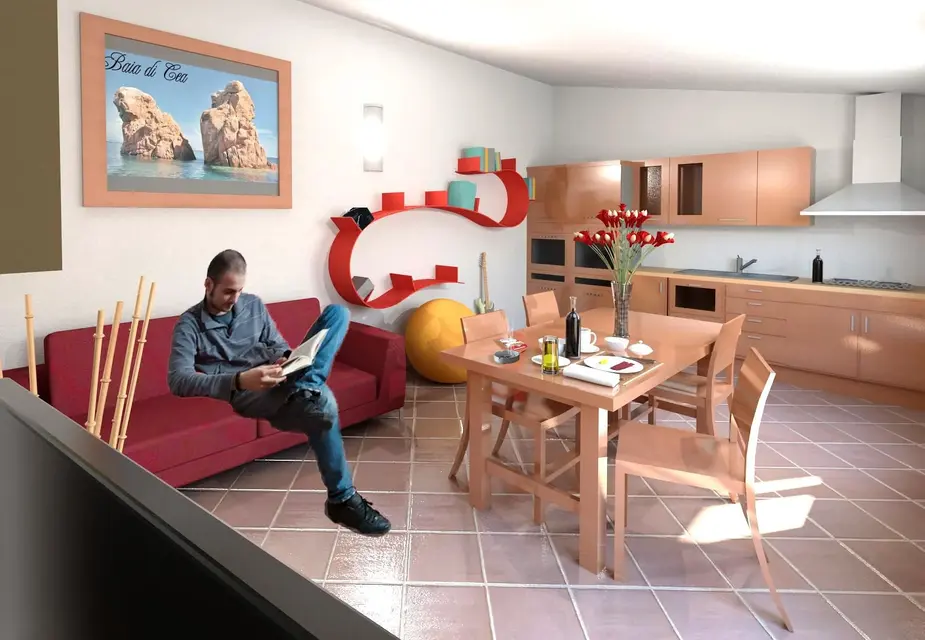
Here's what came out by changing indirect lighting settings, hindering 9 hours of rendering with my poor 32bit xp, the result seems improved enough. In post-production I added the man, and the cigarettes on the table, besides having increased a bit the contrast and modified the means tone. Maybe the contrast goes up a bit... what do you think? at the moment is in processing the render where there is the window to which I must then apply the background.
 

Attachments

  • nuovo render interni2 copy.webp
    nuovo render interni2 copy.webp
    172.1 KB · Views: 53

Forum statistics

Threads
44,997
Messages
339,767
Members
4
Latest member
ibt

Members online

No members online now.
Back
Top