fabiolamaina
Guest
hello to all; I have not found any topic that deals with my specific problem, I am kindly asking for your help.
the situation is as follows.
I reopened a file created a few months ago containing the project of a cottage. the need is to update some changes with an ongoing variant.
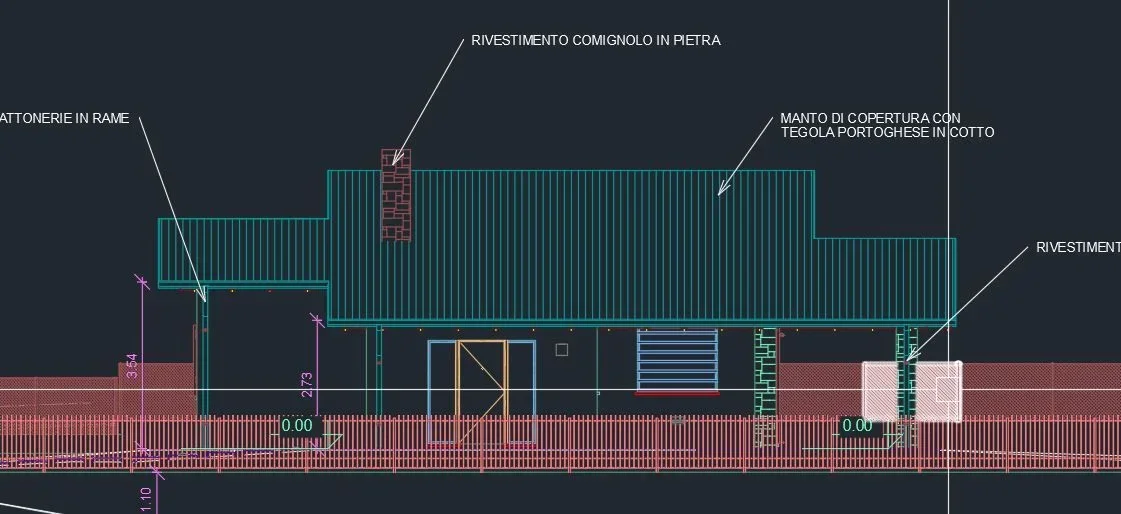
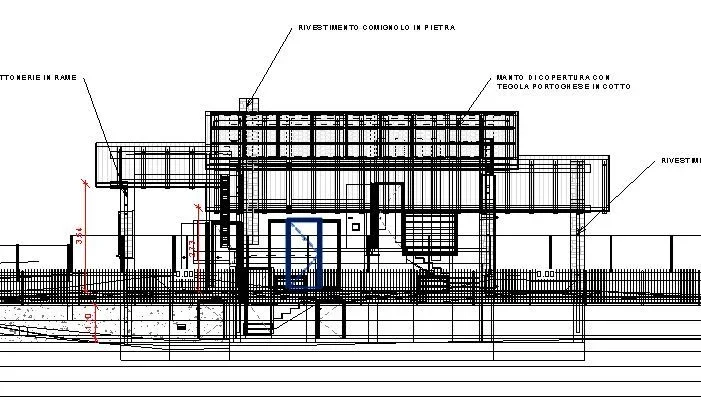
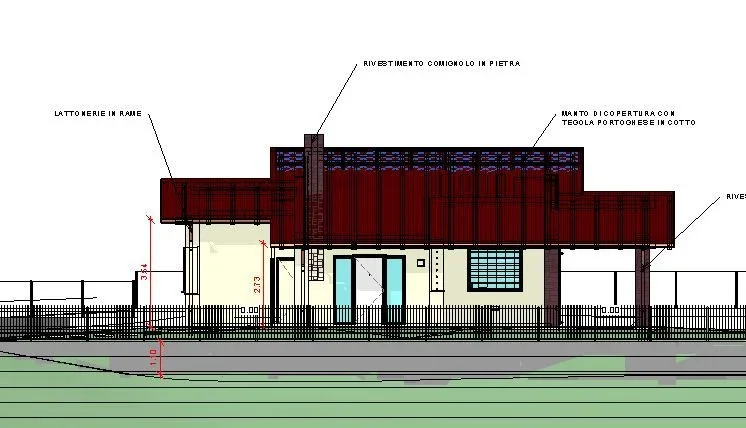
I open the prospectuses and sections and I stand in front of a hybrid view between hidden and wireframe... I open the 3d and everything is perfectly visible as it must be. I open the plants and these are also ok.
then I try to create a new section and this becomes like the other hybrids.
also known that shadows are represented as pixelated to "scale" so I think it is due to ardware display.
I changed everything I thought about the type of display but nothing changes.
from view 3d I have selected all the project and copied into a new blank file so much to understand if the error would be represented but it was not so, therefore I believe it resides in that file and not in the program.
I also checked the materials if they had a transparency but nothing in 3d is fine.
I checked the graphics scrofa settings by removing and popping up on ardware acceleration but nothing. I have a gtx 970 card but I don't think it's the problem because the file always went well.
I am not convinced that it is some setting limited to sections and prospects because as mentioned before the rest of the project is correctly seen.
What do I miss that I don't understand?
thanks to all
fabio
the situation is as follows.
I reopened a file created a few months ago containing the project of a cottage. the need is to update some changes with an ongoing variant.
I open the prospectuses and sections and I stand in front of a hybrid view between hidden and wireframe... I open the 3d and everything is perfectly visible as it must be. I open the plants and these are also ok.
then I try to create a new section and this becomes like the other hybrids.
also known that shadows are represented as pixelated to "scale" so I think it is due to ardware display.
I changed everything I thought about the type of display but nothing changes.
from view 3d I have selected all the project and copied into a new blank file so much to understand if the error would be represented but it was not so, therefore I believe it resides in that file and not in the program.
I also checked the materials if they had a transparency but nothing in 3d is fine.
I checked the graphics scrofa settings by removing and popping up on ardware acceleration but nothing. I have a gtx 970 card but I don't think it's the problem because the file always went well.
I am not convinced that it is some setting limited to sections and prospects because as mentioned before the rest of the project is correctly seen.
What do I miss that I don't understand?
thanks to all
fabio