
DeDios
Guest
Good morning to all,
I have a doubt about the realization of the roof of my farmhouse: I usually have always made the roof starting from the special function of revit, and creating the correct stratigraphy; In my case, however, stratigraphy is not practically present (in the sense that I do not have a classic brick roof but it is composed simply by beams, strips and plugs) and..vorrei realize the whole in a precise way, covered the caps in 3d.
Now, I read these two discussions found with the "search" functionhttp://www.cad3d.it/forum1/showthread.php?t=13781&highlight=tetto+legnohttp://www.cad3d.it/forum1/showthread.php?t=22779&page=2but I couldn't understand the precise and correct procedure to achieve my cover from scratch:
-part with the positioning of the secondary beams, and then place the strips and plugs?
-to place my secondary beams (with a slope of 21st), I have to create a mass with the shape of the roof on which to rest the whole structure or is there an alternative way to achieve everything?
Thank you very much.
a greeting and good day to all.
I have a doubt about the realization of the roof of my farmhouse: I usually have always made the roof starting from the special function of revit, and creating the correct stratigraphy; In my case, however, stratigraphy is not practically present (in the sense that I do not have a classic brick roof but it is composed simply by beams, strips and plugs) and..vorrei realize the whole in a precise way, covered the caps in 3d.
Now, I read these two discussions found with the "search" functionhttp://www.cad3d.it/forum1/showthread.php?t=13781&highlight=tetto+legnohttp://www.cad3d.it/forum1/showthread.php?t=22779&page=2but I couldn't understand the precise and correct procedure to achieve my cover from scratch:
-part with the positioning of the secondary beams, and then place the strips and plugs?
-to place my secondary beams (with a slope of 21st), I have to create a mass with the shape of the roof on which to rest the whole structure or is there an alternative way to achieve everything?
Thank you very much.
a greeting and good day to all.

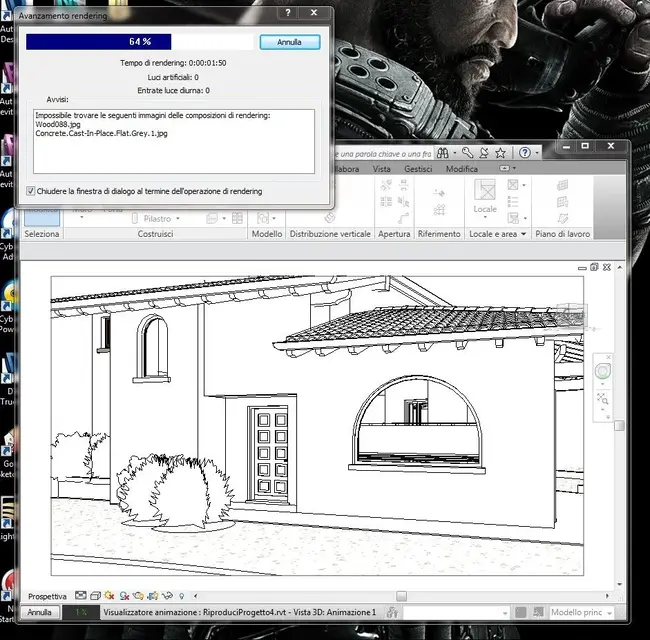


 great, thank you very much again.