poryhawaii
Guest
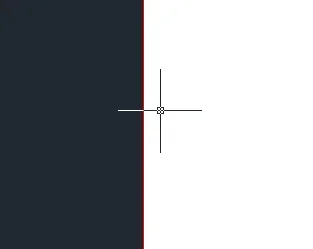
a detail that I don't know how to solve: the color of the pointer. on another pc I have the classic white pointer, but if it passes over lines or white/clear objects it becomes black to be visible comuque. on my pc instead white is and white remains.
I found the window to change the color, but I don't find an "adactive color" option.
for now I have solved by putting the ucs colors, but when a command is selected (e.g. moves, where the pointer turns into square) back to being classic white.
I found the window to change the color, but I don't find an "adactive color" option.
for now I have solved by putting the ucs colors, but when a command is selected (e.g. moves, where the pointer turns into square) back to being classic white.
Last edited by a moderator: