• This forum is the machine-generated translation of www.cad3d.it/forum1 - the Italian design community. Several terms are not translated correctly.

tangent coupling

  • Thread starter Thread starter gtsolid
  • Start date Start date

gtsolid

Guest
Bye to all,
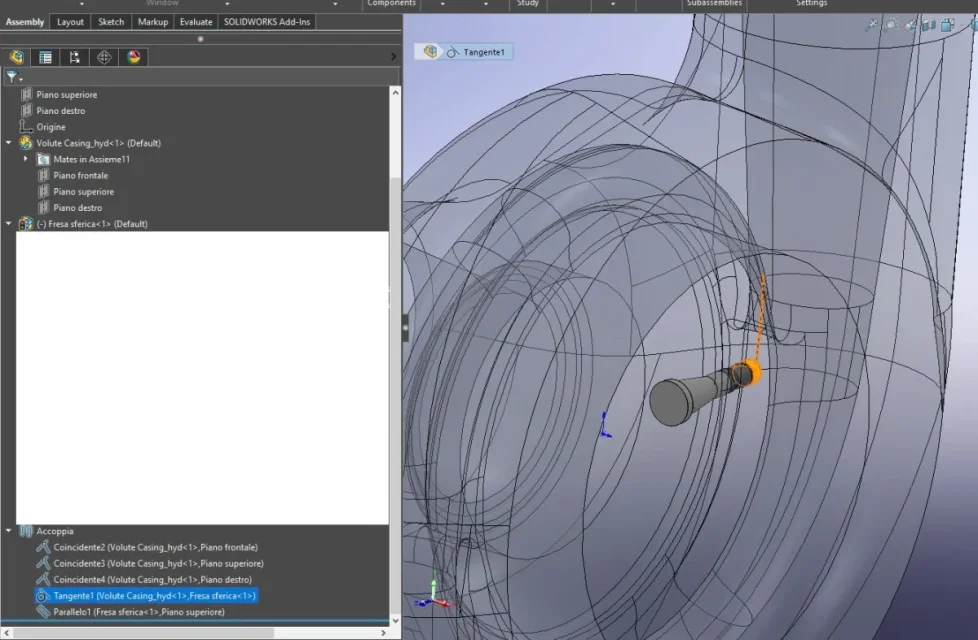
I'm studying the movements that a mill can do in working a turbine case.
I would like to move the mill with the mouse and see the maximum positions reachable.
I've inserted a tangency (but why don't you let me do it between two surfaces?) and a parallelism, but I'd like the mill to not enter the material, some kind of collision control always active.

Do you have any advice? I don't know if it's the right way to proceed.
 

Attachments

  • Screenshot 2022-12-27 103458.webp
    Screenshot 2022-12-27 103458.webp
    100.2 KB · Views: 14
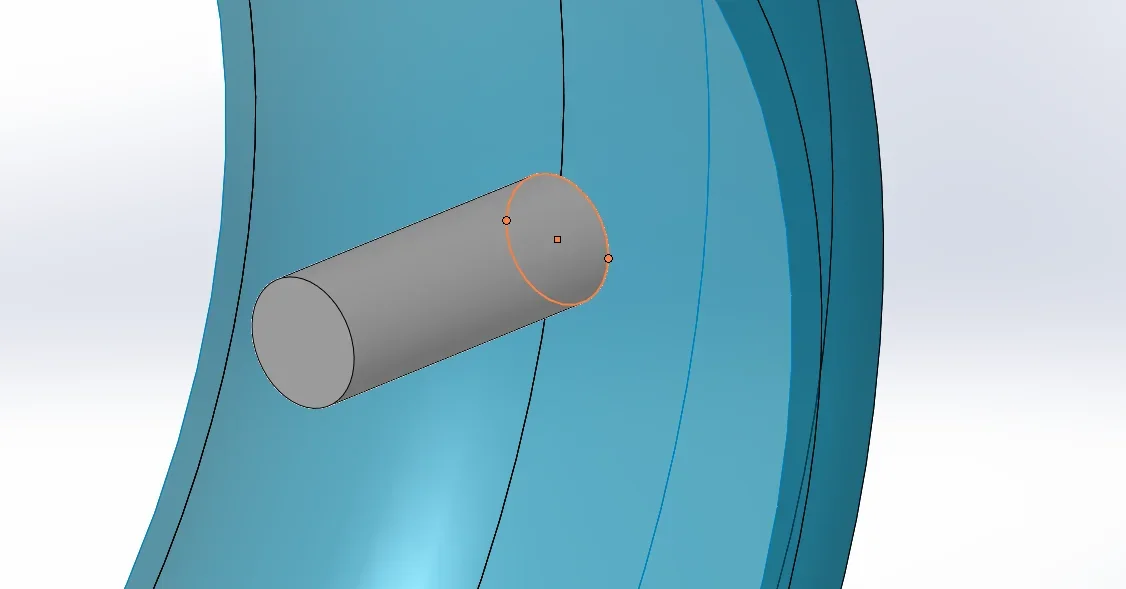
so to nose I would put a coincidence between the circumference you need (or if it does not take two horizontal points) and the curved surface of the inside turbine, so it can not cross1672134370644.webp
 
Thank you, but the tangence I have on my feet creates more or less the same thing, I want you not to hit the stem in the back.
 
Bye to all,
I'm studying the movements that a mill can do in working a turbine case.
I would like to move the mill with the mouse and see the maximum positions reachable.
I've inserted a tangency (but why don't you let me do it between two surfaces?) and a parallelism, but I'd like the mill to not enter the material, some kind of collision control always active.

Do you have any advice? I don't know if it's the right way to proceed.
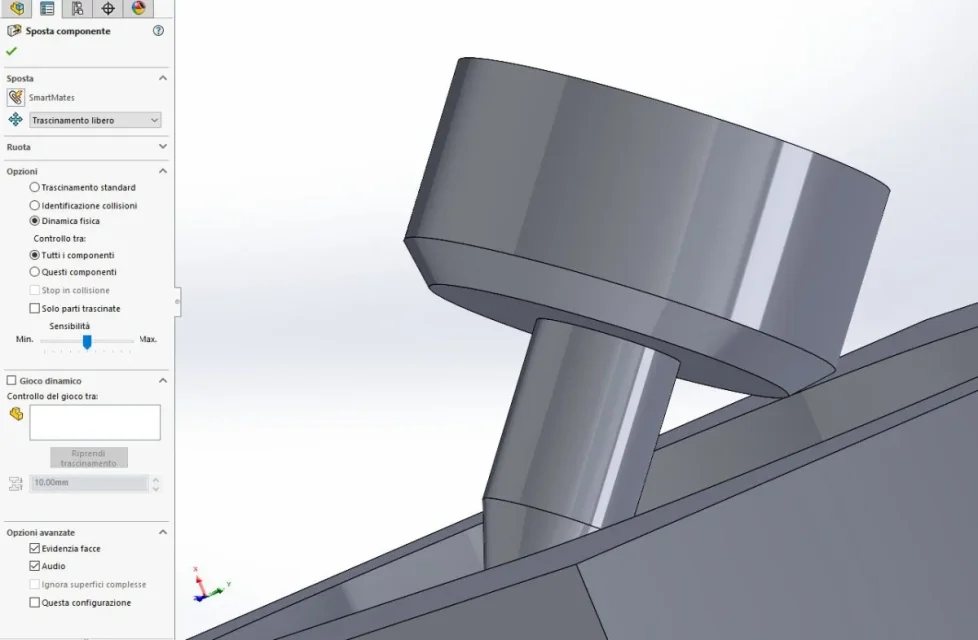
I did a test, and I saw that with "the component shift", activating the "physical dynamic" option, you can simulate the behavior you ask
 

Attachments

  • Schermata.webp
    Schermata.webp
    43.8 KB · Views: 13
helpful thanks, it gave some result also a couple based on a path, in my helical case.
 

Forum statistics

Threads
44,997
Messages
339,767
Members
4
Latest member
ibt

Members online

No members online now.
Back
Top