marcocad
Guest
Hello, guys.
I am new to revit architecture (part from v. 2009).
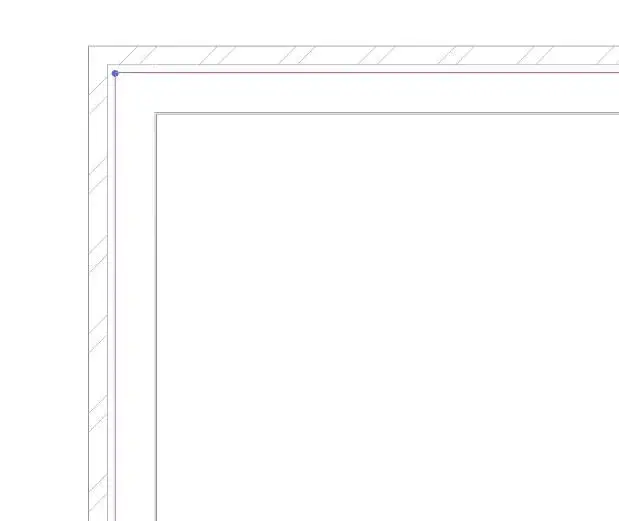
I have a problem with the thickness of the lines, as you will see they are too thick. Drawing in wireframe I find not so much difficulty, but going on a medium or high detail view and especially with the style of graphics "shading with edges" is really difficult to work on.
Can someone tell me how I can change that parameter?
I didn't touch anything at all! I just installed it...so it's strange, shouldn't it be by default the setting that allows me to view everything correctly? ? ?
I attach pictures of what I see and what I would like to get...(the first 2 are mine, the third is the tutorial I'm looking at)
Thank you very much.. .
I am new to revit architecture (part from v. 2009).
I have a problem with the thickness of the lines, as you will see they are too thick. Drawing in wireframe I find not so much difficulty, but going on a medium or high detail view and especially with the style of graphics "shading with edges" is really difficult to work on.
Can someone tell me how I can change that parameter?
I didn't touch anything at all! I just installed it...so it's strange, shouldn't it be by default the setting that allows me to view everything correctly? ? ?
I attach pictures of what I see and what I would like to get...(the first 2 are mine, the third is the tutorial I'm looking at)
Thank you very much.. .