Good morning.
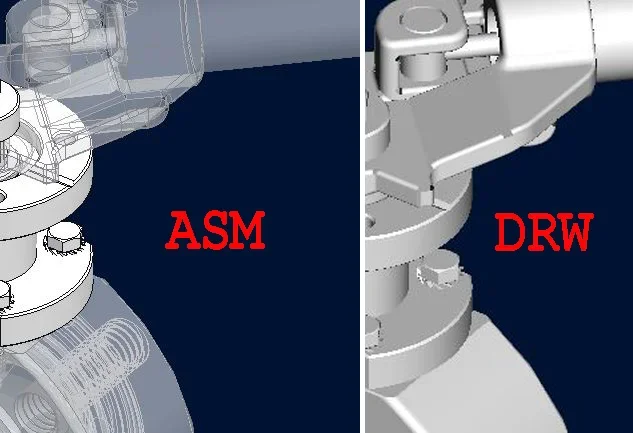
I have a set composed of various parts and while in the asm I can put in transparency what I want then in the drw does not keep them transparent.
Is there a possibility to have them transparent even in the drw you know?
in drawing environment you need to set the display mode via the command "display component".
find it inside the layout curtain, edit section.
change style (standard, veiled matt, veiled transparent, user color)
Hi half75 I try to answer you.
looking at your video image, I don't think you can represent in the drawing as much as you have in the 3d (see attached link): transparency in drawingI usually open the part and create a new look from the main color of the part with transparency:
view→ visual aspect→ dx key on the appearance of the piece→ new and act on transparency→ close.
and subsequently check transparency to the desired surfaces.
Therefore I get the representation in view 2d with the transparencies assigned.
ps. in generating transparency from the assigned color I guarantee the same color that normally does not appear (transparency) in the phase of export (step) to avoid sharing a piece with harlequin surfaces.