• This forum is the machine-generated translation of www.cad3d.it/forum1 - the Italian design community. Several terms are not translated correctly.

walls that get up! !

  • Thread starter Thread starter saro
  • Start date Start date

saro

Guest
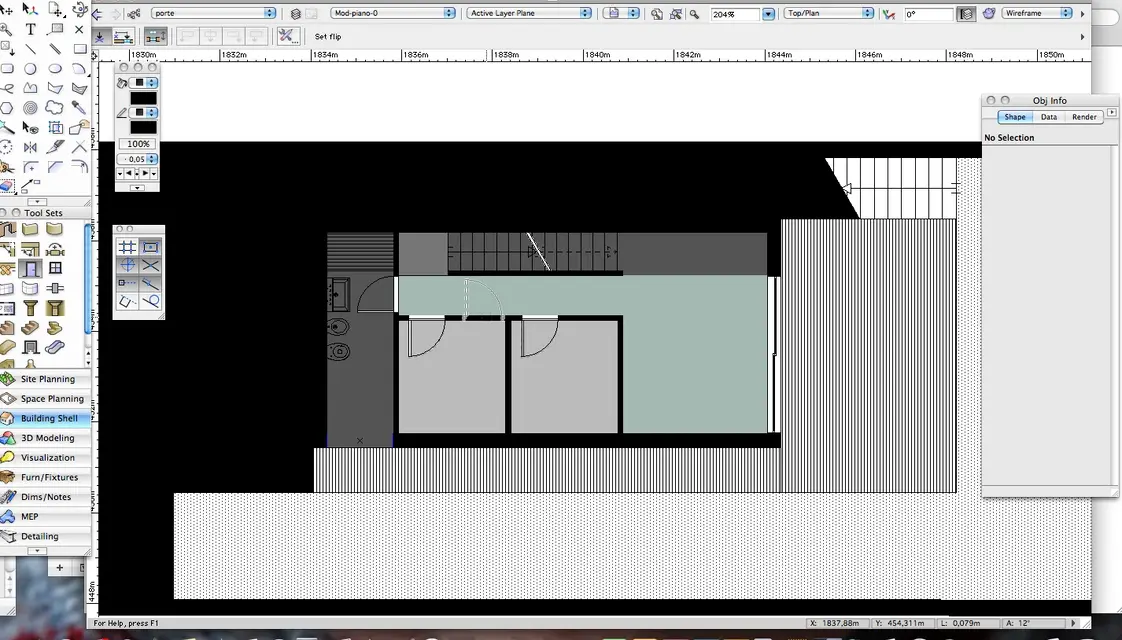
Does anyone know how to explain why when I pee a door on the wall, this stretches out in a way beyond the boundaries of the plant?
If I start from scratch in a new file this doesn't happen... is the file that got corrupted or is it a problem with door settings? ...... desperation.......
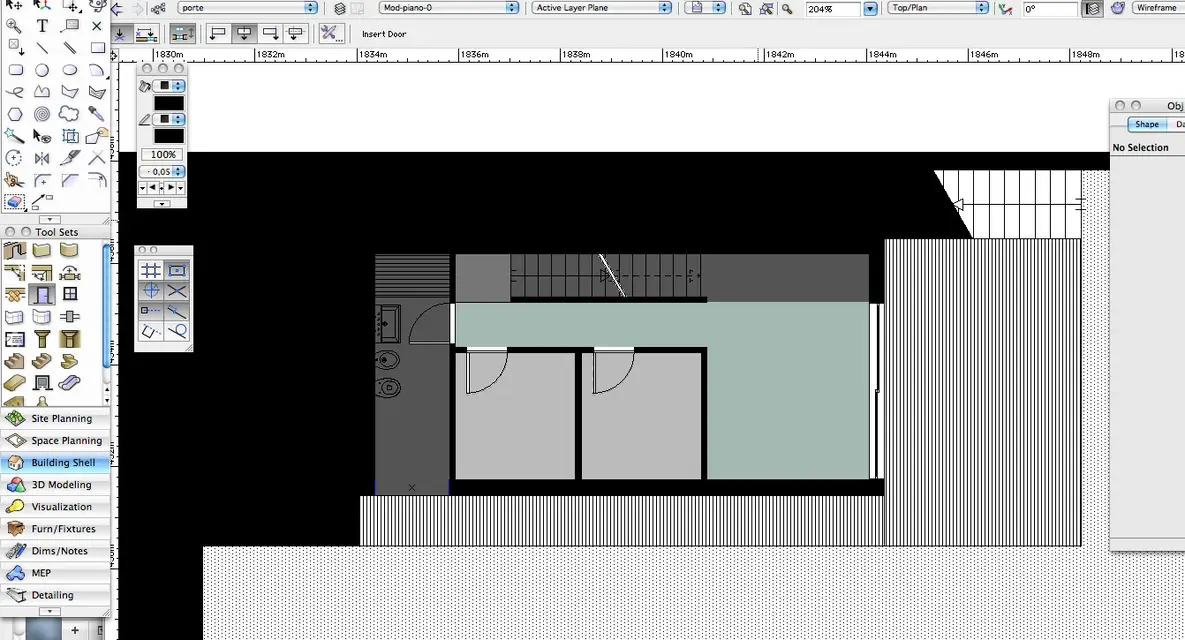
 
What is strange :-/
select the wall and the info shovel reassign the correct length. . .
by curiosity, how far from the origin of the design (0.0) that wall?
I do.
 
You're very strange! !
now that you told me I tried to insert the door and selecting, from the info palette, gives me that the door is that element that stretches and not the wall.
I mean, if I gate what looks like a wall... Actually, it's the door.
I wanted to upload you a video of the passages I do but not charge it, maybe it is not allowed. I hope from the pictures you understand something
 

Attachments

  • Schermata 2011-05-06 a 16.09.21.webp
    Schermata 2011-05-06 a 16.09.21.webp
    122.5 KB · Views: 10
  • Schermata 2011-05-06 a 16.09.42.webp
    Schermata 2011-05-06 a 16.09.42.webp
    145.1 KB · Views: 9
  • Schermata 2011-05-06 a 16.09.57.webp
    Schermata 2011-05-06 a 16.09.57.webp
    143 KB · Views: 9
  • Schermata 2011-05-06 a 16.10.10.webp
    Schermata 2011-05-06 a 16.10.10.webp
    62.4 KB · Views: 7
Sure? from the pictures it didn't seem
Anyway, it would explain your problem. architectural elements are divided by classes not by layers.
the layers are containers where to develop the individual planes of a model or the whole model.
classes/categories are the equivalent of autocad levels.
in your case walls and doors must live in the same layer but on classes doors and walls.
I do.
 

Forum statistics

Threads
44,997
Messages
339,767
Members
4
Latest member
ibt

Members online

No members online now.
Back
Top