
You are using an out of date browser. It may not display this or other websites correctly.
You should upgrade or use an alternative browser.
You should upgrade or use an alternative browser.
Mike1967
Guest
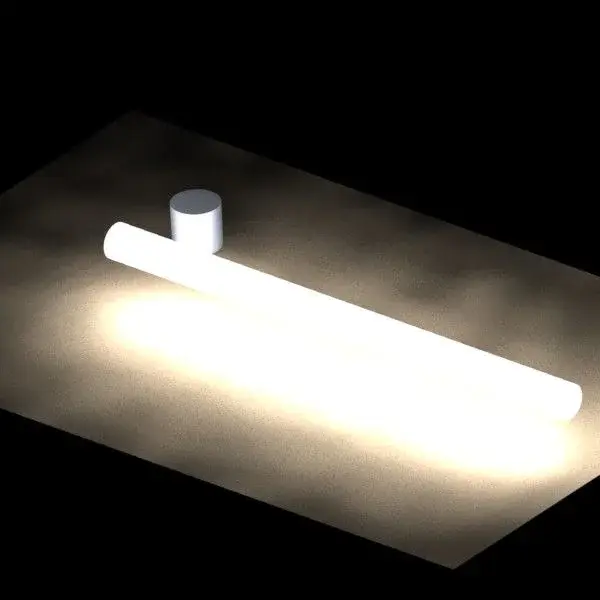
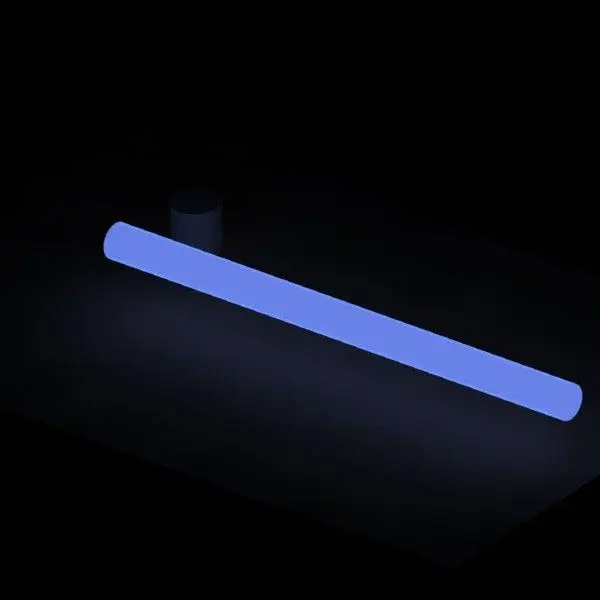
the light effect does not propagate in the absence of a support, air, water or surface.look I gave you a fast file to see the problem, but I have already tried to put it in a dark dark environment pesto and with white light, me the result is that I see the body of color, but I do not see effect of the light that propagates in the environment, soppratutto that touches the other surfaces, mintra I clearly remember that in the 2010 version I could, even in 2011 before the passage to windows 7.
then creates a plan to make the irraggimanento "support" and uses dark environments, darker if the light is dark too.
I'll tie you up a couple of times.
@reggio, at the moment I am taken, the answer needs a little time, but I promise you that in the next days we will face the theme. :finger:
Attachments

reggio
Guest
...:4406: aaaa well, you are liver with his hands, a nice tutorial on yt does not take it anymore nobody eh... :biggrin:@reggio, at the moment I am taken, the answer needs a little time, but I promise you that in the next days we will face the theme. :finger:
ps: and for others, always well accept the files with examples, so those who have less experience can work on it and maybe you get less :tongue:
Ivan1990
Guest
Okay, you know, I was expecting something better.the light effect does not propagate in the absence of a support, air, water or surface.
then creates a plan to make the irraggimanento "support" and uses dark environments, darker if the light is dark too.
I'll tie you up a couple of times.
@reggio, at the moment I am taken, the answer needs a little time, but I promise you that in the next days we will face the theme. :finger:
xxfast
Guest
as mike says, you need to adjust all the surrounding environments to see the light effect.Okay, you know, I was expecting something better.
I send you my file so you can see the settings.
However I also use autocad.
In my opinion, the latter is superior to rendering, with regard to ambient lighting.
If you can do it with autocad... then maybe I'll give you an example.
View attachment 24541
Mike1967
Guest
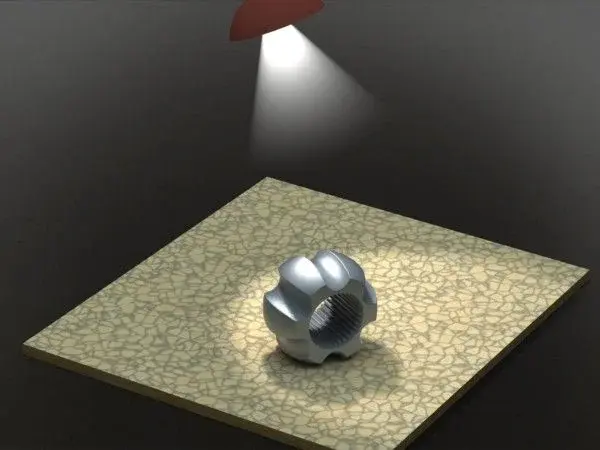
for that you should put a light at the light source.Okay, you know, I was expecting something better.
solidworks has all the tools for this purpose.
Mike1967
Guest
Ivan1990
Guest
I knew that I had a limit of 8 lights, I needed a dozen:biggrin:, I was looking for new ways, thanks for your explanations:finger:un esempio...