duedan
Guest
Hello everyone,
I am "impratichendo" with the masses and modeling with revit.
coming from other modeling software, I'm trying to figure out if there are ways to do certain revit operations.
I would like to know if you can divide (or cut) a surface of a mass with reference lines drawn separately and "projected" on the curved surface.
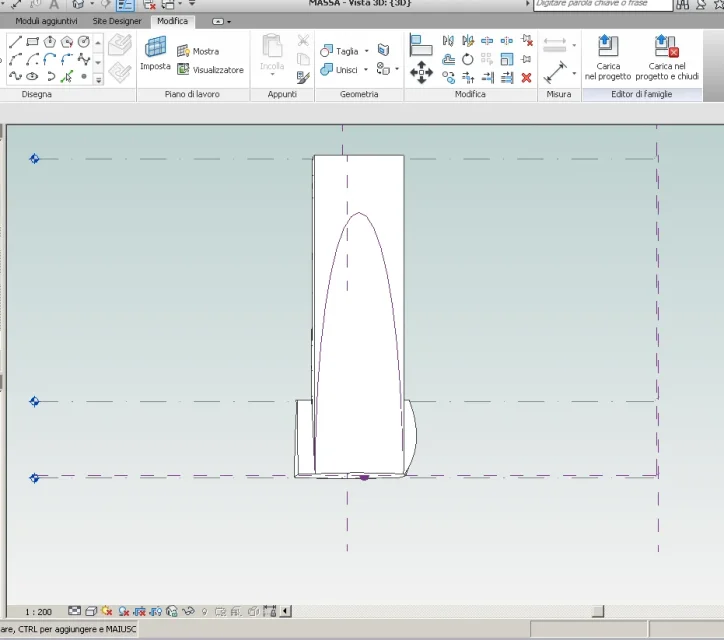
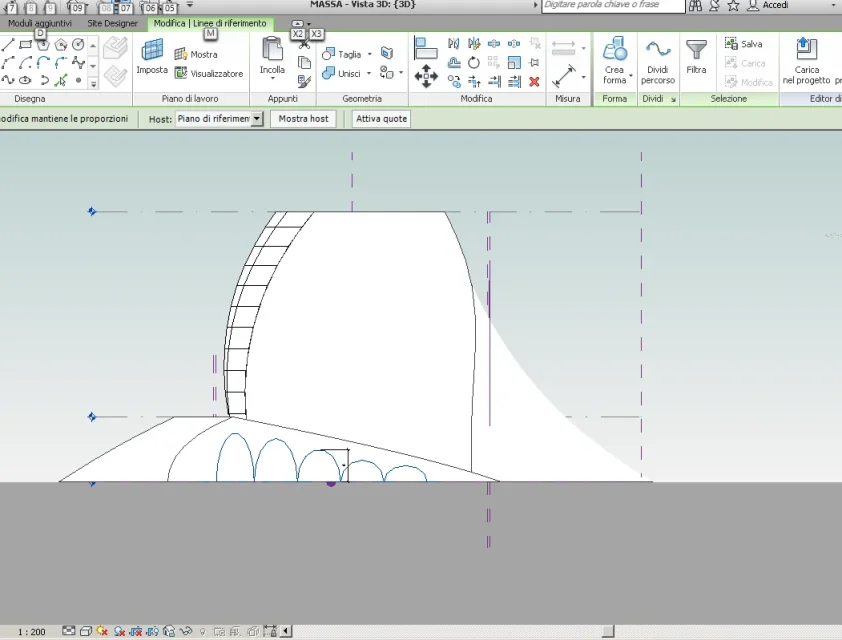
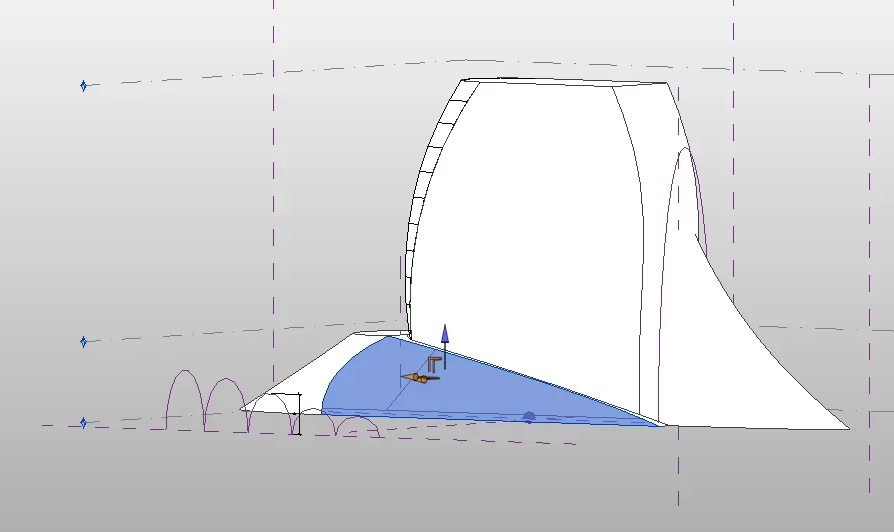
I understand I'm not very clear with the request and so I try to explain myself by posting some pictures. from image 1: of the blue surface, I would like to separate the "pinna" by cutting the surface with the semi-ellips designed as a reference (picture 2) and then subdivide the latter with the instrument "divid surface" and then apply a family of panels. with the same procedure, I think, I would like to get the arches drawn in image 3 on the surface highlighted in blue in image 4. It comes to me only in mind, as in rhino, "curve project" or to make boolean subtractions...but it seems that you can't do it.
Thank you.View attachment 42887View attachment 42886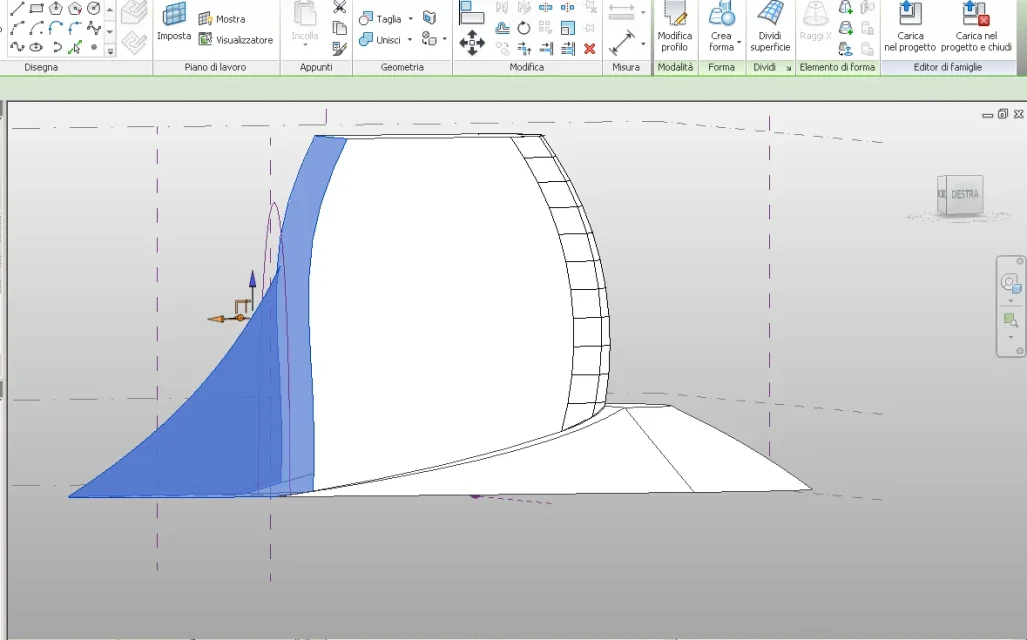 View attachment 42888
I am "impratichendo" with the masses and modeling with revit.
coming from other modeling software, I'm trying to figure out if there are ways to do certain revit operations.
I would like to know if you can divide (or cut) a surface of a mass with reference lines drawn separately and "projected" on the curved surface.
I understand I'm not very clear with the request and so I try to explain myself by posting some pictures. from image 1: of the blue surface, I would like to separate the "pinna" by cutting the surface with the semi-ellips designed as a reference (picture 2) and then subdivide the latter with the instrument "divid surface" and then apply a family of panels. with the same procedure, I think, I would like to get the arches drawn in image 3 on the surface highlighted in blue in image 4. It comes to me only in mind, as in rhino, "curve project" or to make boolean subtractions...but it seems that you can't do it.
Thank you.View attachment 42887View attachment 42886
View attachment 42888