• This forum is the machine-generated translation of www.cad3d.it/forum1 - the Italian design community. Several terms are not translated correctly.

change number of holes on multiple parts

  • Thread starter Thread starter federicalafrogia11
  • Start date Start date

federicalafrogia11

Guest
Hello everyone!
I have a question regarding solidworks:

if I have two parts (any component and a component that acts as a support plate), how can I make that by changing the number of holes on the component, then (in combination) automatically change the number of holes on the support plate? ?
(I hope I'm explained)
thanks in advance for possible answers
 
depends on everything as holes are arranged.
if they are distant with constant step you can tie the two parts with an equation.
if they are not constant, drill together with propagation to the parts
 
depends on everything as holes are arranged.
if they are distant with constant step you can tie the two parts with an equation.
if they are not constant, drill together with propagation to the parts
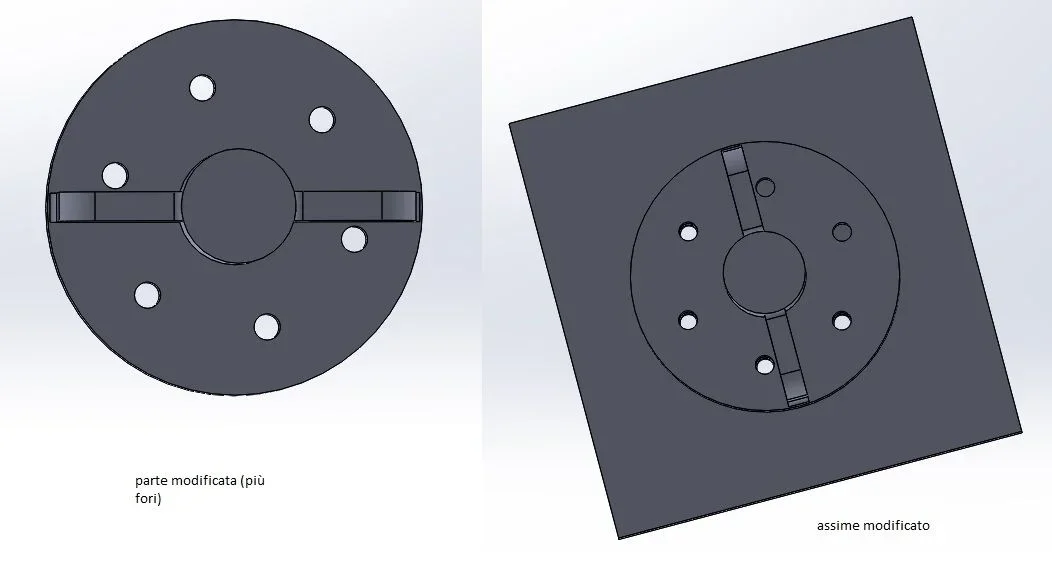
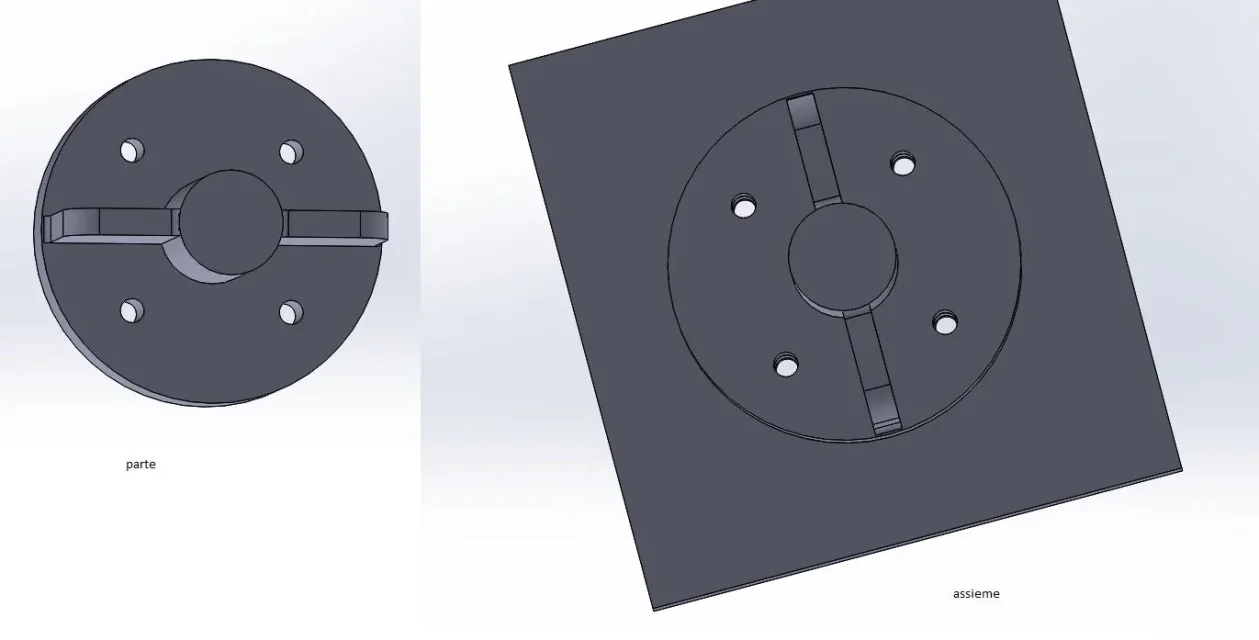
Thanks for the advice! I attach 2 images that represent my situation (before and after the change) as you may notice after increasing the number of holes from 4 to 6 in the whole this change is not carried out. advice? ?
 

Attachments

  • 1.webp
    1.webp
    28.8 KB · Views: 1
  • 2.webp
    2.webp
    23.8 KB · Views: 0
I have already given you the advice, but I repeat it once again
a solution: make holes in the axieme using guided drilling and use propagation to parts
b solution: drill on both sides using circular repetition and tie the repetition number of the two parts with an equation
 
I have already given you the advice, but I repeat it once again
a solution: make holes in the axieme using guided drilling and use propagation to parts
b solution: drill on both sides using circular repetition and tie the repetition number of the two parts with an equation
How do you tie repetition with an equation? ?
 
method 1
double click on one of the repetitions
double click on the number of instances
you write = instead of number
without closing the repeat editing window double click on the other repetition
select with a single click the number of instances
a text similar to this must appear in editing ="d1@ripetizionecircolare1@nomeparte.part"method 2:
in the axieme equations window creates a global variable
always from the axieme you do double click suna repetition
you delete the number and you write =
a drop-down menu includes the global variable voice; expands this last item and selects the previously created variable. closes the editing
repeats the last passage also for the other repetition.
the repetitions are linked to the variable of the axieme, changing this will also adapt the parts
 

Forum statistics

Threads
44,997
Messages
339,767
Members
4
Latest member
ibt

Members online

No members online now.
Back
Top