• This forum is the machine-generated translation of www.cad3d.it/forum1 - the Italian design community. Several terms are not translated correctly.

auminenting miniature su anterior solidworks

  • Thread starter Thread starter bibi9000
  • Start date Start date

bibi9000

Guest
I checked on the network and also on the guide
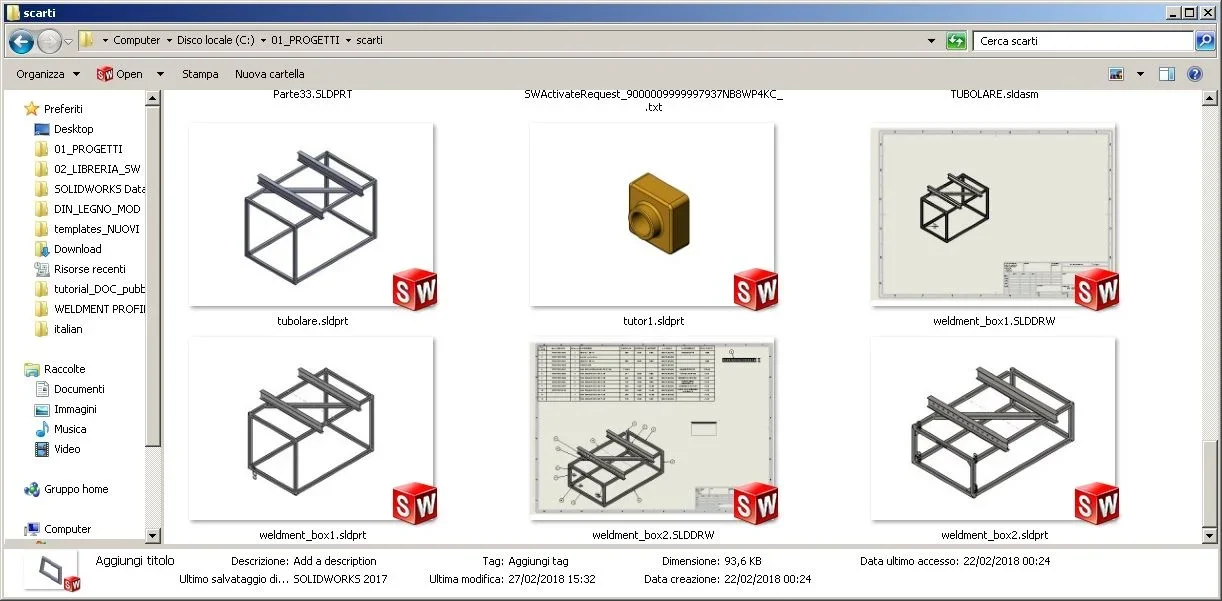
point 1 I see thumbnails of very tiny solidworks parts if I zoom in preview thumbnails disappear
point 2 not all are displayed when running the command open

Question: How do I see larger thumbnails when I run the command open?

thanks to everyone hello
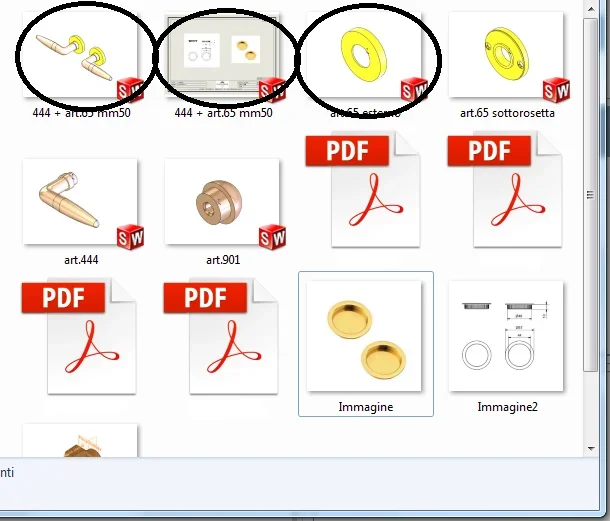
 
Yes....from you are immense....if the magnify you can no longer see anything
press ctrl and scroll with the wheel (holding ctrl) after pressing on the window that interests you, I don't know if you have already tried it but you never know
 
that I tried... it's the same thing by setting from the drop-down menu... beyond a certain size you can't see image anymore and on some you can't see even if it's small
 
that I tried... it's the same thing by setting from the drop-down menu... beyond a certain size you can't see image anymore and on some you can't see even if it's small
I don't know how to help you, sure that's not a hardware/software problem with your pc?
Have you tried on other locations? (if you have any. . . )
 
:36_1_13: found .... in folder options....view....I took the check always shows icons never previews.... I could see pictures of the pieces with gigantic previews.
Immagine.webp
 

Forum statistics

Threads
44,997
Messages
339,767
Members
4
Latest member
ibt

Members online

No members online now.
Back
Top