GiacomoSolid
Guest
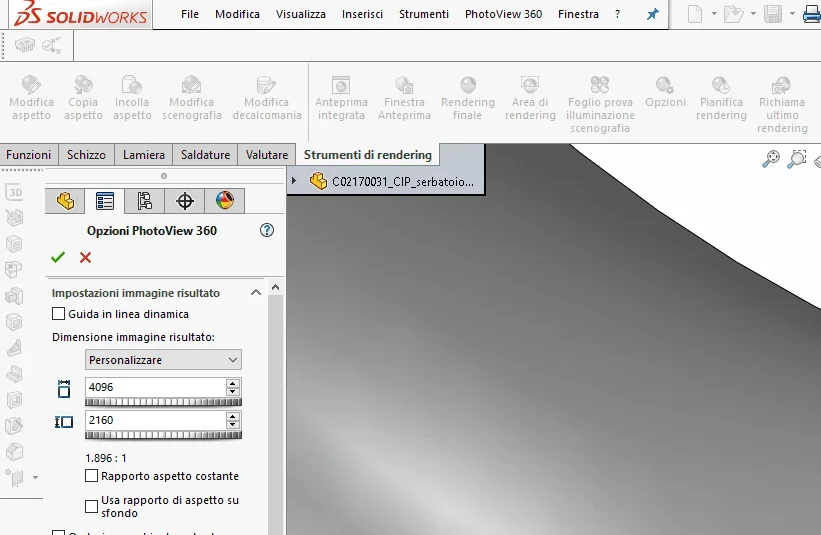
hi, I would like to recommend generics on how to make high resolution renderings with potowiev360, renderings I do for now do not have the resolution I would like.... Maybe know how to use some tricks.

thank you so much, being self-taught I can't understand certain explanations of the help, would you be able to tell me a couple of parameters you use to make you come out in 4k? use solidworks 2018I make them in 4k by hand setting the resolution I want.
image size I put 8000 but still does not come out as I would, putting the rendering area takes the same totally different
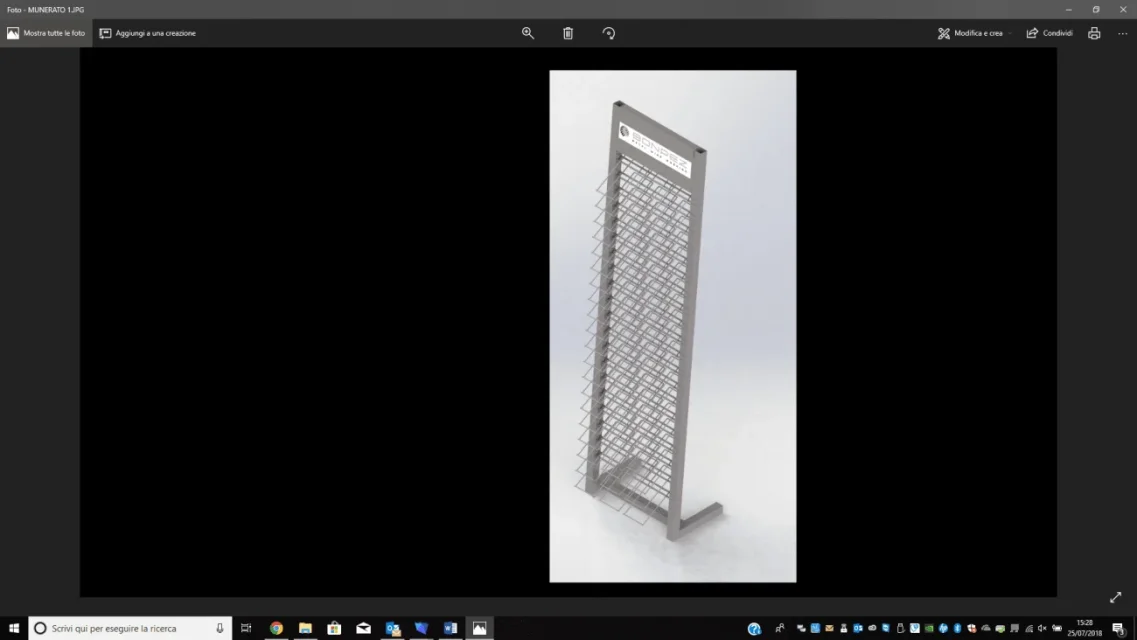
how do I select the total view and not select it? But then it ends that if I make a rendering of the exhibitor that I attached the background is much wider and therefore loses no?I always make total view, never a selection
Unfortunately after I should edit the image with a crop image to eliminate the excess background and then the resolution lowers.or not.. for example according to height, you will have more background to the right and left but in height you will have all the resolution you have set

try with solidworks visualize, for my opinion it is much more intuitive than photo view even if you have to hand out a minimum anyway.Good morning to all; I join the discussion; beyond the cost speech of the software. . .
in the company where I collaborate, we would need to create catalogs/brochure with rendering;
we cannot afford to perform renderings too "finti" exported by 3d.
competition (it grows much bigger than us) do this job by physically building groups and we, being small, can not afford it.
I ask you to know which program to use to perform realistic renderings without having to waste too much time (i.e., once you find the square with the settings, have a real "photography" of the object).
Is it possible or a utopia?
I tried with photo view, but I am not very well; Maybe I didn't use the controls properly.
I ask advice to you and thank you.
visualize I already installed it but I can't import the solidworks file into the program.standard visualize knows that it is free only for premium
Thank you so much!! !just drag the part into the program or open the file from visualize itself