
• This forum is the machine-generated translation of www.cad3d.it/forum1 - the Italian design community. Several terms are not translated correctly.

advance bom - update values

  • Thread starter Thread starter railroad
  • Start date Start date

railroad

Guest
Bye to all,

Once the bom is created in the drawing environment through the appropriate command, I do not understand why, if I change a value within the part (e.g. the "revision" item from 21 to 22), this does not update also in the drawing table.

Is it normal or am I wrong?

Thank you.
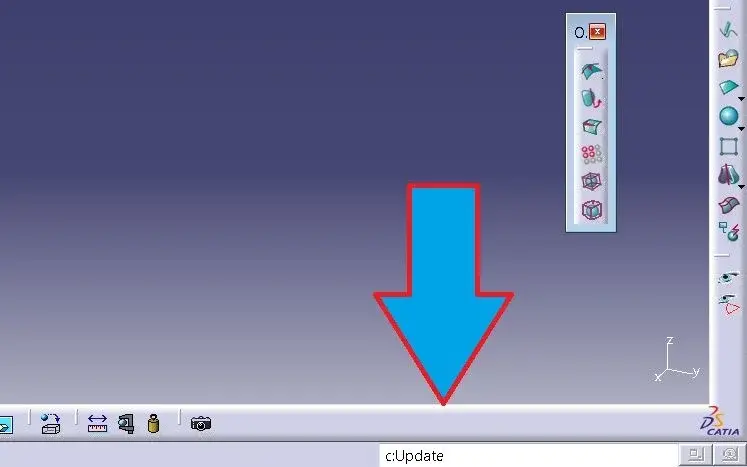
 
It's normal, you have to force the at least with a stratagem. example change of a skemata the catpart. It also happens to me with text attributes and I couldn't find a system other than cheating it with a small change to the catpart. I take the opportunity to have advice from other users.
Hi.
 
It's normal, you have to force the at least with a stratagem. example change of a skemata the catpart. It also happens to me with text attributes and I couldn't find a system other than cheating it with a small change to the catpart. I take the opportunity to have advice from other users.
Hi.
Thanks for the surgery.
I had "discovered" this stratagem too (it works even if you add any voice to the bom).

The strange thing is that if I, instead of making a bom, do that "normal", everything works perfectly!

weird... :confused:
 
I do this:
1- click with the dx mouse button on the bom
2- go to the "reported properties" column
3- click on the "quantity" line and at the bottom select another thing, for example "weight"
4-click on ok
5- bom should be updated
6- click with the right mouse button on the bom
7- go to the column "reported properties"
8- click on the "weight" line and at the bottom select "quantity"
9- click on ok
That's all
 

Forum statistics

Threads
44,997
Messages
339,767
Members
4
Latest member
ibt

Members online

No members online now.
Back
Top