Old Siam Sir
Guest
hi to all I am beginning to use inventor professional 2015, I am holding my hand but I have some prebles for which I hope you can help me:
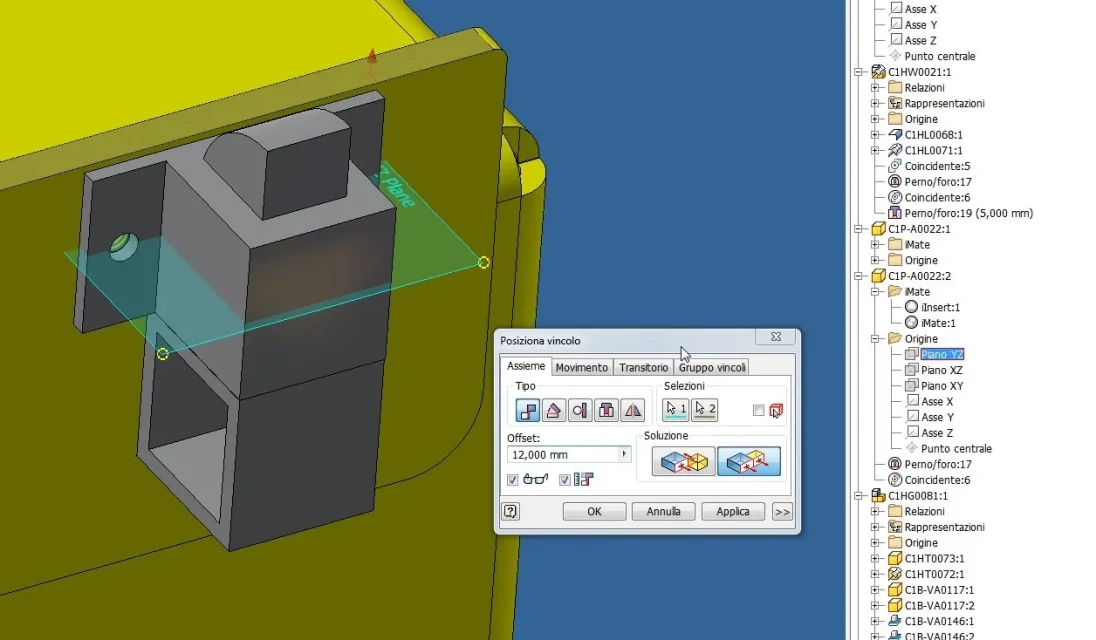
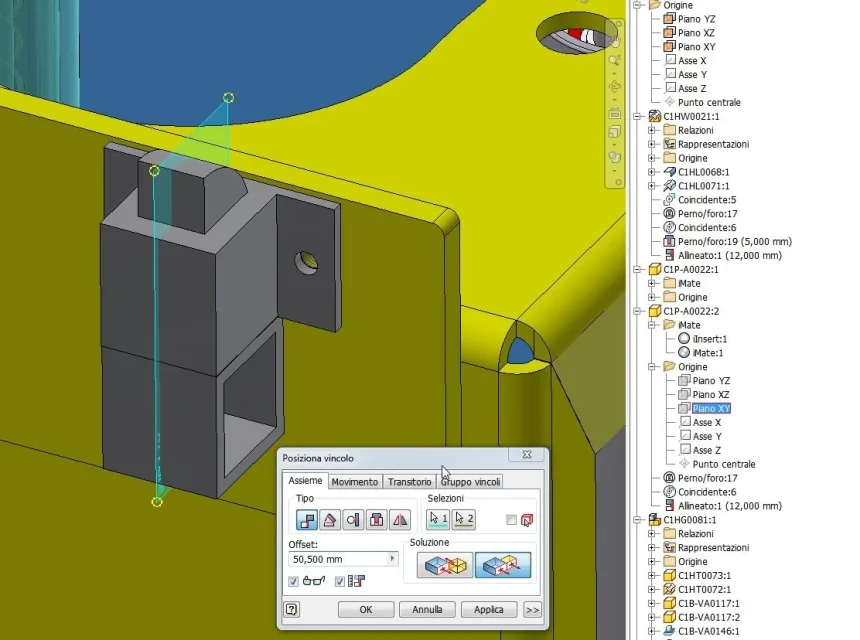
1) I made a case consisting of a closed sheet of parallepiped open on two sides and two caps on which I made two grooves, which follow the profile of the above sheet. I should now close the whole, assembling a set so that the two side profiles of the parallepiped fit into the above grooves, so as to get a closed box on both sides. I have problems though, trying to bind a edge with the "contact" point I can't get a stable positioning... How do I do that?
2) Once closed, I should do some work on each stopper, especially holes and cutouts. If I had to do them directly on the piece knowing the measurements I would not have problems, but the machining points are based on the position of additional elements (pieces and assemblies) within the house itself, for example they should be concentric holes in holes made on other pieces or a cutout obtained following the profile of the assembly inserted inside. But I can't find adequate controls for this operation, can anyone help me?
thanks to all in advance.
1) I made a case consisting of a closed sheet of parallepiped open on two sides and two caps on which I made two grooves, which follow the profile of the above sheet. I should now close the whole, assembling a set so that the two side profiles of the parallepiped fit into the above grooves, so as to get a closed box on both sides. I have problems though, trying to bind a edge with the "contact" point I can't get a stable positioning... How do I do that?
2) Once closed, I should do some work on each stopper, especially holes and cutouts. If I had to do them directly on the piece knowing the measurements I would not have problems, but the machining points are based on the position of additional elements (pieces and assemblies) within the house itself, for example they should be concentric holes in holes made on other pieces or a cutout obtained following the profile of the assembly inserted inside. But I can't find adequate controls for this operation, can anyone help me?
thanks to all in advance.