GP.
Guest
the fonts of created text styles are romans.shx and arial.ttf

these fonts are in the pc. both the ttf in windows and the romans.shx in the font folder of autocad 2022.the fonts of created text styles are romans.shx and arial.ttf
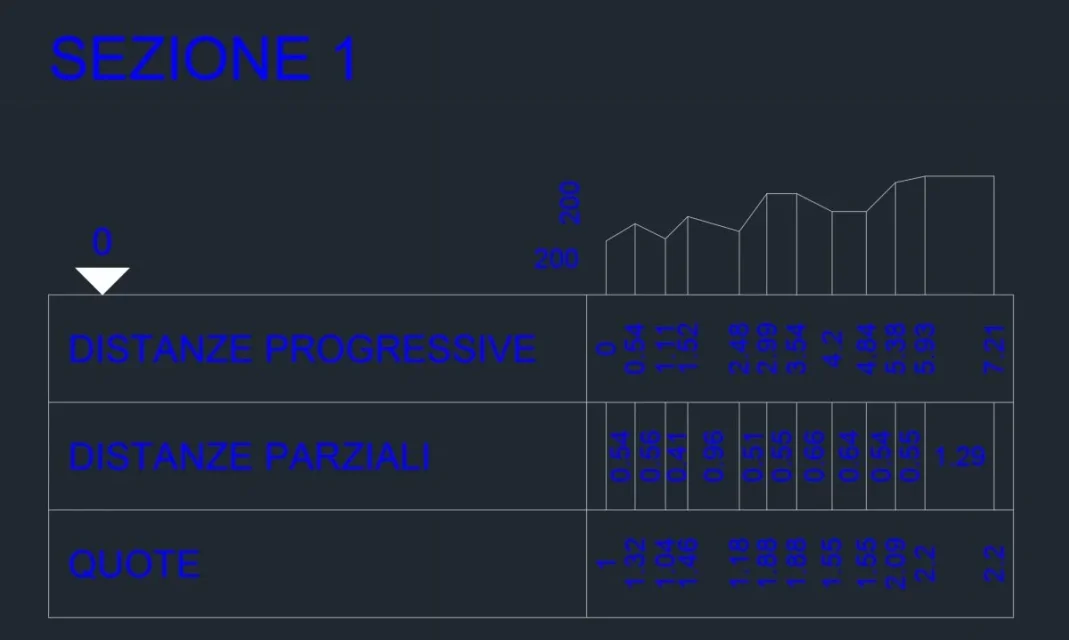
I followed these steps (see related screenshot attachments):creates two text styles with name as-quote e as-legenda using the fonts you want, if the program does not create them.
if the expedient does not work attach a dwg that contains the model to "find" and the screenshot of the autosez dialog box before giving the ok
I don't know why one or both styles are created.but if I go out from autocad and return with a new design I return to have the problem before.
It seems to me that the problem is that the 2 text styles are not automatically created.
in fact launching a new instance of autocad and making immediately the upload of the lisp, after there are not created text styles.
no one, in that file settings are saved for the next launch of the command.What relationship can there be with these indications I gave you with the autosez.dat file we were talking about yesterday?
Okay, I followed your advice and modified the acadious design.dwt.I don't know why one or both styles are created.
you create the two styles in the pattern design, so you will always have them available.
no one, in that file settings are saved for the next launch of the command.
deleting it, in case of problems, autosez departs with the default data, as at first use.
other times this suggestion had solved the problem that had arisen.