
You are using an out of date browser. It may not display this or other websites correctly.
You should upgrade or use an alternative browser.
You should upgrade or use an alternative browser.

falonef
Guest
I've never seen this tablet. What license did you use?
ferrezio
Guest
count71
Guest
Thank you very much. I was freaking out. Thank you very much.
falonef
Guest
but is it not the same that we know with triangle, circle and line?
depends on the module activated? Does anyone have a chance to check?
depends on the module activated? Does anyone have a chance to check?
ferrezio
Guest
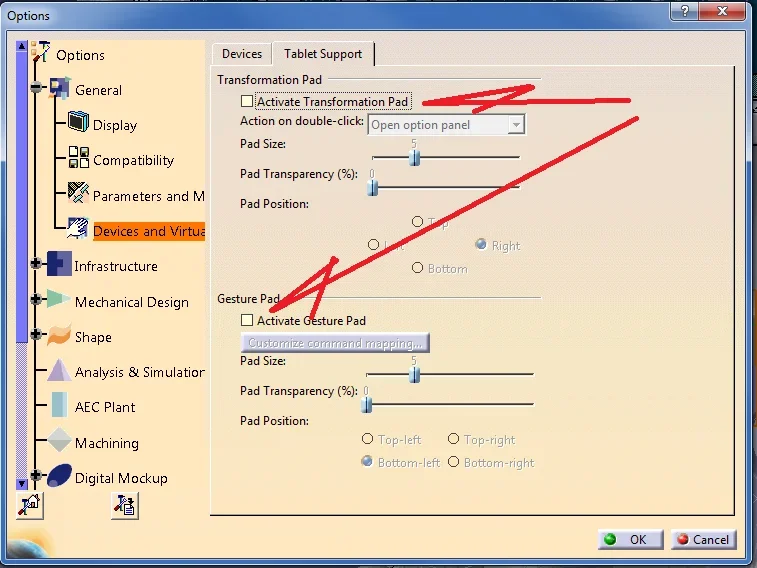
the two options that I reported, activate the transformations respectively; of zoom, rotation and translation, while the other activates the area for text insertion, and was that displayed in the figure.
Hi.
Hi.
falonef
Guest
but the one indicated in imggine is a special interface for the surface module?
ferrezio
Guest
no seems to me not a special configuration, it is the gsd module with affinity module and develop.
the system has activated the configuration of the tav graf, probably because cont71 uses this device.
Hi.
the system has activated the configuration of the tav graf, probably because cont71 uses this device.
Hi.