emanuele grasso
Guest
Hi.
as mentioned by @vittori I create a new discussion about xml.
I managed to start the catia session as administrator; I then modified the environment variables catreferencesettingpath, catusersettingpath and catcollectionstandard with specific paths from the v5 environment editor.
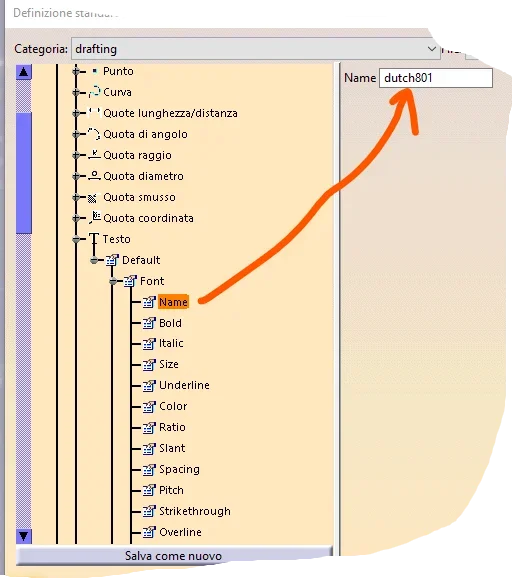
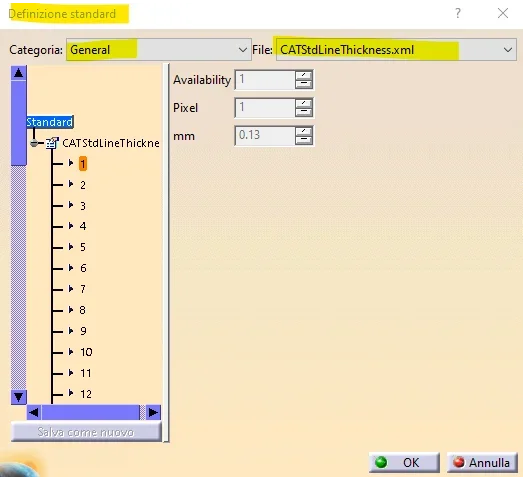
I managed, through admin session, to edit the .xml file that interests me. In particular, from the ansi.xml file, I modified the color setting of the center axes, from black to red.
everything seems to have worked, the changes are also maintained at the start of new catia sessions, but drawing the color remained black. What do you think?
thanks in advance
as mentioned by @vittori I create a new discussion about xml.
I managed to start the catia session as administrator; I then modified the environment variables catreferencesettingpath, catusersettingpath and catcollectionstandard with specific paths from the v5 environment editor.
I managed, through admin session, to edit the .xml file that interests me. In particular, from the ansi.xml file, I modified the color setting of the center axes, from black to red.
everything seems to have worked, the changes are also maintained at the start of new catia sessions, but drawing the color remained black. What do you think?
thanks in advance