riccardo.toscani
Guest
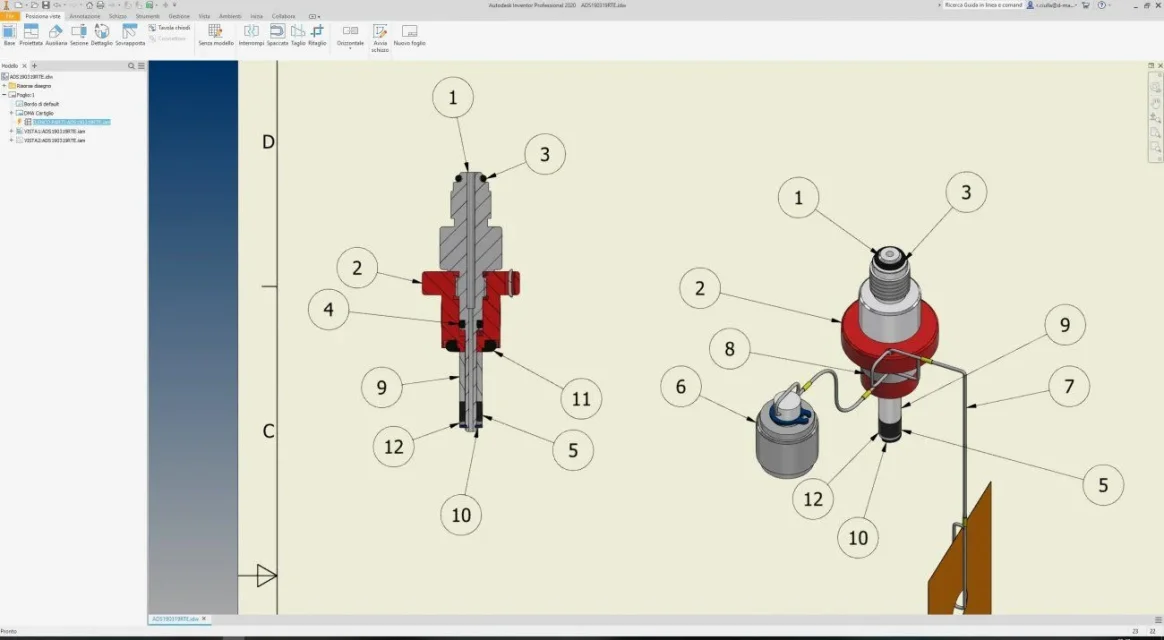
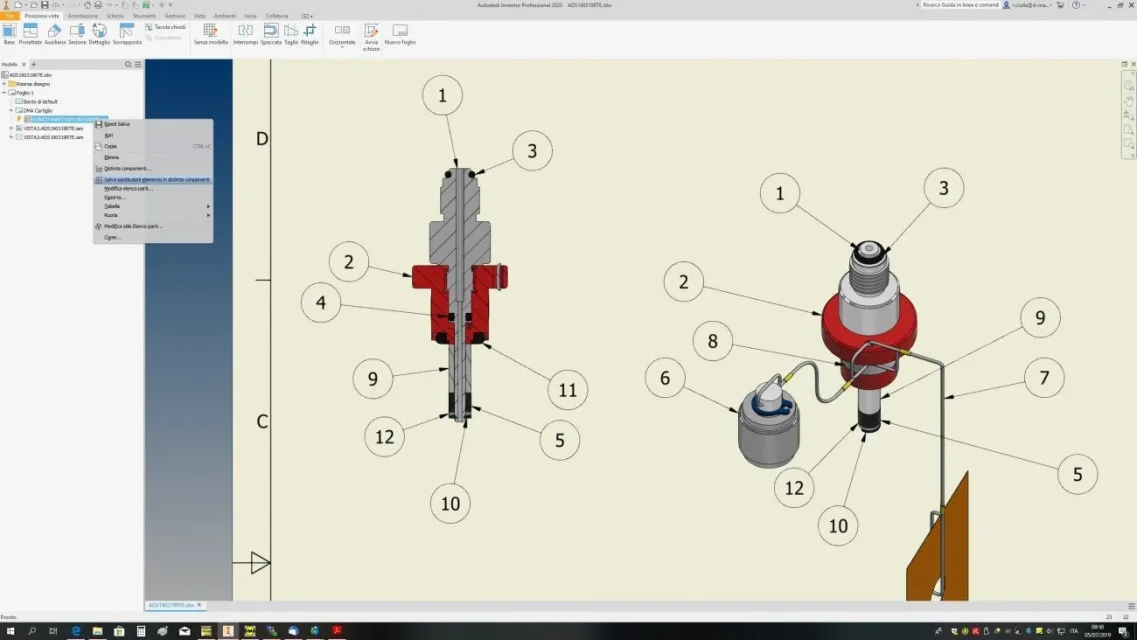
a few days ago I installed the new version of inventor pro and found a problem with the list parts in the table. I explain I have modified a set of which I had already made a table with the list of parts, I open the table and as usual I go to remove the error symbol (yellow lightning) on the table saving the changes (which has always succeeded in inventor pro 2019) but nothing does not take away. I tried to save out and reopen the file but nothing always flashes (I attach a couple of photos). Does anyone know if it's an inventor's problem, just mine or maybe a different way to save the updates made? I forgot the changes made are still saved I don't have to give them back every time.
thanks for the precious comments
thanks for the precious comments