aleset
Guest
Good morning.
I have a strange problem that never happened to me. I was given a set to change with all his boards.
I can change all his details with the relevant boards, when I go to open the board table again gives me the old 3d. with the command "replace reference" I checked which 3d is linked to the table and the path is the right one. also because all the original files I hold them in a zipped folder.
then from the tree of the parts I made modification view and I discovered that the views that are on the table refer to an assieme contained in the vault.
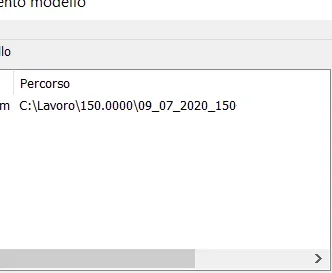
I tried to go to the folder where this model would be contained to which the views refer, following the path tells me that the folder does not exist. Is there a way to replace the reference model?
I have a strange problem that never happened to me. I was given a set to change with all his boards.
I can change all his details with the relevant boards, when I go to open the board table again gives me the old 3d. with the command "replace reference" I checked which 3d is linked to the table and the path is the right one. also because all the original files I hold them in a zipped folder.
then from the tree of the parts I made modification view and I discovered that the views that are on the table refer to an assieme contained in the vault.
I tried to go to the folder where this model would be contained to which the views refer, following the path tells me that the folder does not exist. Is there a way to replace the reference model?