GianniM
Guest
then come back with my – big niubbo problems.
I made the table of a part, some lines are continuous, the hidden ones are dotted, as it is right.
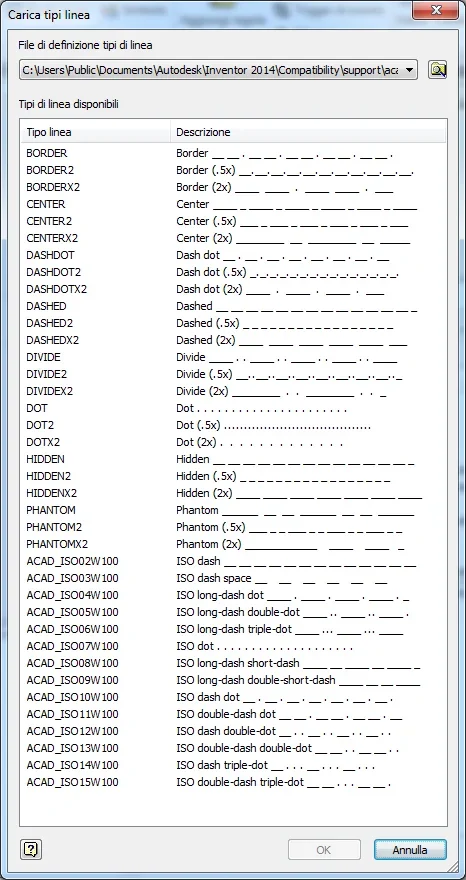
the problem is that the dotted lines have an excessive restraint length.
there are other restraining styles such as “ x2” and “ x5 movie”, but these are even larger.
if I look at the properties of the single lines the function “scale” is disabled. I don't understand why.
However I would like to change the style properties, so that all lines are updated automatically, but I don't understand how to do it?
Can I help you? Thanks, you're always mythical!
ciauz
I made the table of a part, some lines are continuous, the hidden ones are dotted, as it is right.
the problem is that the dotted lines have an excessive restraint length.
there are other restraining styles such as “ x2” and “ x5 movie”, but these are even larger.
if I look at the properties of the single lines the function “scale” is disabled. I don't understand why.
However I would like to change the style properties, so that all lines are updated automatically, but I don't understand how to do it?
Can I help you? Thanks, you're always mythical!
ciauz