re_solidworks
Guest
at this point I should see the file to understand, should do it without any problem.

per supporter il problema serve il nightivo solidworksDo I put the file in step format then?
Thank you.
I don't open them. I am using 2019, I have a 2020 installed, but the files are made with 2021 or 2022.ahhh li ho zippati
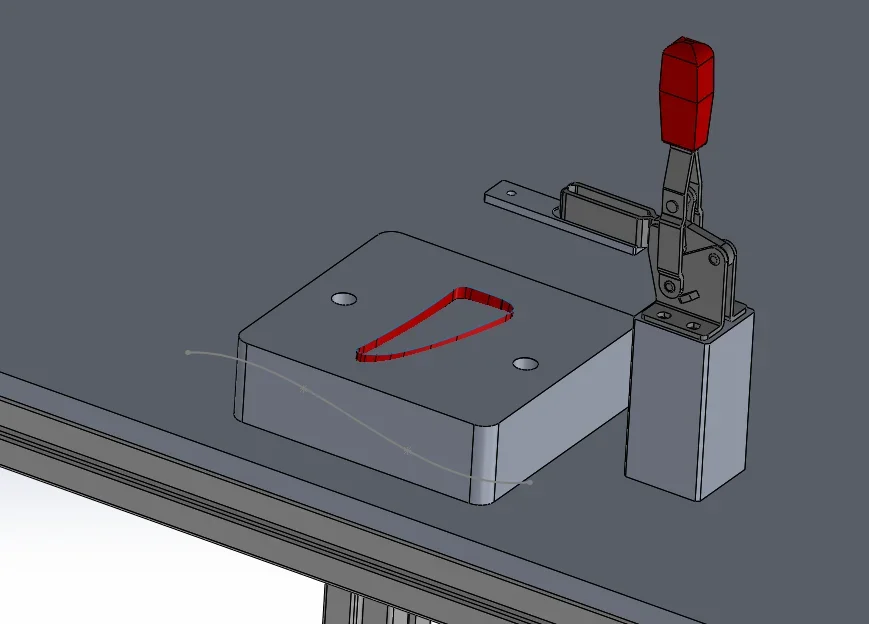
Yes, that's why. You must have the surface inside the same part. to make it do a contextual modification of the component in the axieme, make a surface offet "0" (actually the copi) then cut using the copy present in the part. there are also other methods, this is the most immediate.Is it possible that it does not cut because the surface and the solid are part of two different components?
I autocito il post #8Yes, that's why. You must have the surface inside the same part.
ah bhé, if you try to make a cut of surface from the environment together we are well put.
see what happens to do random tutorials on youtube?
in the environment together the object handling units is limited to certain removal functions.
the command name is " component change" and allows you to change components in the context of a set.@re_solidworks but by contextual modification do you mean the "change part" command by clicking on the surfaces?
I don't understand what you're wrong, how I wrote you, you should see the model. by model I mean the axieme in which both the surface and the component to dig are contained, unfortunately I do not read your files. What version are you working with?I still don't understand. . i.e. if I make component modification on the laying does not cut me the surface anyway.
and do not copy me in the solid surface or the offset surface in the laying
1- depends on how you did it, if you used a sketch the spline lies on the plane where it was createdAnd then I don't understand two things:
1.I designed a spline to try to make a cut of supericie between solid and spline belonging to the same component (png attached) and melo inserted outside the laying (at the bottom of the tree)
2.why when I do "open part" to open the single component to me not updated?
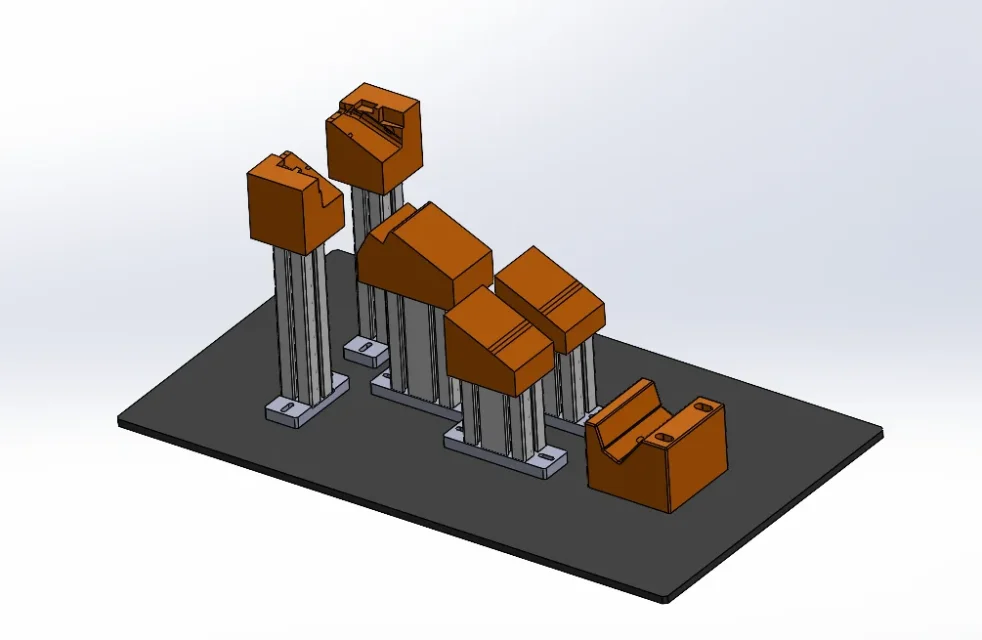
to tell us if I do "open part" on the pose give it to me without the two lamature and without rays
Thank you very much