• This forum is the machine-generated translation of www.cad3d.it/forum1 - the Italian design community. Several terms are not translated correctly.

da inventor ad dwg

  • Thread starter Thread starter K79
  • Start date Start date

K79

Guest
Hello everyone

is it possible according to you to set inventor that at the time I have to export a dwg design to open it with autocad open it on a default model file that normally I use when I work in 2d where I have blocks and other predefined socks?
 
Sure, sorry. I couldn't resist:
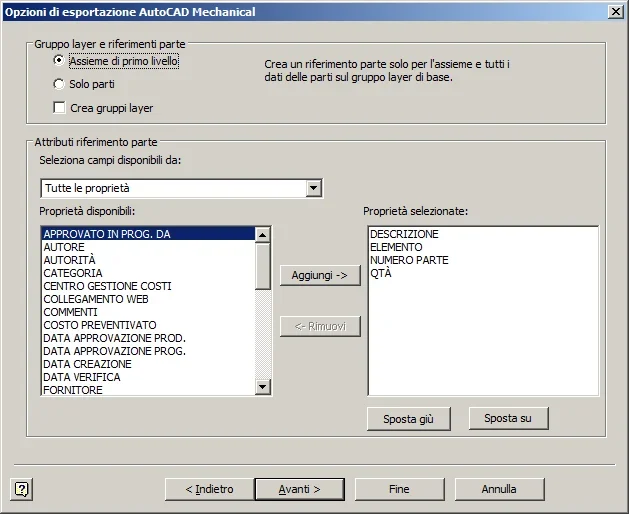
export > export to dwg > choose the dwg format of autocad and press options in the rescue window > ahead > choose the model and save configuration.
Bye!
 
:finger:

for me and for posters:

by idw
export
export to dwg
save as: dwg file of autocad
options
configuration: default configuration
file version: autocad mechanical (in my case)
forward
forward
file model autocad --> find the file (in my case base of departure.dwg)

Right? ? ? ? ? ?
 
I have a less forward but of these times it is better to abound to give courage... :rolleyes:
However I don't remember if it changes from version to version, the important thing is to know where to go looking at the end.
 
project in 3d but for a series of reasons (quotatura e cartiglio in the specifics) I must export an idw in dwg to be able to work with mechanical.
the problem is that in the tests I did I couldn't work with the blocks I created because mechanical did not open the default model I usually use
 
I continue to have troubles, in the sense that when I carry out the pieces are blocks that I must then explode and the dimensions of the quotas are.... randomly.

Is there someone who tested this?
 

Forum statistics

Threads
44,997
Messages
339,767
Members
4
Latest member
ibt

Members online

No members online now.
Back
Top