Giancesa
Guest
Hello
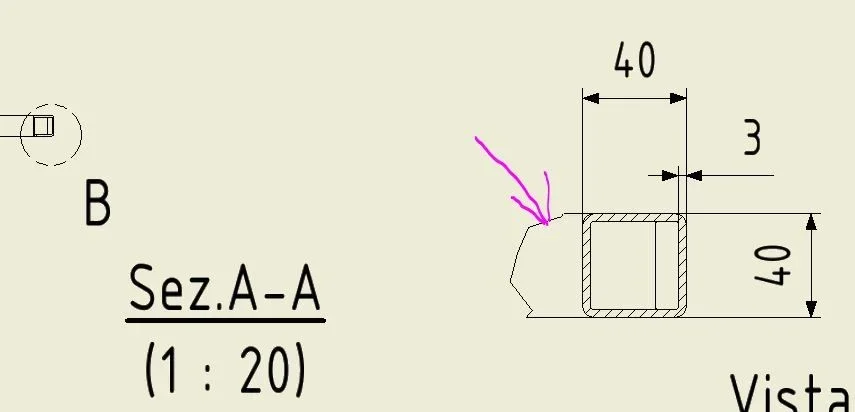
I should change the display thickness of some lines, like the breaking line of a detail view, and others, but I struggle to understand what the exact name and autodesk gives to that well-defined line. by chance there is a table, or other where you can understand the name of the line corresponding to what actually appears on the drawing. Thank you.
I should change the display thickness of some lines, like the breaking line of a detail view, and others, but I struggle to understand what the exact name and autodesk gives to that well-defined line. by chance there is a table, or other where you can understand the name of the line corresponding to what actually appears on the drawing. Thank you.