Alan91
Guest
Hello.
I open this discussion because I have happened a curious case that I cannot find explanation or solution. I press that it is not a serious thing, indeed it is not at all, but it still leaves me perplexed and bothers me a little anyway.
Let's explain:
When I open a new axieme document and insert the parts, it is practice (as normal as it is) that I begin to mate the parts. I usually use the faces of individual components, sometimes I use the plans of them to mate them with the plans of origin. It is on the last point I want to dwell on.
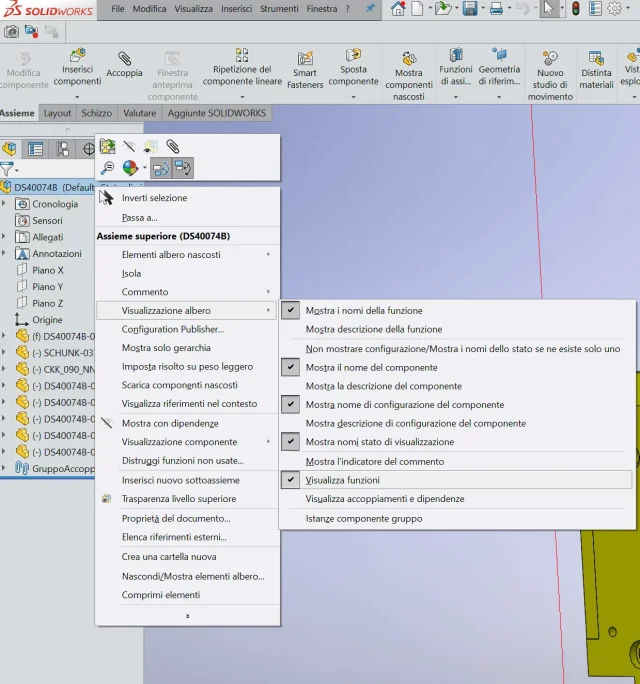
it is for a few days now that when I open the drop-down menu of one part the subfolder "functions" turns out to be closed and I have to go to open it manually
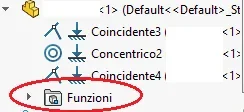
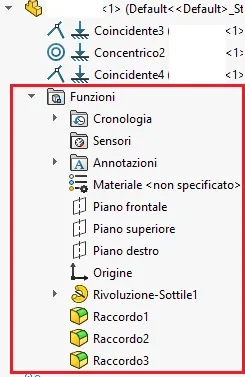 The fact is I'm more than sure that before a few days ago this didn't happen. when I opened the drop down menu of the part the folder functions was already opened as from the second image. How come? Is it a bug that came out all of a sudden?
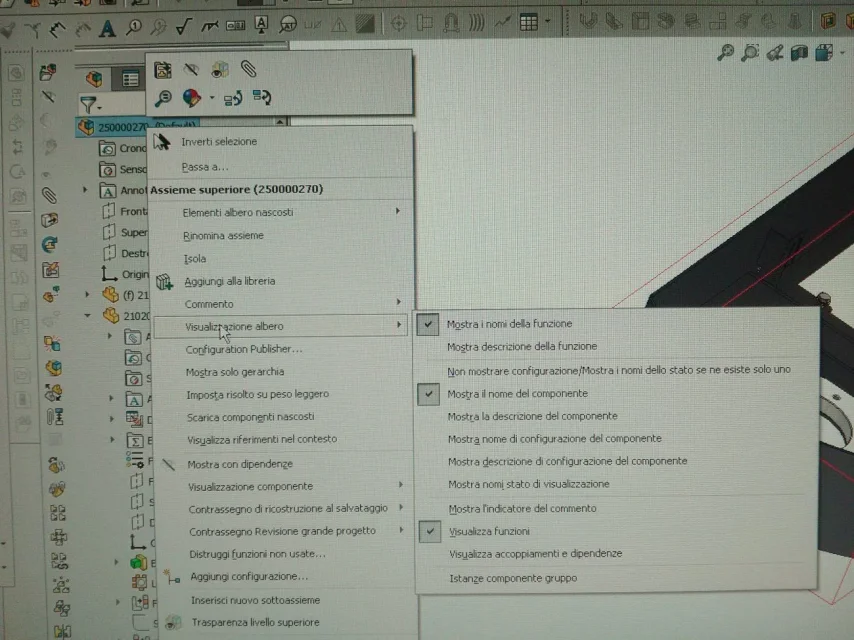
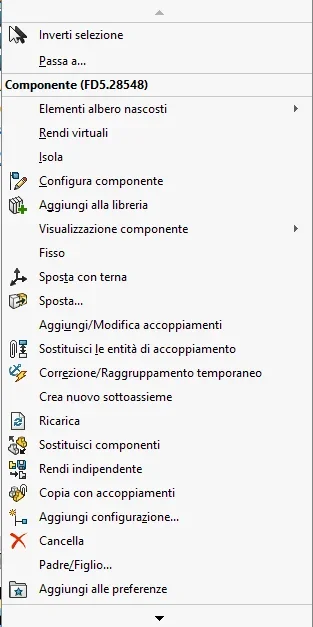
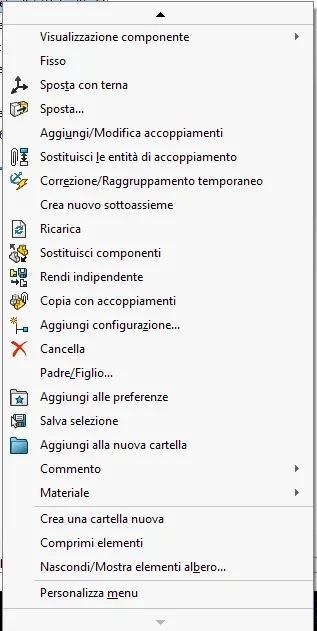
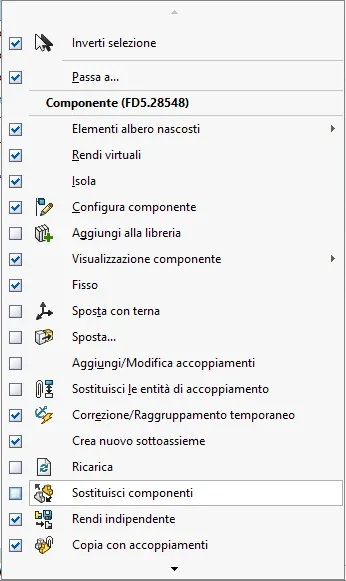
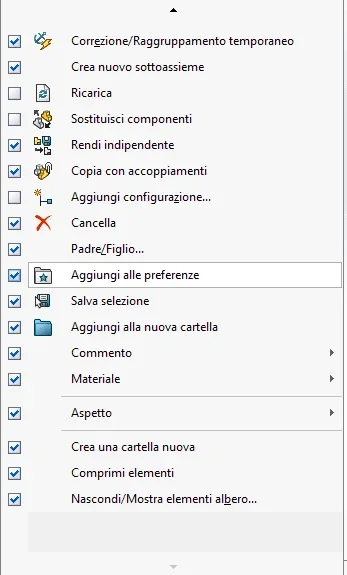
I tried to check in the options "hidden/show tree elements" but here the folder "functions" doesn't even appear.
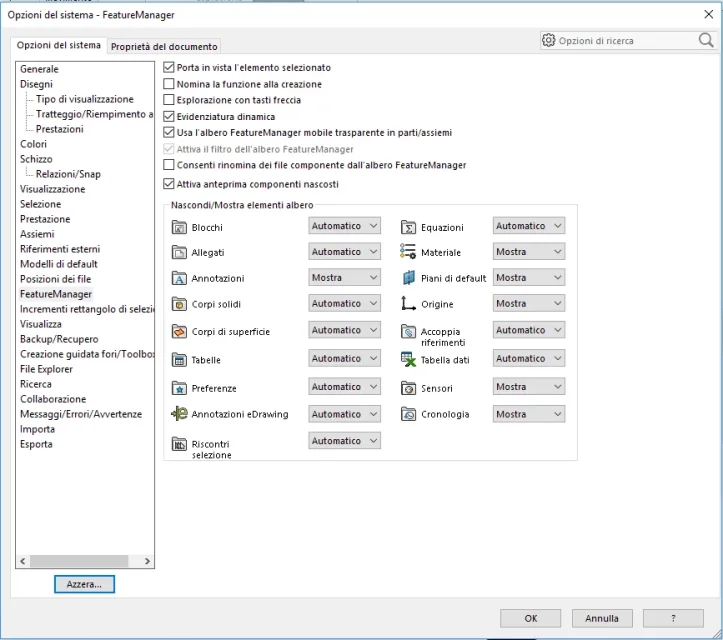 How can I solve this problem?
I know it's a problem from nothing, I just need to open the workbook. But I still find it irritating
edit: the sw edition is 2017
I open this discussion because I have happened a curious case that I cannot find explanation or solution. I press that it is not a serious thing, indeed it is not at all, but it still leaves me perplexed and bothers me a little anyway.
Let's explain:
When I open a new axieme document and insert the parts, it is practice (as normal as it is) that I begin to mate the parts. I usually use the faces of individual components, sometimes I use the plans of them to mate them with the plans of origin. It is on the last point I want to dwell on.
it is for a few days now that when I open the drop-down menu of one part the subfolder "functions" turns out to be closed and I have to go to open it manually
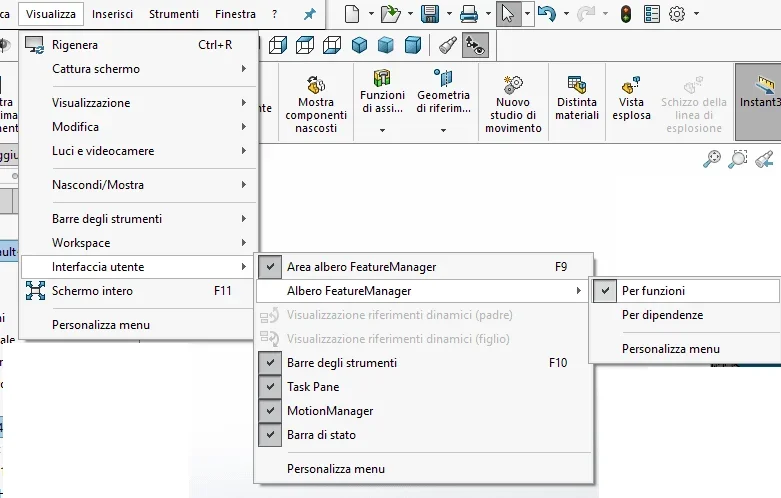
The fact is I'm more than sure that before a few days ago this didn't happen. when I opened the drop down menu of the part the folder functions was already opened as from the second image. How come? Is it a bug that came out all of a sudden?I tried to check in the options "hidden/show tree elements" but here the folder "functions" doesn't even appear.
How can I solve this problem?I know it's a problem from nothing, I just need to open the workbook. But I still find it irritating
edit: the sw edition is 2017
Last edited: