Mattia5
Guest
Hello, everyone, I'm pressing that they're at first with ansys.
I have to perform a tension analysis on a perforated cylinder orthogonally at the axis:
amount the geometry in iges format from solidworks and when I go to make mesh on the volume gives me the following errors:
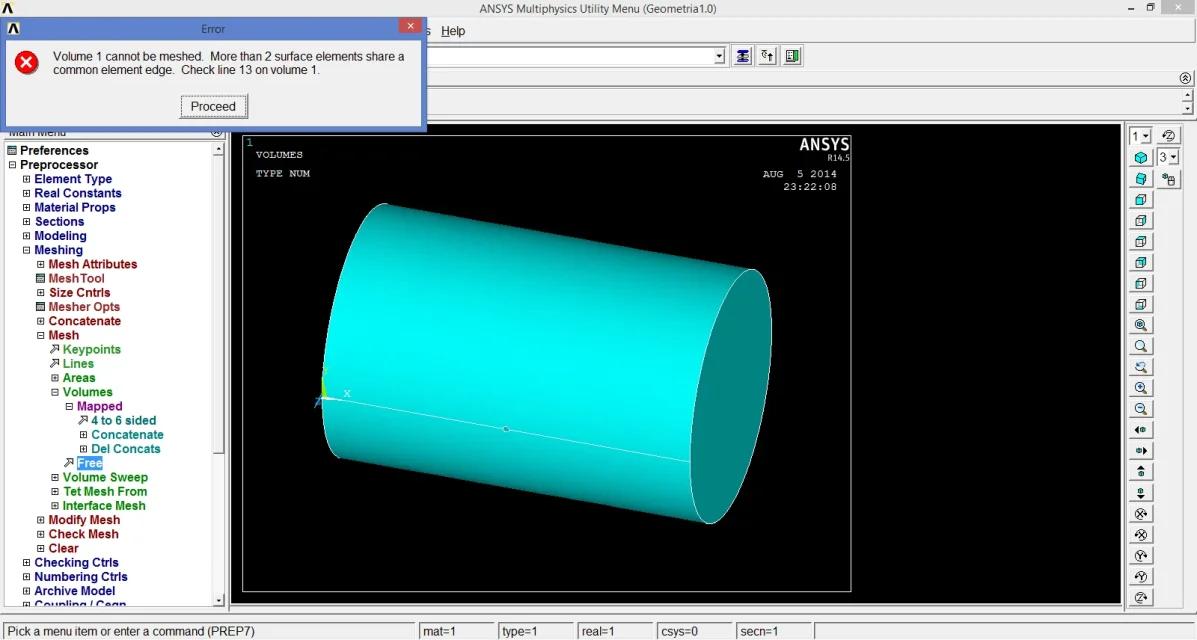
"volume 1 cannot be meshed. more than 2 surface elements share in common element edge. check line 13 on volume 1."
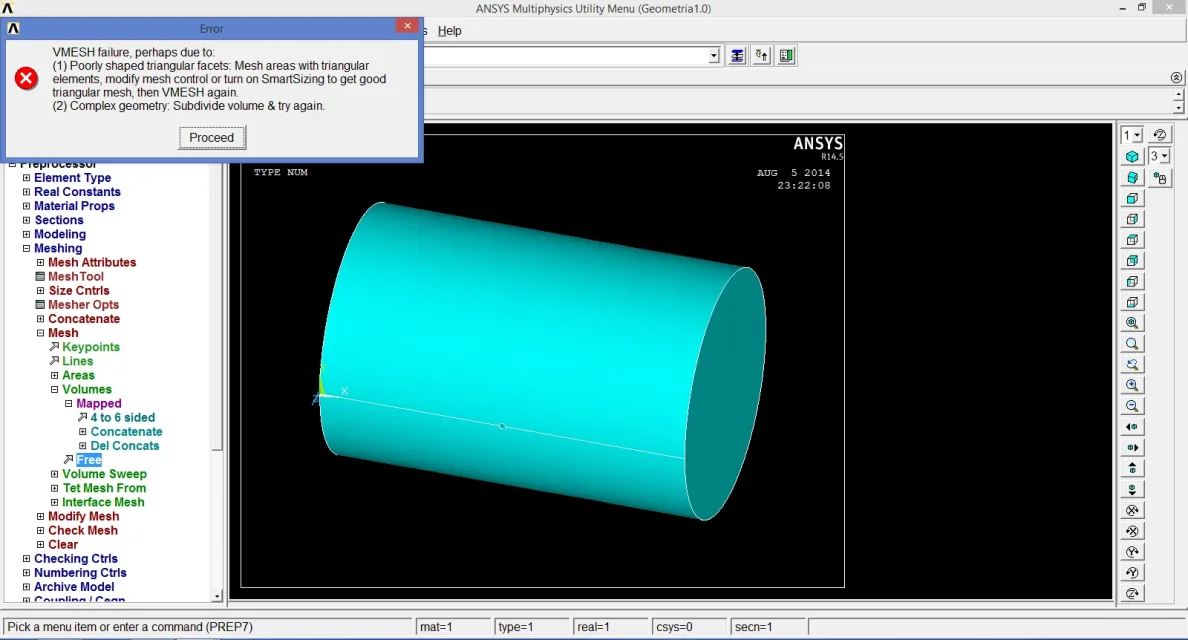
"vmesh failure, perhaps two to:
(1) poorly shaped triangular facets: mesh areas with triangular elements, modify mesh control or turn on smartsizing to get good triangular mesh, then vmesh again.
(2) complex geometry: subdivide volume & try again
Line 13 is indicated in the annex and is generated by the extrusion of the hole.
the type used is solid285.
How can I solve the problem?
I wait for an answer
thanks for the attention
I have to perform a tension analysis on a perforated cylinder orthogonally at the axis:
amount the geometry in iges format from solidworks and when I go to make mesh on the volume gives me the following errors:
"volume 1 cannot be meshed. more than 2 surface elements share in common element edge. check line 13 on volume 1."
"vmesh failure, perhaps two to:
(1) poorly shaped triangular facets: mesh areas with triangular elements, modify mesh control or turn on smartsizing to get good triangular mesh, then vmesh again.
(2) complex geometry: subdivide volume & try again
Line 13 is indicated in the annex and is generated by the extrusion of the hole.
the type used is solid285.
How can I solve the problem?
I wait for an answer
thanks for the attention