If you demolished that piece of land (yellow) and rebuilt it (red), I imagine with the leveled region, the representation is right. There's little to do. The alternative? create yellow and red fields by hand.
personally these operations I never do them in revit; revit is not a suitable software for earth movements, at least until 2023. in 2024 they replaced the toposurface with the toposolids and goes a little better
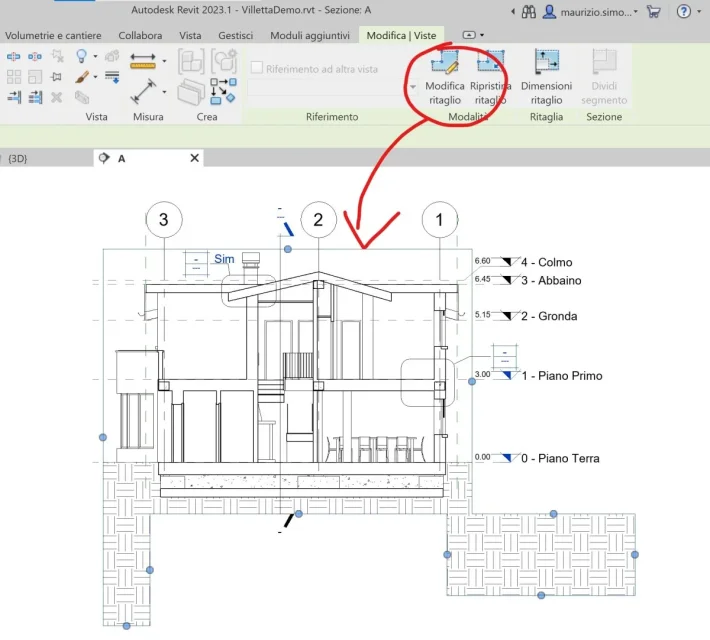
I had thought about the modification of the visible cutting region, but I wanted to leave visible the portion to the right, which is lower (in the image you can not see).... handle. .
fantastic, I'll put myself at work and try to cuff a little.... will not solve the problem but at least I redefine the yellow/reddish crap (avoiding that in common they make me stories... )