Daniele77
Guest
Good morning to all.
are struggling with a fairly common problem I think.
I have recently undertaken the free profession and use solidworks.
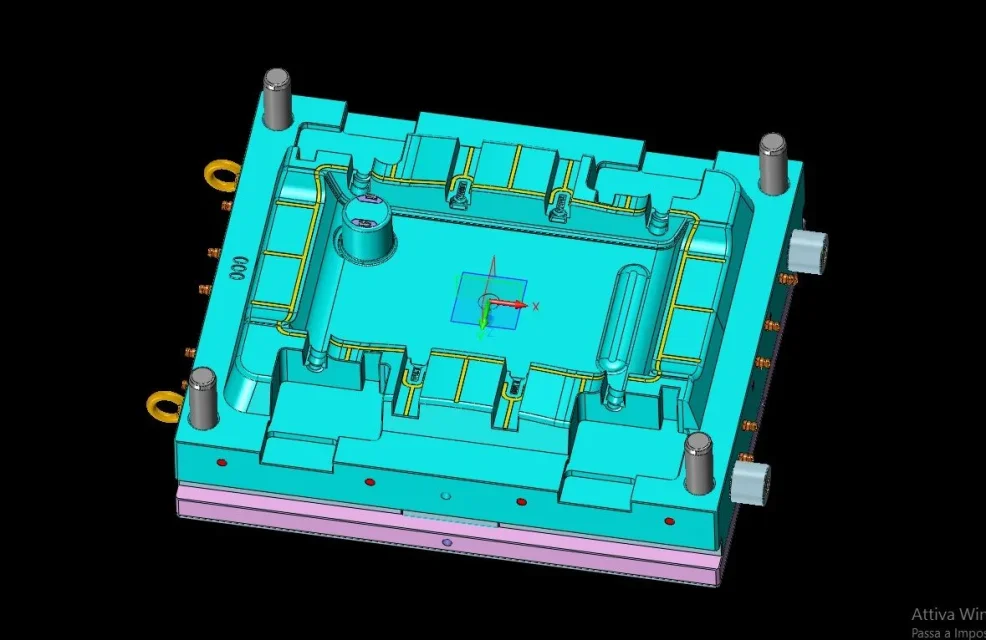
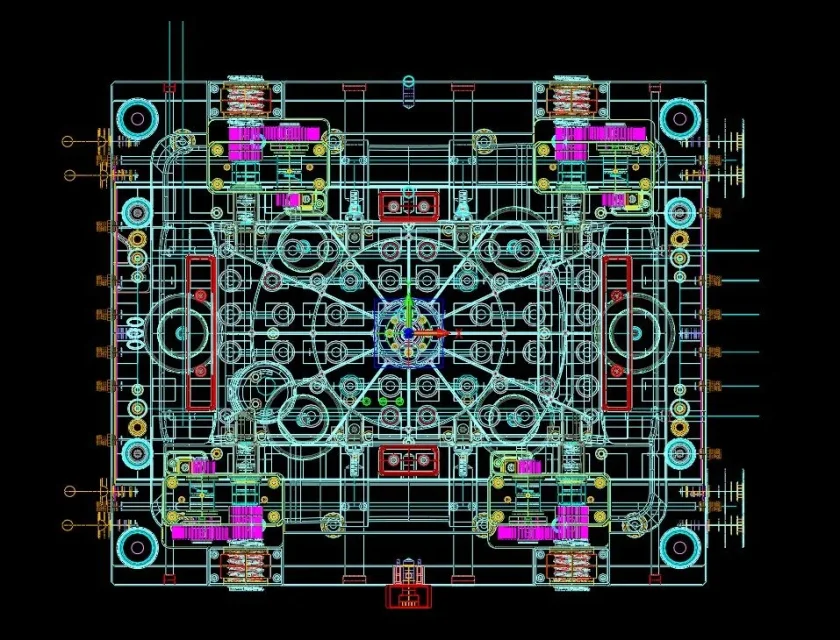
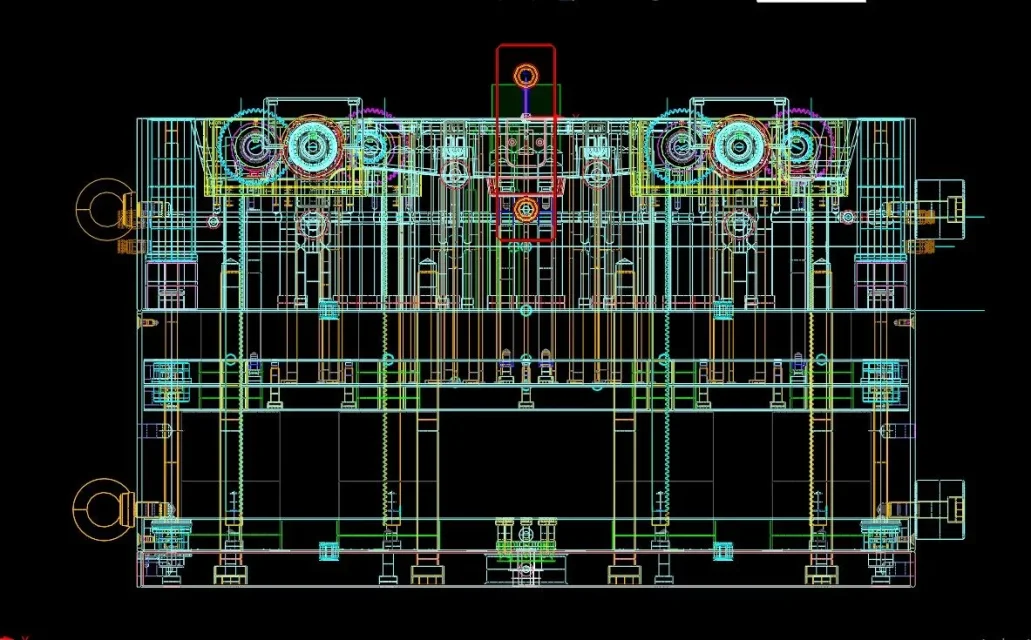
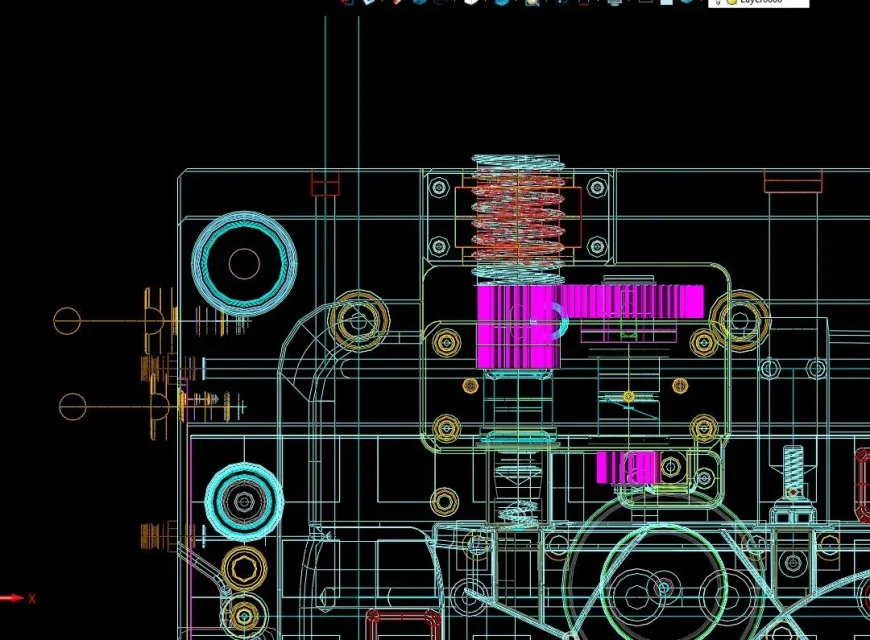
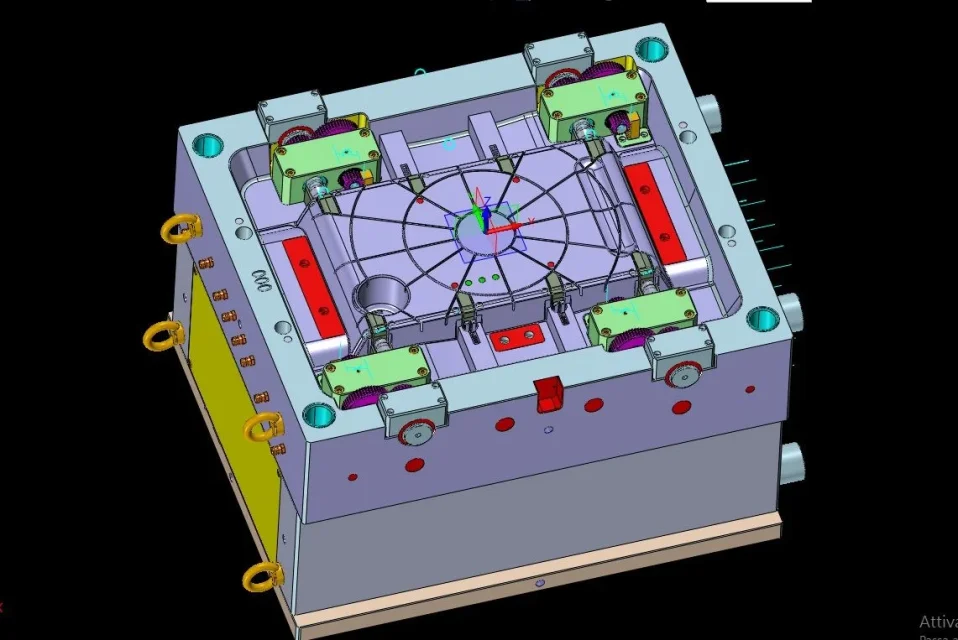
I mainly deal with mold design and ... the workstations that I have provided are not enough to carry out my projects!
I have a portable workstation fujitsu celsius h720
intel core i7-3820qm 2.7 ghz (cache 8 mb) - 16384 mb ddr3 ram (1600 mhz - 4 x 4096) - nvidia
picture k2000m 2048 mb - ssd (solid state disk) 256 gb serial ata iii - 15.6" tft 16:9 (full hd) led
(cover in magnesium) - integrated webcam (2.0 mpx) - intel centrino 6205abgn wireless lan & bluetooth
4.0 - 3g-umts hsdpa/hsupa module up to 14.4 mbps - tpm - fingerprint reader - lan
(gigabit) - li ion (6700mah) - blue ray (triple writer) - win7 pro 64bit [versione Multilanguage (D, E, F,
GB, ITA, NL)], single image of office 2010 included>>(with intel vpro technology)>premium selection
and a fixed thinktation c20
miditower black/silver houses
2 processors intel xeon e5650 2.4ghz
32gb ddr3 sdram
dvd s-ata burner
disc ssd 240gb
hard drive 500gb
graphics card nvidia picture 4000 (2gb)
windows 10 pro
both go to suffering when I work with solidworks and I am having to buy a new workstation (I think )
1- Can you give me an optimal configuration for heavy use of solidworks?
2- Do you know any dealer who can resume the used workstations and propose me a new one?
I'm pretty desperate, where I used solidworks without problems (I had a great workstation but I had underestimated the thing )
And now I'm stuck in my new job...
thanks for the attention
are struggling with a fairly common problem I think.
I have recently undertaken the free profession and use solidworks.
I mainly deal with mold design and ... the workstations that I have provided are not enough to carry out my projects!
I have a portable workstation fujitsu celsius h720
intel core i7-3820qm 2.7 ghz (cache 8 mb) - 16384 mb ddr3 ram (1600 mhz - 4 x 4096) - nvidia
picture k2000m 2048 mb - ssd (solid state disk) 256 gb serial ata iii - 15.6" tft 16:9 (full hd) led
(cover in magnesium) - integrated webcam (2.0 mpx) - intel centrino 6205abgn wireless lan & bluetooth
4.0 - 3g-umts hsdpa/hsupa module up to 14.4 mbps - tpm - fingerprint reader - lan
(gigabit) - li ion (6700mah) - blue ray (triple writer) - win7 pro 64bit [versione Multilanguage (D, E, F,
GB, ITA, NL)], single image of office 2010 included>>(with intel vpro technology)>premium selection
and a fixed thinktation c20
miditower black/silver houses
2 processors intel xeon e5650 2.4ghz
32gb ddr3 sdram
dvd s-ata burner
disc ssd 240gb
hard drive 500gb
graphics card nvidia picture 4000 (2gb)
windows 10 pro
both go to suffering when I work with solidworks and I am having to buy a new workstation (I think )
1- Can you give me an optimal configuration for heavy use of solidworks?
2- Do you know any dealer who can resume the used workstations and propose me a new one?
I'm pretty desperate, where I used solidworks without problems (I had a great workstation but I had underestimated the thing )
And now I'm stuck in my new job...
thanks for the attention