SheWolf
Guest
Hello everyone!! !
I need assistance for a render that I am doing, it is not much that I do them (a week!!! )
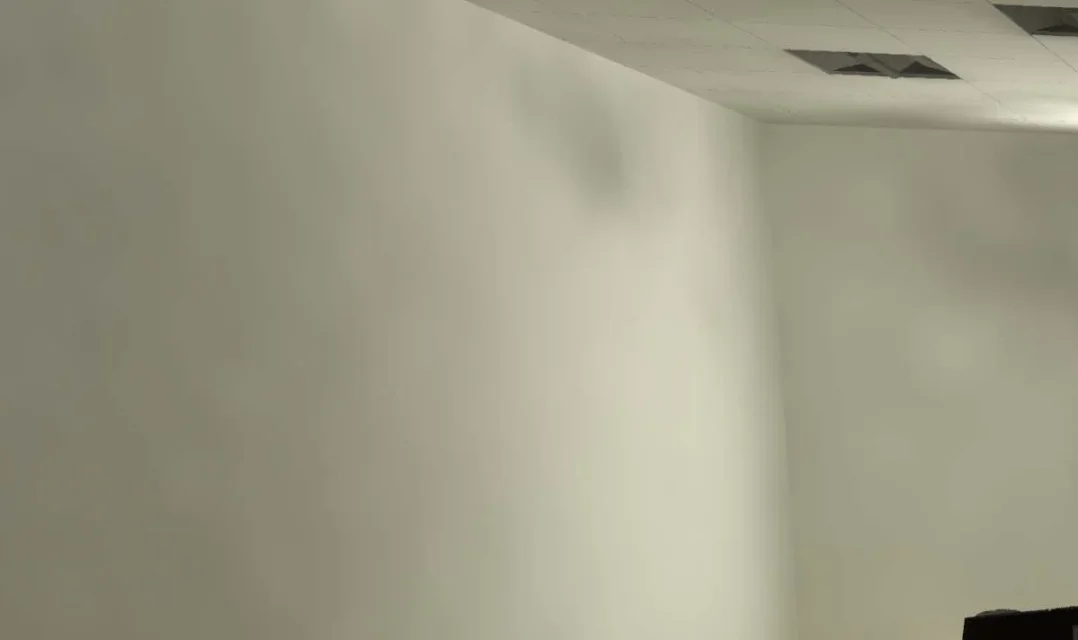
At the moment I am beating myself with a control room, premitting that in regards to lights and materials I am not finding problems I must admit that I am very lacking on the quality of the outgoing images.
the first attempts seemed at first sight ok but when I went to edit with photoshop as soon as I zoomed down immediately (I don't know if it's the right term)
 (sets render: coffe break, 800x600px)
to this I believe I have solved by increasing the size of the image in pixels from 800x600 to the format a3 1920x1080, the problem now is that I remain a little grainy as if it had not finished the process of rendering
 (sets render: lunch quality, 1920x1080)
I've done a few different researches between explanations and tutorials but I can't find the solution, now I'm going ahead to attempts
I need assistance for a render that I am doing, it is not much that I do them (a week!!! )
At the moment I am beating myself with a control room, premitting that in regards to lights and materials I am not finding problems I must admit that I am very lacking on the quality of the outgoing images.
the first attempts seemed at first sight ok but when I went to edit with photoshop as soon as I zoomed down immediately (I don't know if it's the right term)
(sets render: coffe break, 800x600px)to this I believe I have solved by increasing the size of the image in pixels from 800x600 to the format a3 1920x1080, the problem now is that I remain a little grainy as if it had not finished the process of rendering
(sets render: lunch quality, 1920x1080)I've done a few different researches between explanations and tutorials but I can't find the solution, now I'm going ahead to attempts