
Giovannino60
Guest
in autocad 2013:
1) how do you proceed to remove the bush on the top right for the 3d?
2) What writing is that which appears on the left at the top? How do you take it off?
Thank you.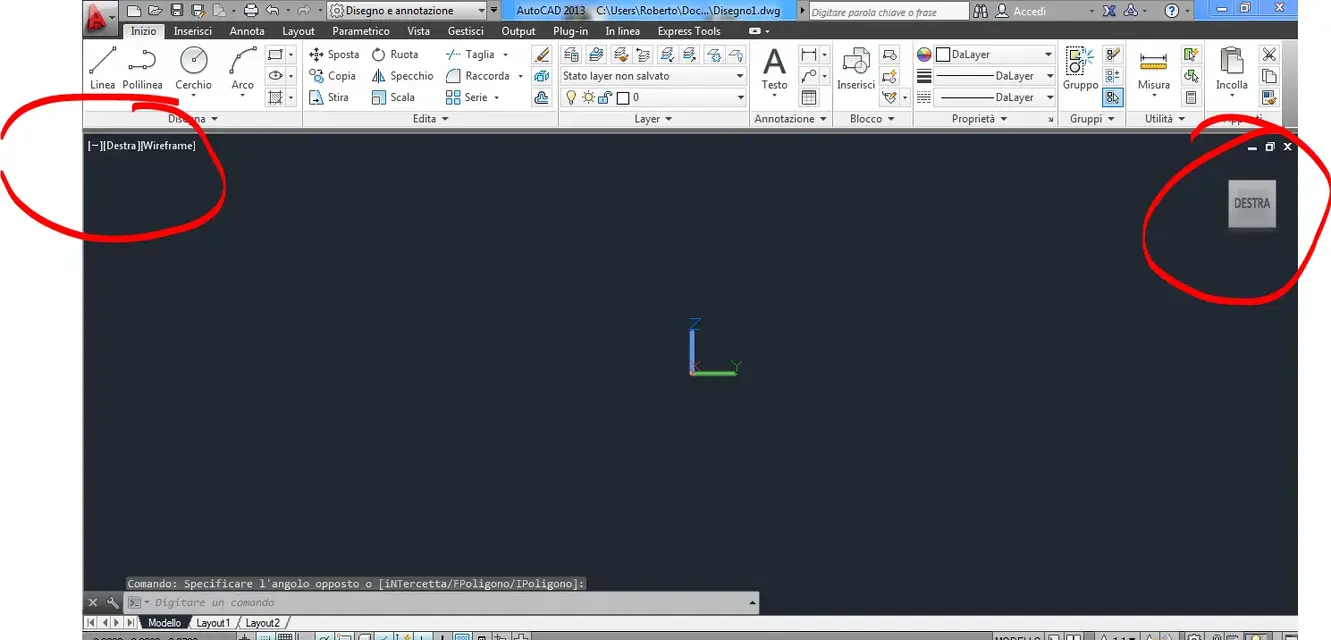
1) how do you proceed to remove the bush on the top right for the 3d?
2) What writing is that which appears on the left at the top? How do you take it off?
Thank you.